Scams Targeting Secondhand Sellers: Tactics and What to Do
Demands that secondhand sellers pay to unlock withdrawals are a warning sign of fraud. Learn how to check a transaction in the official app and what to do, step by step, if you have sent money or exposed personal information.
- If a buyer asks you to move to an external site, stop the transaction and open the official app yourself.
- Check the payment status in the official app's order history or in your own bank account.
- Do not make any additional deposits requested to unlock withdrawals or fix an account error.
- Depending on what information you entered and whether you sent money, ask your bank or KISA about the protective steps you need to take.
- Save your chat and transfer records, then report the scam to the platform and the police.
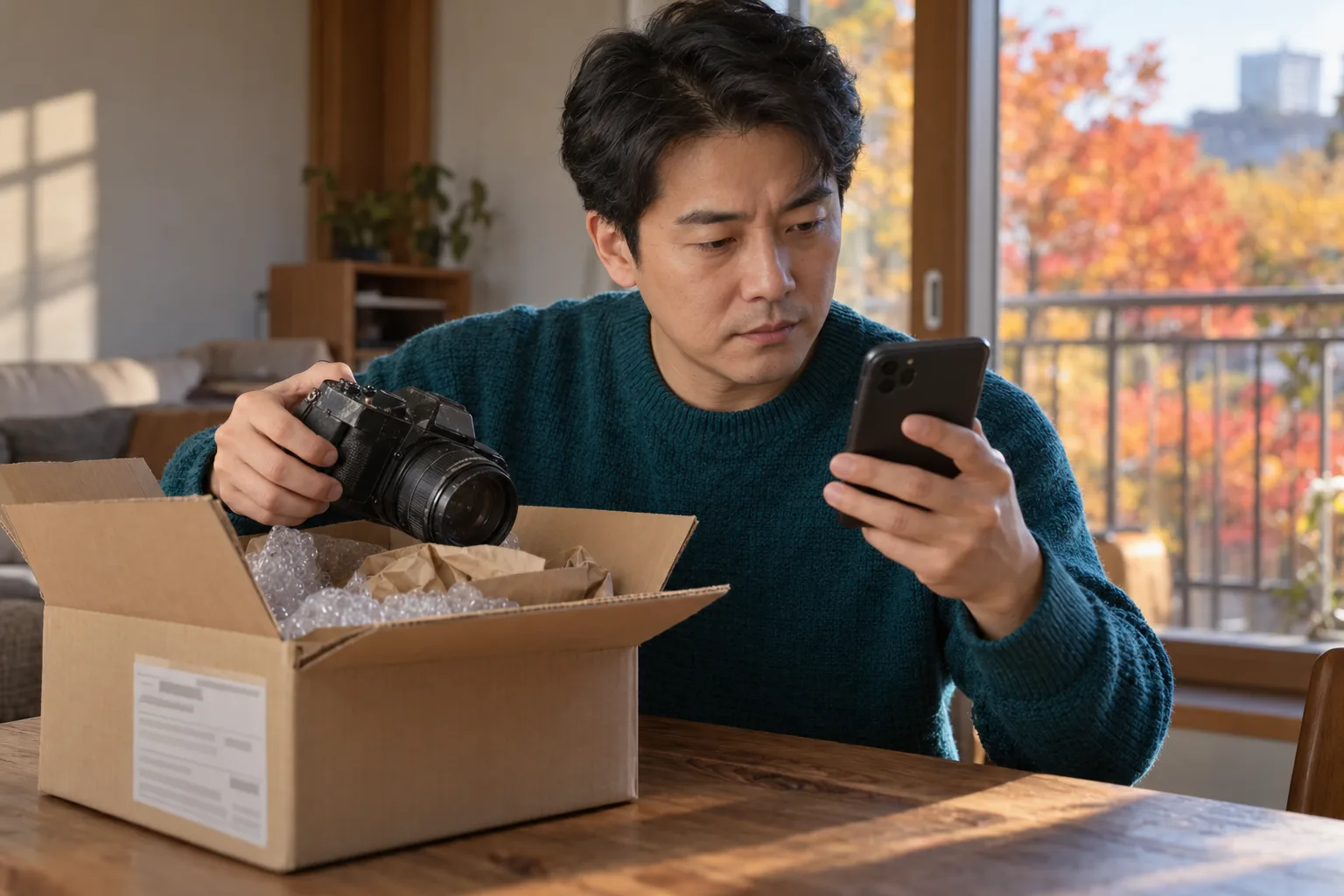
Sellers in secondhand transactions can also lose money to fake secure payment sites. A demand to deposit money before withdrawing sale proceeds is a warning sign of fraud. Stop sending money. Check the payment status directly in the official app or your own bank account.
The legal explanation is based on the Telecommunications Fraud Victim Refund Act effective October 2, 2026.
How secondhand transaction scams target sellers
The scammer poses as a buyer, then gets the seller to send money. First, they propose buying with points on another site. They then persuade the seller to list the item again on that site.
The fake site shows the sale proceeds as points credited to the seller. When the seller tries to withdraw them, the site blocks the withdrawal, citing an account error or freeze. A channel posing as customer support demands a deposit to resolve the problem.
| Stage | What the other party says | What the seller should check |
|---|---|---|
| Move to an external site | They will buy with rewards points on another site | Whether there is a reason to trade outside the original platform |
| Relist the item | They ask the seller to list the item on a new site | Whether the seller has independently verified that it is an official service |
| Fake payment display | The sale proceeds have been paid in points | Whether the actual order and payment can be verified through official channels |
| Withdrawal blocked | There is an account number error or payment suspension | Whether the bank can confirm the same restriction |
| Demand for another transfer | The seller must add funds equal to the sale amount to withdraw | Whether a separate transfer is required to receive the money |
A report by Maeil Shinmun on October 6, 2024, described the same pattern. It reported a case in which a seller was asked to pay a fee to withdraw points. That report alone cannot establish the current rate of increase in victims.
Comparing official secure payment services with fake ones
Judge by the order details you verify yourself, not by the name “secure payment.” With secure payment, the purchase price is held and then settled under specified conditions. Fees and settlement times vary by platform.
| What to check | What to verify in the official service | A signal to stop the transaction and check |
|---|---|---|
| How you access it | The payment menu in the official app you opened yourself | You can access it only through an unfamiliar link sent by the other party |
| Payment status | Actual order and payment records in your account | The other party provides only a screenshot or text message |
| Fees | Fee information in the official help pages and transaction screen | A demand for a separate bank transfer to unlock a withdrawal |
| Customer support | A support channel you found directly in the official app | An agent reached through the link repeatedly demands more deposits |
| Withdrawal restrictions | A reason confirmed by official customer support and the bank | A demand to add funds equal to the sale amount to fix an error |
Do not assume a site is legitimate because it lets you list an item. A logo and a customer support screen do not prove it is genuine either. Even if the screen looks familiar, open the official app separately to check.
What to check before a transaction
Sellers should verify the payment status through official channels before handing over an item. A deposit screen sent by the buyer does not confirm that the money was actually deposited. Bank transfers and secure payments must be checked in different places.
- Confirm the transaction terms in the original platform’s chat. Check any request to move to an external site with the platform’s official customer support.
- For a bank transfer, check incoming transactions in your own banking app. Do not ship an item based only on a text message or screenshot sent by the other party.
- For a secure payment transaction, check the order status in the official app. Follow that service’s guidance on whether you can ship the item.
- If you are asked to pay to unlock a withdrawal, stop sending money. Use official customer support instead of a support channel provided by the other party.
- Keep a record of the item’s condition and the agreed transaction terms. If you have shipped it, keep the tracking number and delivery records too.
What to do at each stage of a suspected scam
Opening a link, entering information, and sending money call for different responses. First, identify how far you got. If you installed an app, you should also seek advice about possible exposure of your financial information.
| Current situation | What to do first | Who to contact |
|---|---|---|
| You opened a link but entered nothing and installed nothing | Close the window and do not enter any information | KISA 118 if you noticed suspicious activity |
| You entered an ID and password | Change the password through the real service | The service’s official customer support |
| You use the same password elsewhere | Change it on accounts that use the same password | Each service’s official security menu |
| You sent an ID document or personal information | List the information you sent and seek advice on protective steps | KISA 118, the relevant financial company |
| You entered a financial password or authentication information | Ask whether your account needs protection or transaction restrictions | Your bank’s official customer support |
| You installed an app or allowed remote control | Contact your financial company from another, safe device | Your bank, KISA 118 |
| You have already sent money | Stop sending money and report what happened | The sending bank, the bank holding the recipient’s account, the police |
Opening a link alone is not enough to determine whether your device is infected. Check whether you also ran an installation file. If you are unsure, ask KISA 118 for advice on what to do.
The difference between protecting your account and freezing the recipient’s account
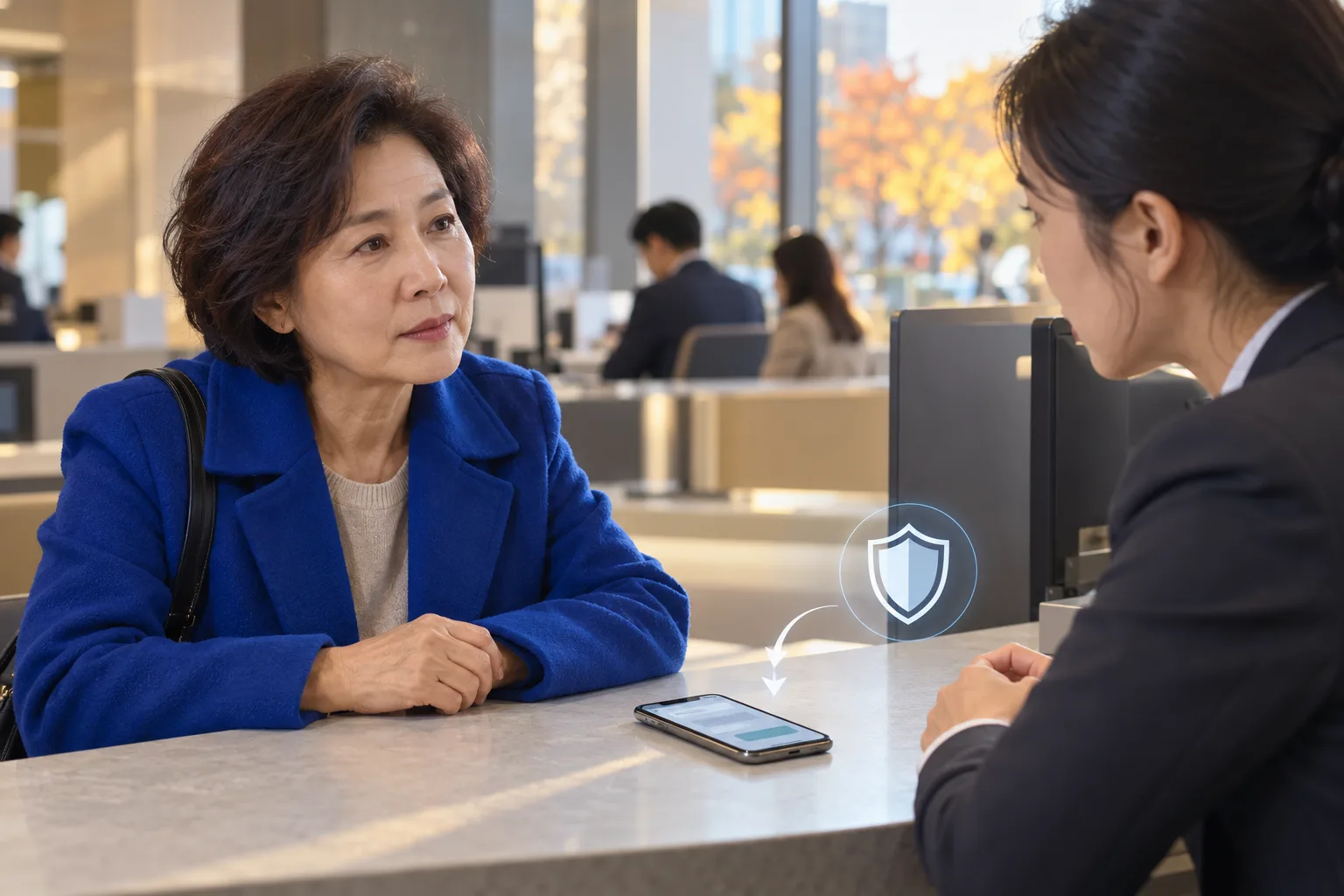
Steps to protect your own account are separate from a freeze on the recipient’s account. If your authentication information has been exposed, ask your bank for protective measures. For money you have already sent, check separately whether action can be taken on the receiving account.
| Category | Purpose | What to check |
|---|---|---|
| Protecting your account | Prevent further harm, such as unauthorized transfers | Whether authentication information must be reissued or transactions restricted |
| Freezing the recipient’s account | Prevent the stolen funds from being withdrawn | Whether you can apply, given the type of case |
| Recovering the money | Recover losses that have already occurred | Applicable victim relief and court procedures |
Not every secondhand transaction scam qualifies for an account freeze under the special act. Article 2 of the Telecommunications Fraud Victim Refund Act contains an exclusion for acts disguised as transactions for goods or services. You can check the provision at the National Law Information Center.
The nature of a payment to unlock a withdrawal must, however, be assessed in light of what actually happened. Explain to the bank whether the transfer was payment for goods or was made in response to a demand for an additional deposit. Check with the bank and police whether an account freeze is possible. Even if the account is frozen, a full refund is not guaranteed.
What to collect and do when reporting a scam
Your report materials should show the link between the other party’s demands and your transfers. If you keep only the screen showing the final deposit, the record will omit how you were lured to the external site. Save the conversation from the first transaction proposal onward.
The National Police Agency’s Cybercrime Reporting System, ECRM, provides the following guidance:
Because of the nature of online reporting, the victim must visit a police station and give a statement.
Source: National Police Agency Cybercrime Reporting System ECRM reporting guidance
- Save the other party’s account details and the original listing. Record the external site’s address too.
- Keep screens showing the points credited and the withdrawal error. Save the conversation demanding an additional deposit as well.
- Obtain your transfer records from the bank. Prepare records showing the transfer date and time, amount, and receiving account.
- Report the account through the transaction platform’s official reporting menu. Preserve the records before blocking the account.
- Report the loss through ECRM or at a police station. Prepare your ID and evidence of the conversations and transfers.
After reporting online through ECRM, you may need to visit a police station. An exception to the visit requirement may apply in some cases involving multiple victims. Check the filing instructions and ask the investigator in charge whether you need to visit.
You can report an urgent crime to 112. Police civil complaint guidance is available at 182. For advice about personal information breaches and malicious apps, contact KISA 118.
Common mistakes when checking scam reports
A result showing no reports does not guarantee safety. Police Civil Complaints 24 searches have limits on the search period and number of reports. A number used for the first time, or one with few reports, may not appear in the results.
Police Civil Complaints 24 says it compares numbers reported at least 3 times in the past 3 months. Check the criteria again on the screen when you use the service. (Check result: compares numbers reported to the cybercrime reporting system at least 3 times in the 3 months before the search · Source: minwon24.police.go.kr · Checked 2026-10-17) Alongside the search result, examine the payment steps the other party is asking you to follow.
| Common assumption | What is easy to miss | How to check |
|---|---|---|
| No scam reports means it is safe | Possible victims outside the search criteria | Check for requests to move to an external site or send more money |
| A customer support channel means the site is legitimate | The support channel may also be fake | Find and access customer support directly in the official app |
| Points have arrived, so the sale is complete | The number on the screen is not the same as actual payment | Check official order and settlement records |
| Sending money once more will get the earlier payment back | Demands for additional deposits can continue | Stop sending money and contact the bank and police |
| Reaching the meeting place means it is safe | You have not yet seen the actual item and seller | Refuse to pay in advance before inspecting the item |
Transaction terms buyers should also check
Buyers should check the item and the payment channel separately. A low price or a plausible story from the seller is not proof that a transaction is safe. An agreement to meet in person is no substitute for inspecting the actual item.
| Transaction situation | What to check |
|---|---|
| Holiday gifts or household goods | Whether the seller actually has the item and its condition |
| Gift certificates | Whether they can be used and under what conditions |
| Electronics | The model, working condition, and disclosed defects |
| High-value items such as farm machinery | The actual equipment’s condition and the other party’s authority to sell it |
| Transactions with separate procedures, such as used cars and real estate | Ownership and the official documents required for the transaction |
| A request for advance payment at an in-person meeting place | Whether you have seen the seller and the item yourself |
If someone gives you only an apartment complex name and says they will provide the full address after you pay, stop the transaction. You do not need to pay in advance just because you have arrived at the meeting place. Sellers should also confirm that the money has actually reached their own account before handing over the item.
FAQ
Can sellers also fall victim to scams in secondhand transactions?
One tactic is to lure sellers into listing their items on an external site. The fake sale proceeds are displayed as points, and the seller is then asked to pay a withdrawal fee.
What should I do if a buyer says they will pay with points from another site?
Do not open the link or relist the item. First, check the transaction method with the original platform's official customer support.
Should I comply if I am asked to deposit an amount equal to the sale price to make a withdrawal?
If you are asked to make a separate transfer to unlock a withdrawal, stop the transaction. On a fake site, you may be asked to send money repeatedly, with other errors cited even after you make a deposit.
Are all secure payment fees scams?
Official secure payment services may also charge fees. Check the fee information in the official app. Assess requests to transfer money to a separate account to unlock a withdrawal separately.
If the buyer sends me a payment screen, can I ship the item?
A screenshot alone cannot confirm that the money was actually deposited. For a bank transfer, check your own bank app. For secure payment, check the order status and shipping instructions in the official app.
Do I need to freeze my account just because I opened a suspicious link?
Opening a link alone does not mean your account has been compromised. Check whether you entered information or installed an app. If you suspect your financial information has been exposed, ask your bank about protective measures.
What should I do if I entered my password on a fake site?
Change your password through the real service's official channels. Change the passwords for other accounts that use the same password. You can ask the service and KISA 118 about further steps.
Can I recover money lost to a secondhand transaction scam through a payment freeze?
A payment freeze under the special law does not apply to every secondhand transaction scam. Explain the circumstances of the transfer to your bank and the police, and check whether a payment freeze is possible. A payment freeze or a report alone does not guarantee a full refund.
Is it safe if a police fraud history search returns no results?
That result does not guarantee safety. 경찰민원24 says it compares numbers reported at least 3 times in the past 3 months. Check the search criteria again when you use it.
If I file a report online, can I avoid going to a police station?
You may need to appear at a police station after filing a report through ECRM. Exceptions may apply to some cases involving multiple victims. Check the filing instructions and ask the investigator in charge whether you need to appear.
What records should I keep before reporting a scam?
Keep the sale listing, the other person's account, the full conversation, and the external site's address. Save the screens showing withdrawal errors and requests for additional deposits. Prepare transfer records showing the date and time, amount, and recipient account.
What should I do if I am asked to pay in advance after arriving at the meeting place for an in-person transaction?
Do not send money before you have met the seller and checked the item. The fact that someone knows the meeting place or the apartment complex's name alone does not mean the transaction is safe.
Sources
- Maeil Shinmun, They suggested a 'safe transaction,' but... new online secondhand trading scams are rampant, October 6, 2024
- National Police Agency Cybercrime Reporting System ECRM, reporting guidance and supporting documents
- Police Civil Service 24, cyber fraud victim report history lookup
- KISA Korea Internet & Security Agency, 118 consultation service
- National Law Information Center, Article 2 of the Special Act on the Prevention of Loss Caused by Telecommunications-Based Financial Fraud and Refund for Loss
- Korea Policy Briefing, How to Trade Secondhand Goods Safely
Images