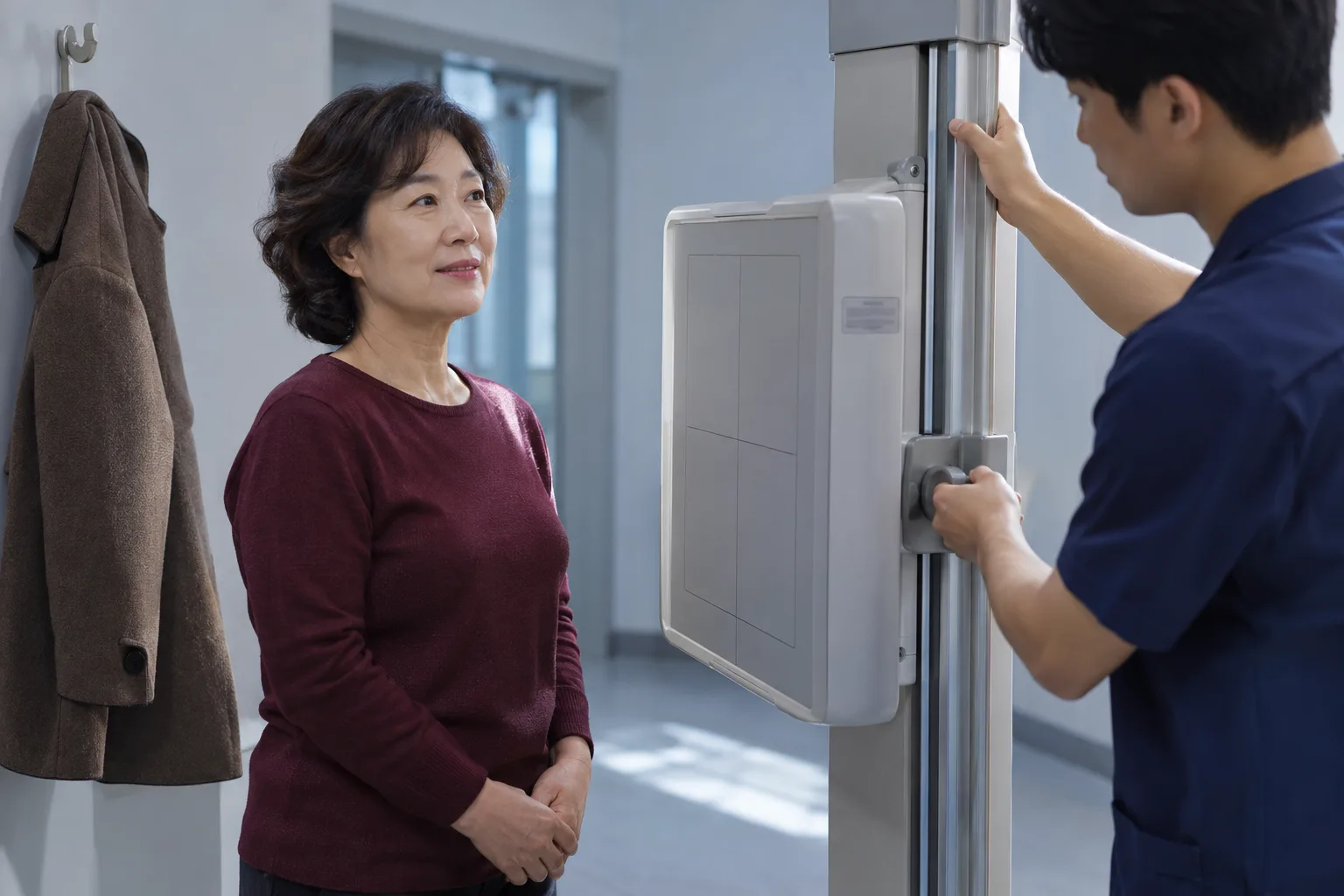
Health Certificate: How to Apply Online After Testing
Test results from public health centers and other facilities can be obtained online if e보건소's issuance requirements are met. Find out where to obtain results for each testing facility, how to verify your identity and save a PDF, and what to check if your results do not appear.
- If you have not yet been tested, check the registration requirements and what to bring with the facility you plan to visit, then get tested.
- Check the date your testing facility says your results report will be available.
- In e보건소's certificate issuance menu, consent to the use of your information and verify your identity.
- Select the results report you need from the list of documents available for issuance and apply to have it issued.
- Open the downloaded PDF and check the contents of the document you will submit.
Getting a health certificate involves having an examination first, then receiving a results document. If your results from a public health institution were normal, look them up on e-Health. Prepare an authentication method registered in your name and select an available document.
Differences in costs between institutions are explained based on Mokpo City's notice dated November 3, 2026.
Conditions for Getting Your Certificate Online
On e-Health, you can look up normal examination results from public health institutions. This includes records from public health centers and medical centers. Examination records from private hospitals are excluded. Some public health institutions do not support online issuance.
The e-Health precautions before requesting a certificate state:
For online issuance of a Health Examination Results document (formerly a Health Certificate), results can only be retrieved if they are classified as 'normal.'
For results other than normal, you must visit the relevant public health center to get your document. Applying online does not replace the examination. If you have not yet been examined, start by preparing to visit an examination facility.
What to Bring and What the Examination Covers
Bring identification when you go for your examination. The examination is for people working in food hygiene-related fields and others. Check with each public health center about eligibility requirements based on where you live or work.
- Tell the examination facility which industry you will work in and the name of the document you need to submit.
- Check whether there are registration restrictions based on where you live or work.
- Prepare accepted identification and any additional documents.
- Visit during examination registration hours to register and undergo the examination.
According to Gumi City Public Health Center's guidance, eligible applicants are Gumi residents and people working at businesses within the city. Check the identification requirements for minors separately. Gumi City lists combinations such as a student ID with a photo and a copy of the resident registration record.
Examination items vary by field of work. Seoul Jung-gu Public Health Center's guidance for the food service industry includes tuberculosis, typhoid fever, and paratyphoid fever. Its guidance for institutional food service also includes shigellosis. For the entertainment sector, check the required sexually transmitted infection tests separately.
How to Apply on e-Health and Download the PDF
To get a Health Examination Results document online, verify your identity and then select the document. Prepare simplified authentication or a joint certificate. The personal information you enter must match the registered holder of the certificate or mobile phone.
- On e-Health, open ‘Public Services > Issue Certificates.’ Select ‘Health Examination Results (formerly Health Certificate).’
- Review the personal information consent details and verify your identity. For simplified authentication, approve the request in the authentication app, then click to complete authentication.
- Check the available certificates and examination records. Select ‘Get Certificate’ for the record you need.
- Choose whether to display the last digits of your resident registration number. Enter the intended use, then click ‘Apply for Issuance.’
- Open the downloaded PDF. The document password is the applicant's 6-digit date of birth.
The e-Health user guide provides instructions for downloading PDFs. If you need to submit a paper copy, open and print the downloaded document. Choose between saving the file and printing a paper copy according to the recipient's requirements.
What to Check When Your Health Certificate Does Not Appear
If the list is empty, first check the examination facility and the status of your results. Authentication failures and missing documents require different checks. Find the appropriate next step for your situation in the table below.
| Current situation | What to check | Next action |
|---|---|---|
| Examined at a private hospital | Excluded from e-Health searches | Ask the hospital where you were examined how to collect the document |
| Examined at a public health institution, but no records appear | Whether results have been processed and online issuance is supported | Ask the examination facility when the document will be available |
| Results other than normal | Does not meet the conditions for online retrieval | Visit the relevant public health center |
| Identity verification fails | Whether the entered information matches the registered holder of the authentication method | Check your personal information and the registered holder's name |
| Records appear, but the file will not open | Whether the document password has been entered | Open it using your 6-digit date of birth |
Comparing Issuance Methods and Costs
Check examination fees and results reprinting fees separately. Do not mistake a public health center's in-person reissuance fee for an online fee. For fees and processing times listed without a publication date, check the relevant public health center's guidance again.
| Method | Information confirmed in official guidance | What to check before use |
|---|---|---|
| e-Health | Seoul Jung-gu Public Health Center lists online reissuance as free | Whether the examination facility supports online issuance |
| Government24 | Gumi City Public Health Center lists it as an online issuance method | The application page for the relevant service and whether records can be retrieved |
| Public health center visit | Seoul Jung-gu Public Health Center lists a reissuance fee of 300 won | Identification and institution-specific fees |
| Private medical institution | Mokpo City advises that costs and processing times may differ from those at public health centers | The institution's issuance method and fees |
The examination fee in Seoul Jung-gu Public Health Center's guidance is 3,000 won. The stated time for issuing the results document is 5 days, excluding weekends and public holidays. Do not apply this timeframe to other institutions.
Mokpo City's notice dated November 3, 2026 lists medical institutions that offer the examination. It specifies that you should contact each institution about its fees and processing times. It is not an announcement introducing online issuance.
Confusing Health Certificate Reissuance with a New Examination
Getting another copy of a document is different from undergoing a new examination. Reprinting means getting another copy of existing examination results. Printing the document today does not change the examination date to today.
| What you need | What to check first |
|---|---|
| Replace a lost results document | Whether the existing results are available for issuance |
| Prepare for the next regular examination | The examination interval for your field of work and your previous examination date |
| Submit results for a different industry | The examination items required by the new recipient |
Gumi City Public Health Center's guidance distinguishes examination intervals by industry. The e-Health issuance screen does not specify a common application deadline. However, check your regular examination schedule and your workplace's submission deadline separately.
Personal Information to Check Before Submitting the PDF
Before submitting the PDF, check how much of your resident registration number is displayed. You can choose whether to display the last digits on the issuance screen. First ask the recipient how much of the number must be shown.
- Check whether the recipient accepts paper documents or PDFs.
- Confirm how much of your resident registration number must be displayed, then request the document.
- Check the name and examination date on the downloaded document.
- Ask the recipient whether they can accept a password-protected PDF.
Downloading the file does not mean you have finished submitting it. The recipient must be able to open and review the document. If you used a shared computer, remove the downloaded files after submission.
FAQ
Can I receive a report online without being tested?
No. Online issuance is a process for obtaining a report for a test you have already taken.
Do results from tests at regular hospitals also appear in e-Health Center?
Private hospital records are excluded from e-Health Center searches. Ask the hospital where you were tested how to obtain your results.
Can I use a mobile phone registered in a family member's name for identity verification?
The personal information you enter must match the name under which the mobile phone used for verification is registered. Have a verification method registered in your own name ready.
What is the password for the downloaded PDF?
The e-Health Center user guide states that the document password is the applicant's 6-digit date of birth.
Can I also obtain it through Government24?
Gumi City Public Health Center lists Government24 as an online issuance option. Check the application page for the service you plan to use to see whether your record can be retrieved.
Are the testing fee and the online reprinting fee the same?
They are separate fees. Seoul Jung-gu Public Health Center lists the testing fee as 3,000 won. It states that online reissuance is free.
Can I receive the report on the day of the test?
You need to check each institution's processing time. Seoul Jung-gu Public Health Center lists it as 5 days, excluding weekends and public holidays. Contact the relevant private medical institution for its processing time.
What identification documents do minors need?
Check with the testing institution to find out which documents it accepts. Gumi City lists combinations of documents such as a student ID with a photo and a resident registration certificate.
Can I postpone my regular test if I print the report again?
Reprinting is not a new test. Based on your original test date, check when your next test is due for your field of work.
Sources
- Obtaining Health Examination Results Certificates from e-Public Health Center and Precautions Before Issuance
- User Guide to Obtaining Certificates from e-Public Health Center
- Guide to Medical Institutions in Mokpo City That Issue Health Examination Results Certificates, November 3, 2026
- Health Certificate Issuance at Seoul Jung-gu Public Health Center: Eligibility, Tests, Fees, and Processing Time
- Health Examination Results Certificates at Gumi City Public Health Center: What to Bring, How to Obtain One, and Health Examination Frequency
Images