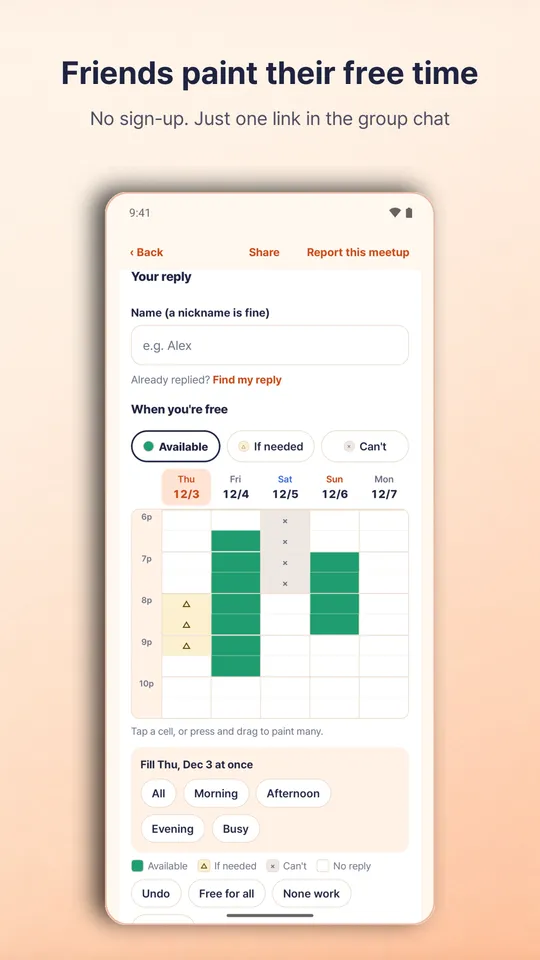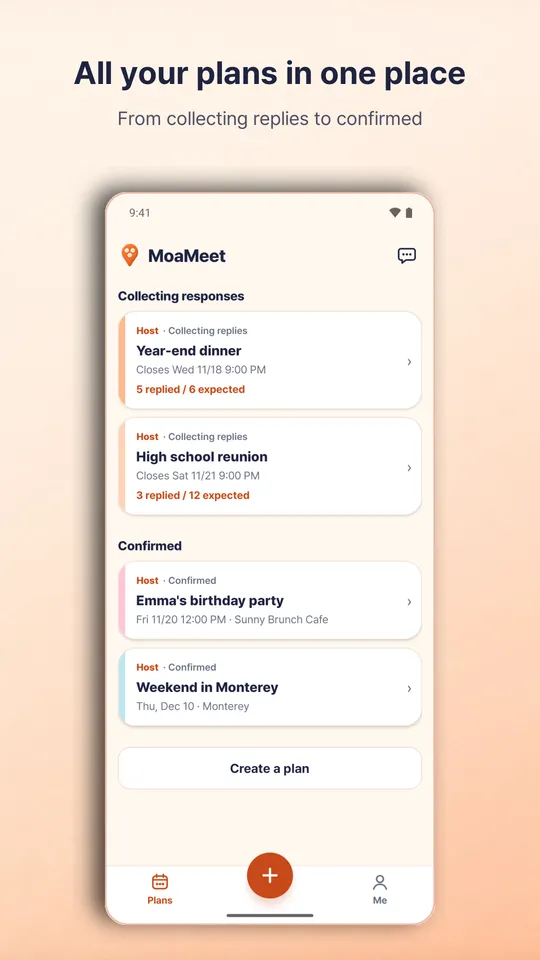
MoaMeet helps you and your friends settle the date, time and place to meet with a single link. Send the link to your group chat, and friends just type a name and paint the times they are free. No sign-up or app install needed. MoaMeet finds when everyone can make it and suggests the best options, and once you confirm, the same link turns into the invitation and the day-of guide.
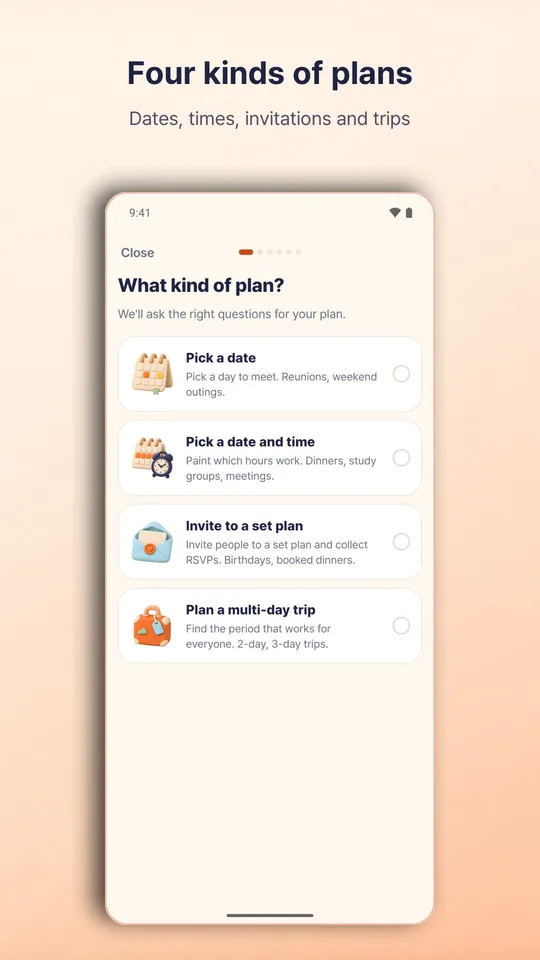
Four kinds of plans
- Dates only: pick an all-day date. Reunions, weekend outings.
- Date and time: paint the hours you are free. Dinners, study groups, meetings.
- Fixed invitation: invite people to a plan you already set and collect RSVPs. Birthday parties, booked dinners.
- Multi-day trip: find the period that works for everyone. Weekend and longer trips.
Collect availability
- Paint times as Available, If needed or Can't with your finger. Long-press and drag to paint many slots at once, with undo.
- If most times work, switch to painting only the times you can't make.
- Set a response deadline, expected head count, personal links for a roster, and who can see the responses (everyone with the link, or hosts only).
Decide together
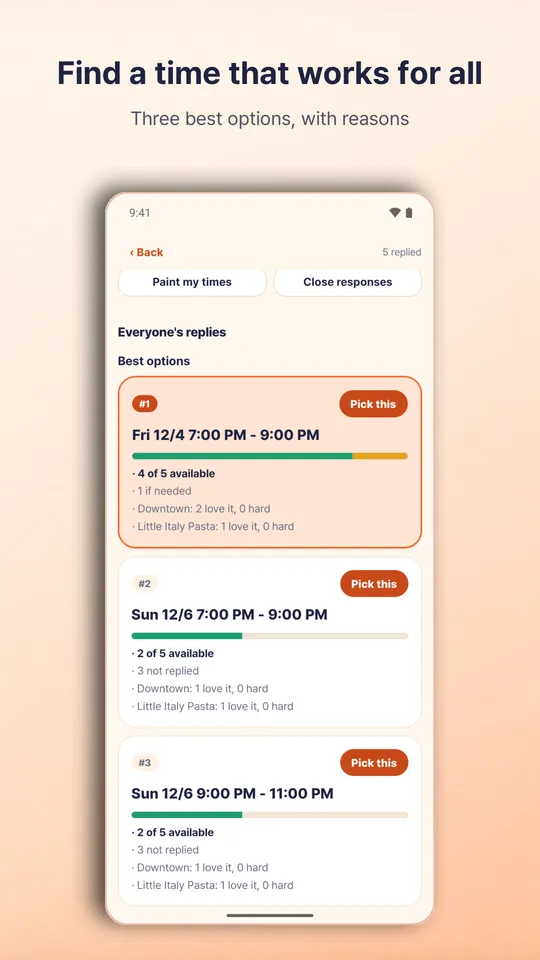
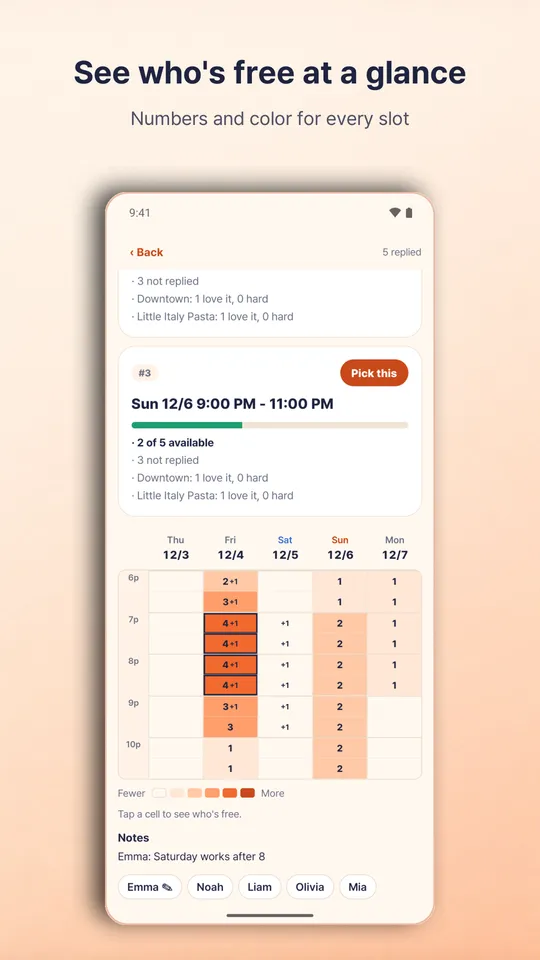
- See three suggested options with reasons, weighing required attendees, "if needed" replies and missing responses. It also tells you when just one or two people need to adjust.
- See how many people are free in each slot at a glance, with numbers and color.
- Collect "Love it / Fine / Hard for me" opinions on each place, and let participants suggest places. You can also ask with bundled options such as "Sat 6 pm at Sadang".
- For trips, also ask about earliest departure, latest return, days off and a per-person budget range.
After you confirm
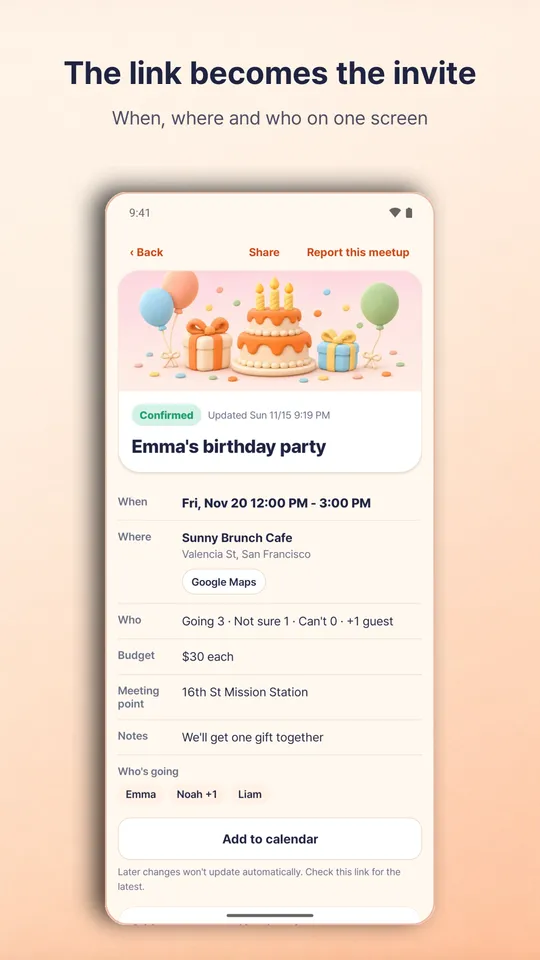
- The same link becomes the invitation: when, where, who and what to bring on one screen, with directions in your map app.
- Collect going, maybe or not going with plus-ones, and share out who brings what.
- If the plan changes, MoaMeet shows what changed and asks everyone to check again.
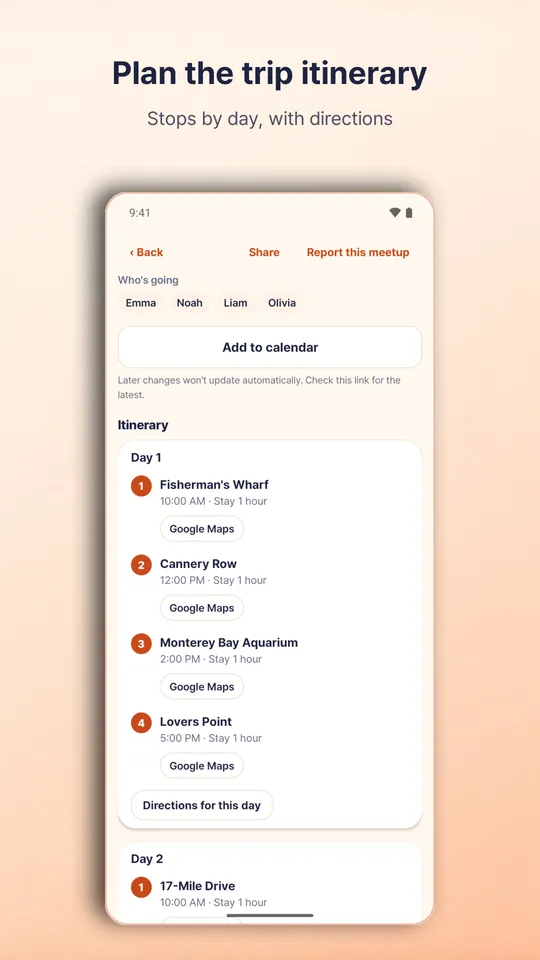
- Lay out a trip itinerary by day and see the stops in order on a map.
- Send the invitation as an image and add the plan to your calendar.
- Invite co-hosts to manage together, and start a new plan from a past one.
Notifications
- Plans you responded to: confirmed, changed, cancelled and day-of reminders. Plans you host: new responses, place suggestions and the deadline.
- Promotional notifications are sent only if you agree to them separately.
Good to know
- No sign-in is needed to respond. Creating and sharing a plan requires signing in with Google.
- Anyone with the link can view the plan. If responses are visible to hosts only, participants see numbers only.
- Plans are deleted automatically one year after the last day, and hosts can delete them at any time. Participants can delete their own responses.
- You can report an inappropriate plan (Report this meetup), and hosts can hide prank responses.
- Place details are entered by users. MoaMeet does not make or guarantee reservations.
- Ads may appear at the bottom of the plan list and the activity screen. There are no ads on the response or invitation screens.
- Available in Korean, English, Japanese and Spanish.
Operated by CGWEB Inc. · https://injoys.com