Injoys
YouTube offers learning materials, music, sports, and entertainment in one place, but autoplay and personalized recommendations can keep users watching longer than originally intended. Especially when guiding children’s use, it is important not only to count “how many minutes they watched,” but also to consider what they watched, why they watched it, and which everyday activities were pushed aside.
In this article, intentional viewing is not the name of an official YouTube feature. It is a principle of use in which viewers first decide their viewing purpose and stopping point, then actively select the content they need.
How Does YouTube’s Recommendation Algorithm Work?
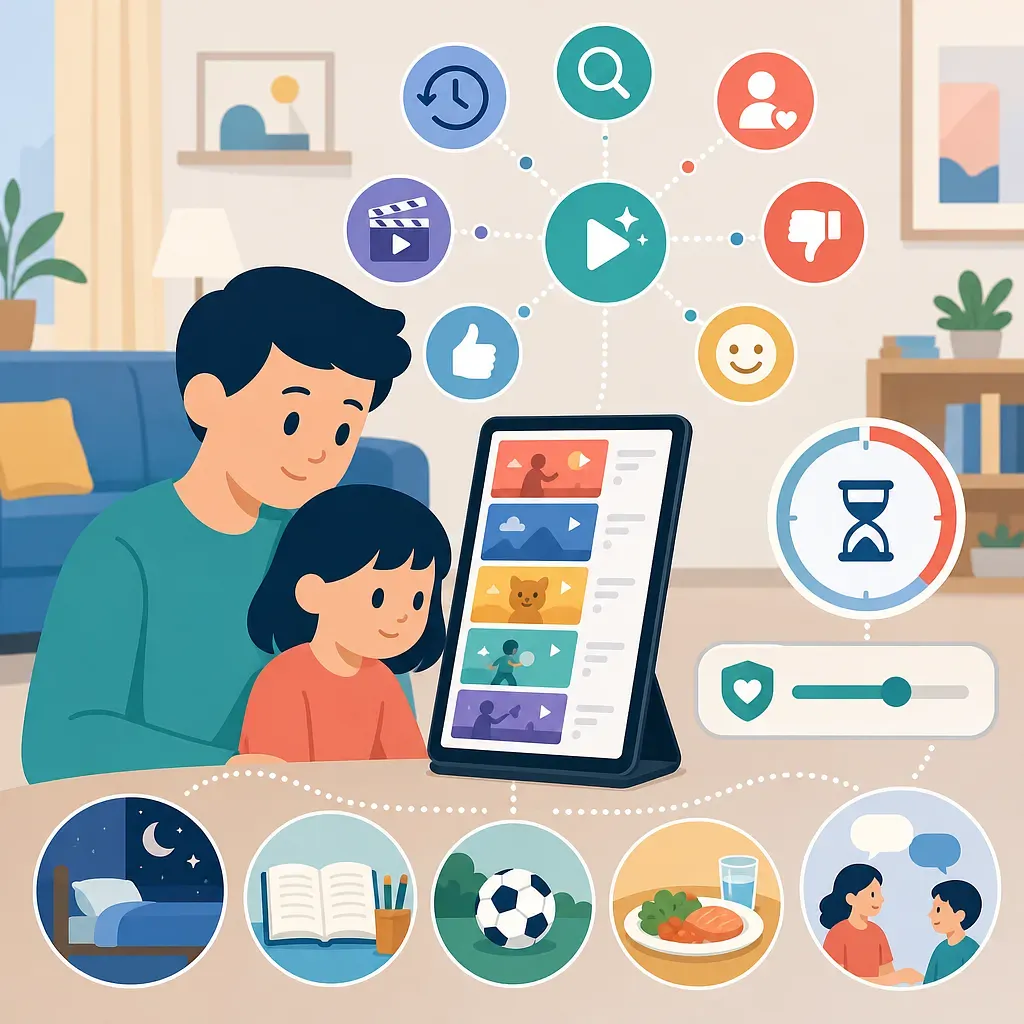
YouTube recommendations do not read minds, nor are they simply a list that reproduces past viewing history. According to explanations published by YouTube, recommendation areas such as Home and Up next combine signals related to a user’s activity and content to predict which videos the user is likely to watch.
| Signal | Potential impact on recommendations | What users can do |
|---|---|---|
| Watch history | Used to identify previously viewed topics and channels | Delete unnecessary items individually or pause history saving |
| Search history | Used to infer recent interests and search intent | Delete unrelated search terms |
| Subscriptions | A signal indicating channels the user wants to watch regularly | Unsubscribe from channels no longer wanted |
| Likes and dislikes | Explicit reactions to content | Use them according to actual preferences |
| “Not interested” and “Don’t recommend channel” | Feedback asking for fewer recommendations of a particular video or channel | Select these options from Home or the recommendations menu |
| Viewing duration and satisfaction | Used to estimate factors such as how much was watched and whether the viewer was satisfied | Avoid repeatedly playing sensational videos merely out of curiosity |
| Current context | Context related to factors such as the video being watched, device, and time of day | Do not rely only on recommendations; go directly to search or the subscriptions list |
Recommendation results differ from person to person and change continuously. Even within the same household, sharing an account can mix the activities of different family members, so using individual accounts whenever possible makes them easier to manage.
Recommendations for Children and Teens Require Separate Considerations
YouTube states that it applies age-appropriateness and quality principles in environments for children and teens and limits repeated recommendations of some potentially harmful content. However, this does not mean that these principles perfectly filter out every inappropriate video.
YouTube Kids, supervised YouTube accounts, and regular YouTube accounts differ in their available features and content ranges. Parents should check their child’s actual age, account type, whether search is allowed, and supervision settings.
How to Clean Up the Recommendation Algorithm
If recommendations have shifted in an unwanted direction, they can be cleaned up in the following order.
- On the Home screen, mark irrelevant videos as Not interested.
- Use Don’t recommend channel for unwanted channels that appear repeatedly.
- Delete specific watch or search history entries in YouTube history or Google My Activity.
- If you do not want history to continue affecting recommendations, pause history saving.
- Subscribe only to necessary channels and use the subscriptions list or direct search rather than the Home feed.
Deleting all history can significantly change recommendations, but it is not the same as a “complete reset” button. Other signals may remain, including subscriptions, likes, account activity, and the current viewing context. Home recommendations may also be limited if watch history is turned off or there is not enough history.
If a family shares a single account, separating individual accounts and supervision features is a more consistent solution than repeatedly deleting history.
Criteria for Understanding Over-Engagement With Shorts
“Shorts addiction” is an expression widely used in everyday life, but watching many short videos alone is not enough to diagnose a medical addiction. More useful criteria are whether users can stop on their own and whether their use impairs important aspects of daily functioning.
If the following signs recur, viewing habits may need to be adjusted.
- They continue swiping even after the agreed time has ended.
- Sleep, exercise, homework, or family conversations decrease because of watching Shorts.
- Severe conflict or anxiety repeatedly occurs when viewing is stopped.
- They habitually open the app even though it has become less enjoyable.
- They play videos during nearly every idle moment, including meals, travel, and bedtime.
- They are continuously exposed to age-inappropriate content or dangerous acts to imitate.
Why the Displacement Effect Matters
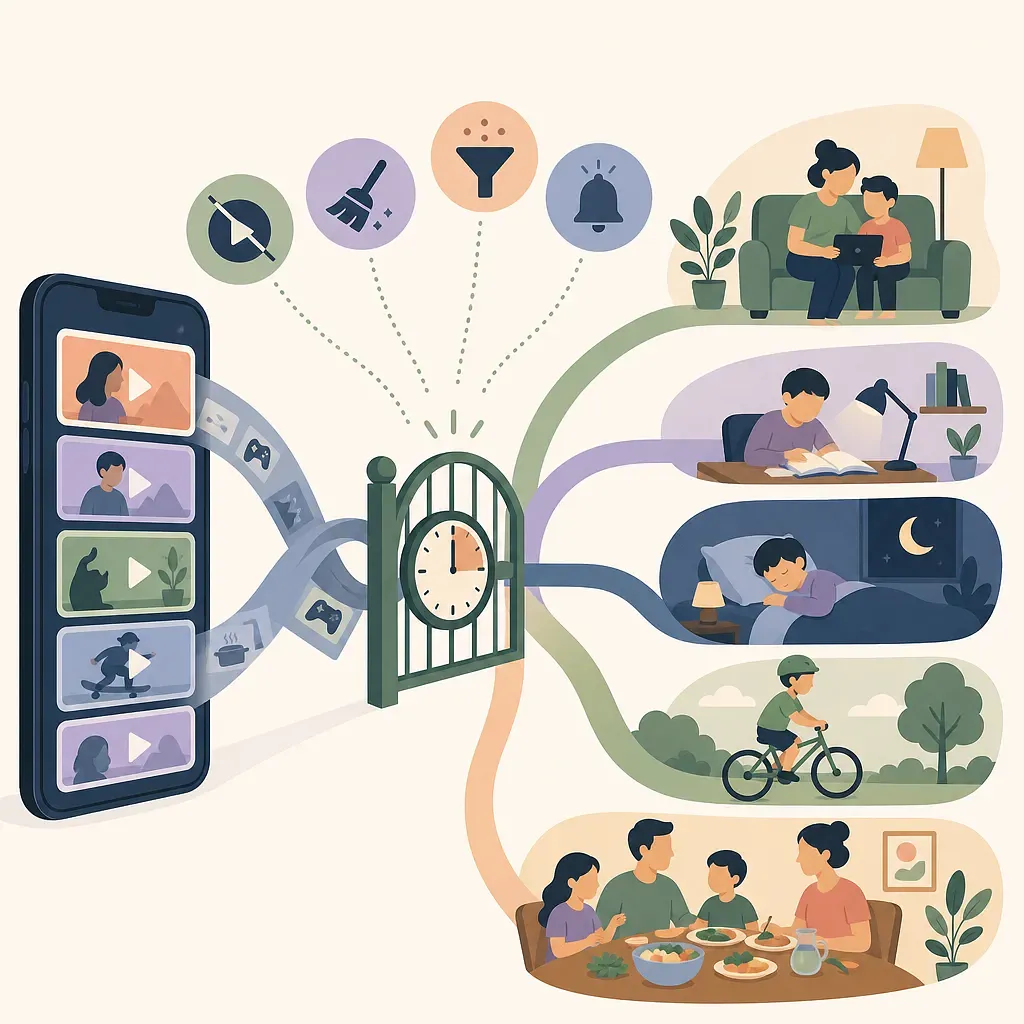
The cost of screen use comes not only from the time spent looking at the screen, but also from the activities that could not be done during that time. For example, if 30 minutes of Shorts was planned as a break, it may not be a major problem. However, the effect is different if the same 30 minutes continuously displaces sleep, physical activity, homework, or play with friends. This is commonly described as the replacement or displacement effect on activities.
Some studies suggest that the relationship between the amount of digital media use and well-being is not a simple straight line, and that moderate use may be better than extreme use. However, this should not be accepted as a definitive “U-shaped rule” that applies to every child. Outcomes may vary depending on age, content, purpose of use, family environment, and existing health conditions.
Both the Amount of Time and the Quality of Content Matter
Educational videos do not eliminate the sleep, posture, and eye-strain issues associated with prolonged use, while harmful content does not become safe simply because it was viewed briefly. It is best to consider the following four questions together.
- Content: Is it age-appropriate and trustworthy?
- Context: Is the child watching alone or with a parent or teacher?
- Function: Is there a clear purpose, such as learning, relaxation, or creation?
- Displacement: Does it push aside sleep, exercise, meals, learning, or relationships?
Limiting the Shorts Feed in Family Center
For supervised child and teen accounts where YouTube provides this feature, parents can set a time limit for the Shorts feed through Family Center. Menu names and availability may vary depending on the app version, account type, child’s age, country, and feature rollout status.
The general setup process is as follows.
- Sign in to the YouTube app with the parent account.
- Open Settings from the profile area.
- Select Family Center or Family Center.
- Select the linked child account.
- Go to Time management.
- Select Shorts feed limit and specify the desired amount of time.
- If supported, select 0 minutes, then verify on the child’s device that the setting has been applied.
Meaning and Limitations of the 0-Minute Setting
The 0-minute setting is designed to limit scrolling in the Shorts feed on that account. It should not be interpreted as a feature that technically removes all short videos, search results, external links, or short-form content in other apps. After configuring the setting, parents should verify how it actually works on the child’s device.
If the menu does not appear, check the following.
- Whether the parent and child accounts are linked in Family Center
- Whether the child account is a supported supervised account
- Whether the YouTube apps on the parent’s and child’s devices are up to date
- Whether the child is using another account or is signed out
- Whether the feature has been rolled out for that account and region
For younger children, parents can also consider disabling search in YouTube Kids, using the parent-approved content setting, and reviewing autoplay settings. To manage overall device use time, operating system parental controls must be used alongside YouTube settings.