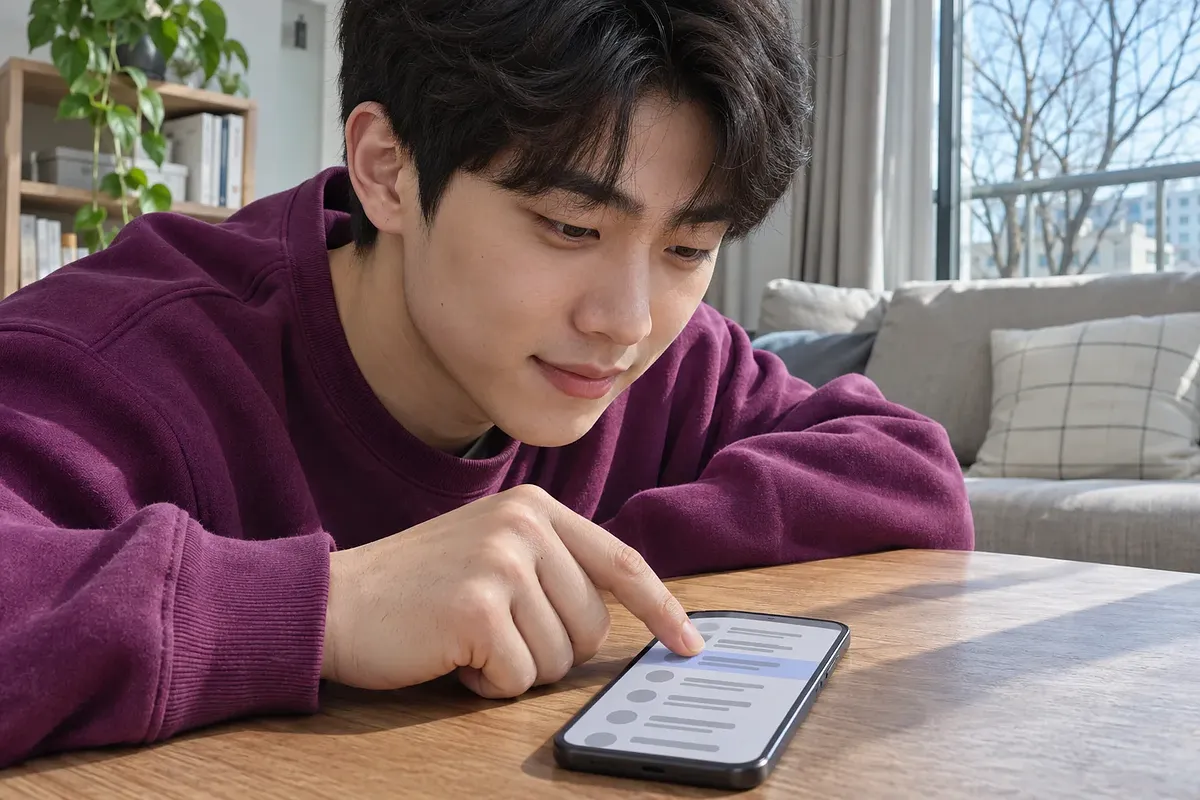
On Galaxy phones, you can check spam texts in ‘Blocked messages’ in the Samsung Messages app. The basic filter uses information that public agencies have classified as malicious. An additional AI filter screens suspicious texts separately, and legitimate texts can also end up in that folder.
The blocked message count is based on the Korea Internet & Security Agency’s November 20, 2026 announcement.
How the basic and AI filters decide what to block
The ‘Block malicious messages’ feature on Galaxy phones uses information that the Korea Internet & Security Agency (KISA) and the Korean National Police Agency have classified as malicious. Samsung Electronics said sender numbers, risky links, and spam phrases are among the clues used to decide what to block. ‘Block with intelligence’ is an additional feature that uses AI trained on KISA’s spam data to identify suspicious texts.
| Type | What gets blocked | Where to find blocked messages |
|---|---|---|
| Block malicious messages | Texts or number information that agencies have classified as malicious | Blocked malicious messages |
| Block with intelligence | Content the AI flags as potentially malicious, such as ads for illegal gambling or loans | Messages blocked with intelligence |
| Manual blocking | Numbers or phrases you’ve added | Messages I blocked |
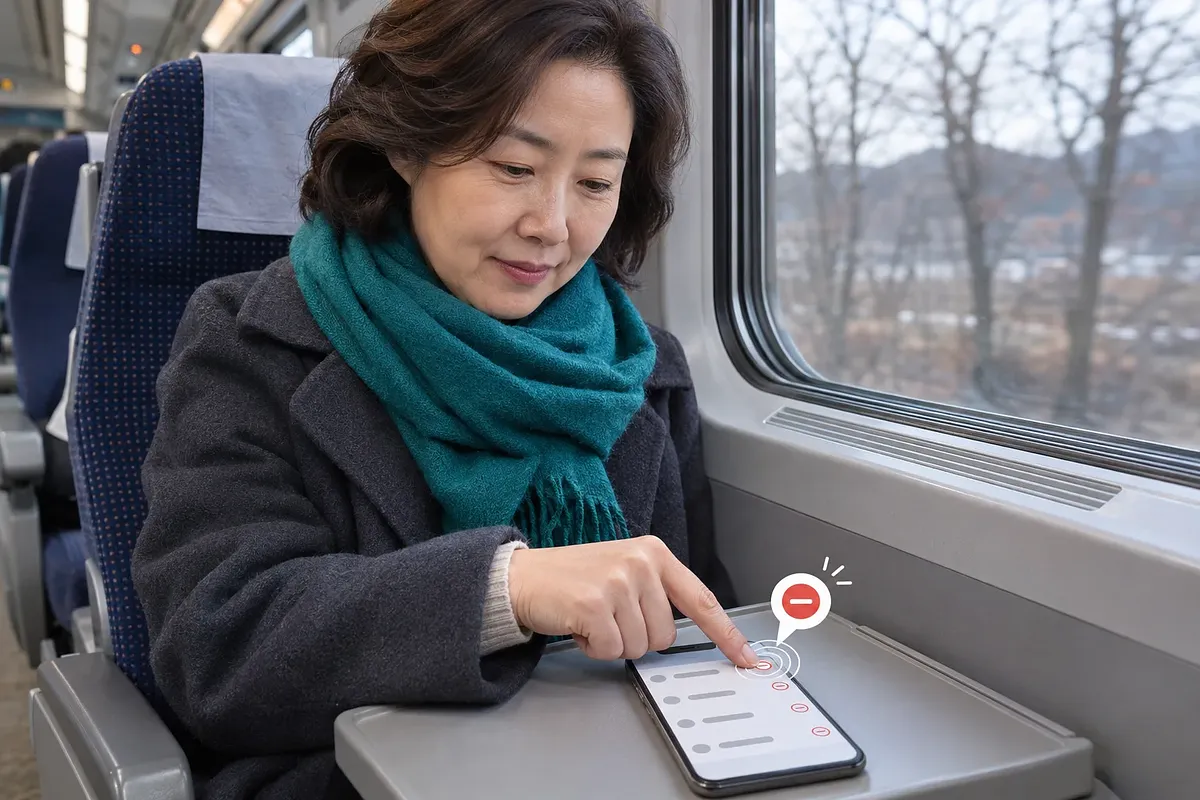
Samsung Messages lists manually blocked messages from the past 30 days separately from those caught by the basic or AI filter.
Where can you find blocked texts?
Open ‘Blocked messages’ in Samsung Messages settings to find texts by the reason they were blocked. The first screen shows how many texts were blocked in the past 30 days. Open any folder to see all the texts in it.
- Tap the three dots in the upper-right corner of the Samsung Messages app and open ‘Settings’.
- Under ‘Manage spam and blocked numbers’, select ‘Blocked messages’.
- Open the folders for basic, intelligence, and manual blocking to check the sender numbers and message contents.
If you can’t find a verification text
If the verification text is in ‘Messages I blocked’, a number or phrase you added caused it to be blocked. If the AI misclassified the text, it will appear in ‘Messages blocked with intelligence’. If it’s in neither folder and only texts from a particular number keep going missing, you can also check whether that number is on your carrier’s spam blocklist.
Unblocking numbers or phrases you added
To unblock a number or phrase you added, remove it from its respective list.
- In Samsung Messages, open ‘Settings’, then ‘Manage spam and blocked numbers’.
- To unblock a number, go to ‘Block/unblock numbers’ and tap the minus sign to the right of the number. To add a number to the blocklist from this screen, enter it and tap the plus sign.
- To unblock a phrase, go to ‘Blocked phrases’ and tap ‘Delete’ in the upper-right corner. Select the phrase you want to unblock and delete it.
Requirements for using the intelligence filter
To use ‘Block with intelligence’, you first need to turn on ‘Block malicious messages’. Samsung Electronics says the AI filter requires One UI 7.0 or later on Galaxy phones in South Korea. Menu names and locations may vary by model, software version, and app version.
- In Samsung Messages, open ‘Settings’ and select ‘Manage spam and blocked numbers’.
- Open ‘Block malicious messages’ and turn it on. The basic filter applies to texts you receive after you turn it on.
- Select ‘Block with intelligence’, read the information on screen, and turn it on. Samsung Electronics Service says this filter may also block some legitimate texts.
What the count of about 500 million includes
The about 500 million figure KISA announced counts malicious texts that a service run in partnership with Samsung Electronics blocked before users received them. KISA said it launched the service in March 2025. On November 20, 2026, it announced the results through that date.
To date, about 500 million malicious texts have been blocked before they reached users.
The source is KISA’s press release, ‘500 Million Malicious Texts and 12 Million Spam Calls Blocked Before Reaching Users’. Multiple texts may have been sent to the same person, so this count does not tell us how many people were affected. To calculate the filter’s accuracy, you would also need data on legitimate texts it blocked by mistake and malicious texts it missed.