How to Verify Data Breach Notices by Text or Email
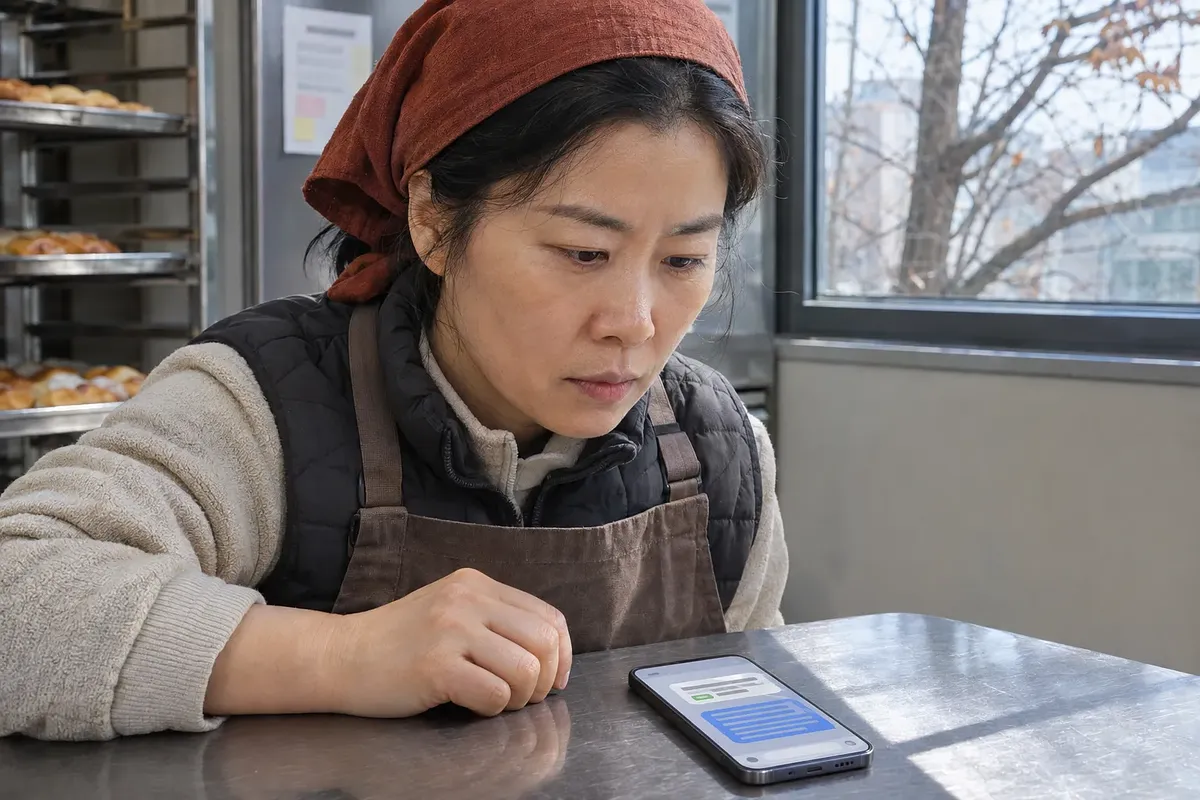
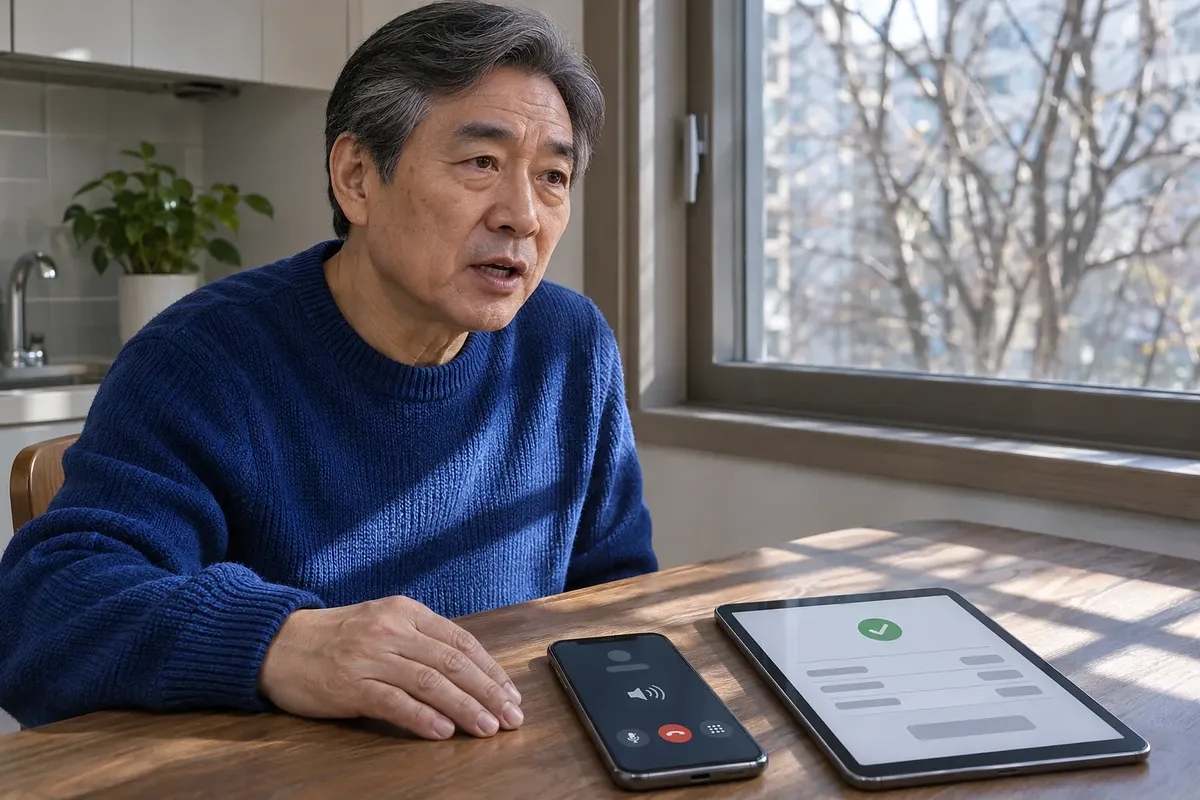
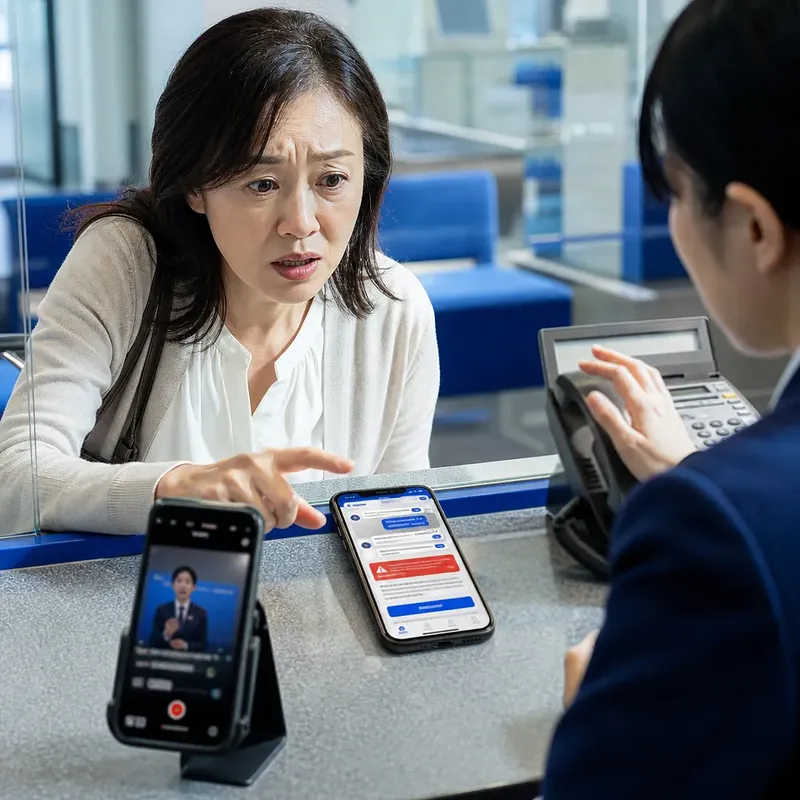
If you receive a data breach notice, don't open any links in the text or email. Verify the notice through the company's official app or by calling its main number. You can check suspicious texts through KISA's Boho Nara. If you've already sent money, contact 112 or your financial institution immediately to request a payment freeze.
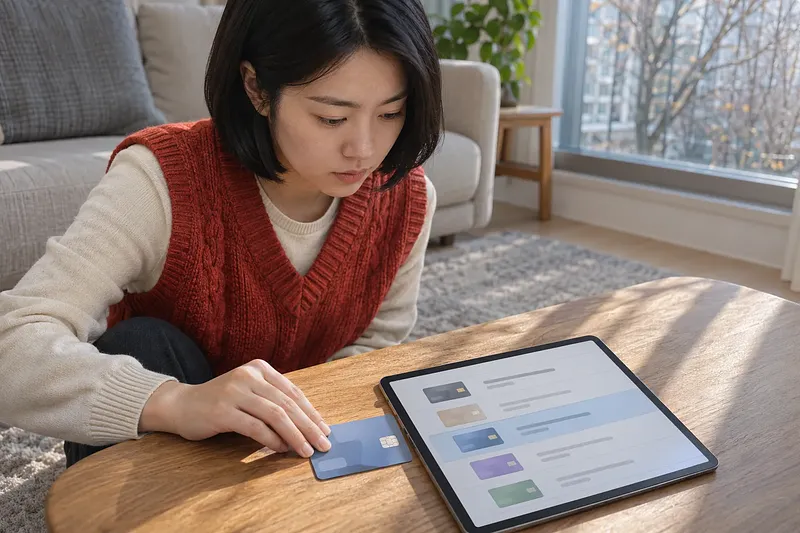
If you've already sent money, ask 112 or your financial institution's call center to freeze the payment before doing any other checks.
Don't open links in the text or email. Check for a notice in the company's official app or on the official website you normally use.
To find out if your personal data was exposed, look up the main customer service number on the official website yourself and call it.
Paste suspicious texts into the smishing checker on Boho Nara's KakaoTalk channel.
If you suspect financial fraud, have a screenshot of the text and the sender's number ready and report it to 1394.
If you get a text or email about a personal information breach, don’t open any links in it. Verify the notice through the company’s official app or by calling the main number listed on its website. If you’ve already sent money, immediately call 112 or the financial institution’s call center and ask for a payment freeze.
The notification deadlines and required information follow the laws and regulations checked on November 18, 2026 (effective September 11, 2026).
How to check directly with the company that sent the text or email
Open the official app you normally use to check the notice without going through the address in the message.
· Don’t use any links or phone numbers in the text or email. Don’t download any app the message asks you to install.
· Open the company’s official app or type in the website address you know. Read the announcements for details of the incident and the company’s instructions for checking.
· If you’re not sure whether your information was involved, call the main customer service number on the official website. Ask whether the company sent the notice and what information was involved in the breach.
[News] and [To Do] in My Info Security Check
You can also open the original announcements from companies and organizations in [News]. The operator lists only breaches in South Korea that have been confirmed through official announcements. Check the announcement to see what information was exposed, then look in [To Do] for the steps you need to take.
Even if an incident is listed in [News], you still need to check with the company to find out whether your specific notice is genuine. My Info Security Check does not determine whether a text is genuine or whether your information was exposed. It does not send texts, emails, or push notifications either.
How to spot texts impersonating financial institutions and loan scams
Financial regulators and financial institutions do not send web addresses (URLs) for any reason, including breach notices or compensation for losses. The Personal Information Protection Commission and the Financial Services Commission advise deleting texts from uncertain sources right away without opening any links in them. Even if a message has no link, verify it by calling the official main number.
What the other person says or asks for | What to do
Quotes your name, address, income, and loan limit and offers you a low-interest loan | Scammers can use leaked information too. Hang up and contact the financial institution directly.
Asks for a password or verification code to compensate you for losses | Don’t share it. Financial regulators and financial institutions don’t ask for this information by phone or text.
Tells you to move money to another account to protect your account | Don’t transfer the money. Financial regulators and financial institutions don’t ask you to transfer money to protect an account.
Requires an upfront payment or asks you to install an app as a condition of a loan | Refuse. It’s also a scam if someone asks you to repay an existing loan by sending money to an account in an individual’s name.
How to check for smishing with KISA’s Boho Nara
You can ask Boho Nara, a service of the Korea Internet & Security Agency (KISA), to check a suspicious text without opening its link.
· Search for “Boho Nara” directly in KakaoTalk and add the channel.
· Select “Smishing” in the channel menu, then copy and paste the text you received.
· Tap “Check Smishing Report Results” to see whether the response is “Safe,” “Caution,” or “Malicious.”
· A text reported for the first time is marked “Caution.” Check it again after 10 minutes have passed to see whether it has been classified as safe or malicious.
Boho Nara checks the message you submit. Even if the result is “Safe,” check with the company to find out whether information from your account was exposed. If you’ve already transferred money, don’t wait for the result. Request a payment freeze.
Which number should you call: 118, 1394, or 112?
If you’ve sent money, immediately call the police at 112 or the financial institution’s call center and ask for a payment freeze. If you suspect financial fraud, you can call 1394 for advice even before sending any money. For help with hacking, spam, or personal information violations, call KISA at 118.
Situation | Who to contact | What to request or prepare
You were tricked into sending money | Police at 112 or the financial institution’s official call center | Report the fraudulent transfer and request a payment freeze
Someone contacted you pretending to represent a financial institution | Korean National Police Agency’s Integrated Response Unit for Telecommunications Financial Fraud at 1394 | Get advice or submit a tip. If reporting a text, have a screenshot, the sender’s number, and any URL in the message ready
You received a suspicious text or need help with hacking, spam, or a personal information violation | KISA at 118 | Describe the message you received and any steps you’ve already taken, and ask what to do next
When does the 72-hour breach notification period start?
Companies and organizations that handle personal information must notify the people affected without delay when they learn of a breach or similar incident. As a rule, the controller must send the notice within 72 hours of learning what happened. This is not a deadline for the person who received the text to reply or report harm.
“The controller shall notify the relevant data subject of the following matters without delay.” (Personal Information Protection Act, Article 34(1))
Notices can be sent in writing or given by email, fax, phone, text, or other means. If urgent action is needed to prevent further exposure, the controller may notify people as soon as the reason for the delay no longer applies. The same applies if a natural disaster or another unavoidable circumstance makes it difficult to meet the deadline.
If there is a valid reason, such as not having the person’s contact details, the controller can post a notice on its website for at least 30 days instead. If there is no website, the notice can be posted for the same period in a prominent place at a business location or similar site. If you didn’t receive an individual notice, check the company’s official announcements as well.
What a breach notice must include
Article 34 of the Personal Information Protection Act requires breach notices to include the following:
· The types of personal information exposed
· When and how the breach happened
· What affected people can do to reduce harm
· The steps the company or organization has taken in response and the procedures for seeking relief
· The department that receives reports and its contact details
· Legal rights and how to exercise them, including how to claim damages or statutory damages and apply for dispute mediation
The last item applies when the controller learns of a breach or similar incident on or after September 11, 2026. If it is not yet clear what information was exposed or when and how the breach happened, the controller must first share what has been confirmed and the rest of the required information. Any additional details must be shared as soon as they are confirmed.
What should you check if you receive a notice of a possible breach?
If you receive a notice of a possible breach, check the official announcement to see what information is under investigation. Starting September 11, 2026, there are cases where a notice is required even before it is clear whose information was actually exposed. You can check the notice at this stage for steps to prevent harm.
When a notice is required | When the 72-hour period starts
There are signs of unlawful access to a system or device and a breach is suspected, but it is difficult to tell whose information was involved | When the controller learns of the unlawful access
An illegal transaction or similar activity confirms that some information was exposed, and there is reason to believe other people’s information may also have been exposed | When the controller learns of those facts
A notice of a possible breach lists the types of information that may have been exposed and when and how the suspected breach may have happened. It must also explain how to reduce harm, what the controller is doing in response, how to seek relief, and whom to contact to file a report. It must say that a follow-up notice will be sent once it is clear whether the information was exposed.
If a breach is confirmed within the notification period, the controller must send a breach notice. If the controller confirms after a notice of a possible breach that the information was not exposed, it must also let people know immediately. Check the company’s official channels for updates rather than reopening the original message.