Skip to content
How-to 🇰🇷 South Korea

This content applies specifically to South Korea.

Carrier Data Leak: Secure Your SIM and Block Carrier Billing

If you hear about a data leak at your carrier, check your SIM protection status and carrier billing history in the official app. Report any transactions you didn't make to customer service. You can check separately on Msafer to see if any lines you don't recognize have been opened.

Read text only

11 min read

Just the words, no images.

Carrier Data Leak: Secure Your SIM and Block Carrier Billing

11 min read

Carrier Data Leak: Secure Your SIM and Block Carrier Billing
If you hear about a data leak at your carrier, check your SIM protection status and carrier billing history in the official app. Report any transactions you didn't make to customer service. You can check separately on Msafer to see if any lines you don't recognize have been opened.
Open your carrier's app directly to check your carrier billing history and paid add-ons.
Record the date, time, and amount of any charge you don't recognize and report it to customer service. Block any payment methods you don't use.
Check whether you're enrolled in the SIM protection service in your carrier's app. If you plan to travel abroad, also check your roaming block settings.
Look up the lines in your name on Msafer, then turn on the sign-up restriction if you want to prevent new lines from being opened.
If you hear about a data breach at your mobile carrier, start by checking your carrier billing history in the carrier’s app. Report any charges you don’t recognize to customer service. In the same app, you can check whether you’re signed up for the free SIM Protection Service. Use Msafer to look up lines registered in your name.
The incident figures are based on government investigation and enforcement announcements issued from July 2025 through July 2026.
How to check and block unrecognized small charges
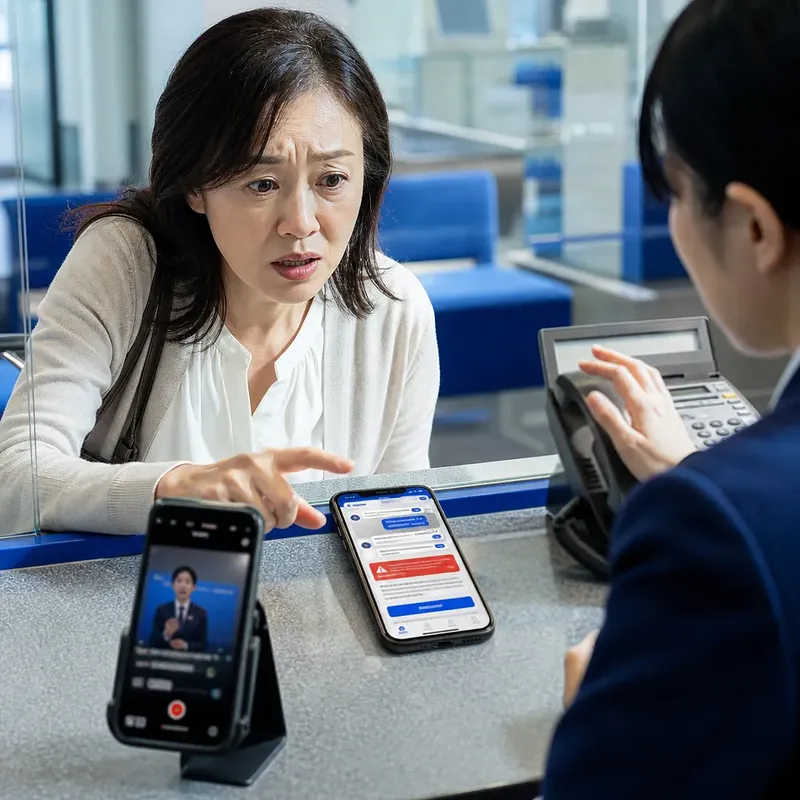
If you get a text about a charge, open your carrier’s official app directly to check whether the transaction actually took place. Carrier billing lets you pay for goods or content on your mobile bill. Disputing a charge that has already been billed and blocking future charges are separate steps.
· Open the carrier billing history for the line in the official app. Also check your bill for any paid add-on services you don’t recognize. · If you see a transaction you don’t recognize, note its date and time, amount, and the merchant shown. Save the transaction details screen as well. · Report any suspected unauthorized charges to your carrier’s customer service team. If you need to identify the payment processor, ask your carrier for its contact details and how to file a dispute. · If you no longer want to use carrier billing, select the option to block it. If you plan to keep using it, you can lower the limit to the amount you need.
Carrier | Where to check in the official app | What to check when blocking charges SK Telecom | T world > MY > My Bill > View Carrier Billing and Content Charges | You can block carrier billing and content charges separately. If you don’t use either, make sure both limits are set to 0 won. KT | My KT > Menu > My > Billing/Services > View Bill > Carrier Billing History | Use “Spending Limit Details and Change Limit/Block Payments.” KT says that if you select the separate “Permanent Block” option, you won’t be able to use small carrier-billed payments again. LG Uplus | U+one > Menu > MY > Carrier Billing > Block/Unblock Payments | Blocking is free. You can also request it in the PASS app under “Carrier Billing > Set Up” or by dialing 114 from an LG Uplus phone.
SIM Protection Services and international roaming at the three carriers
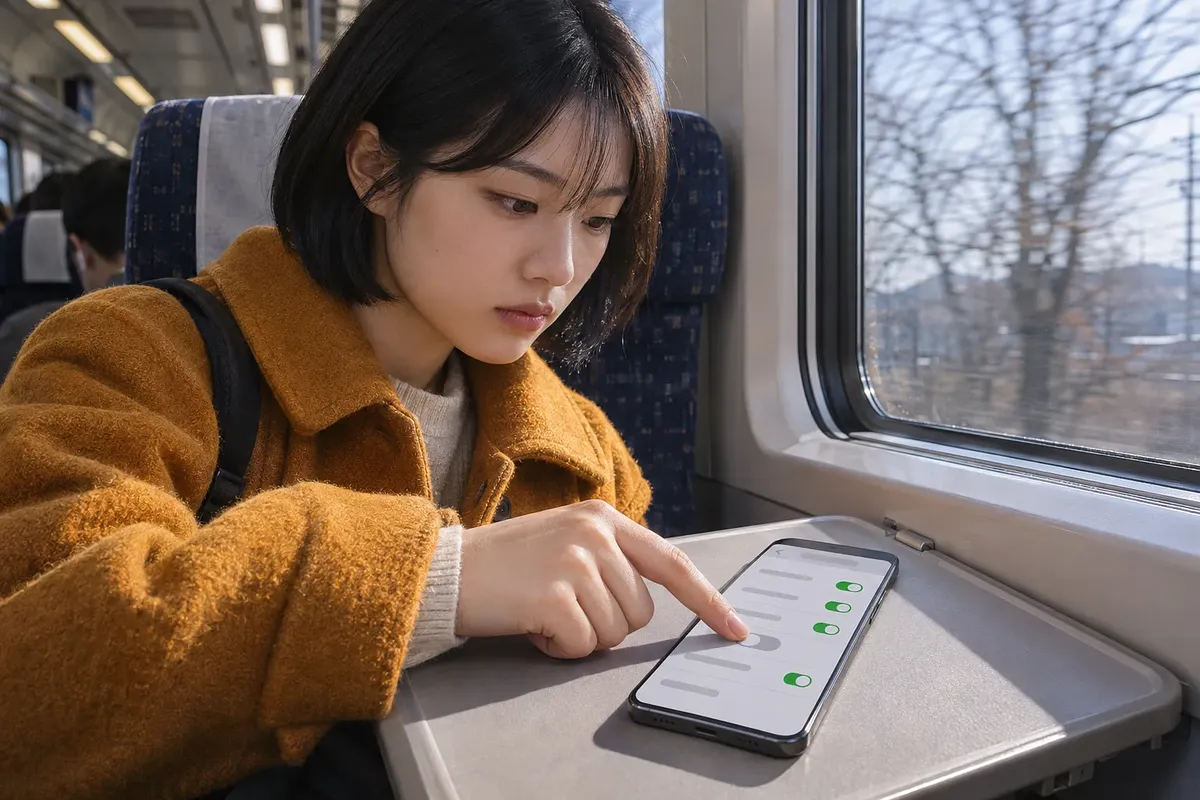
The three carriers’ SIM Protection Services are free add-ons that prevent your SIM from being used in another device. Check your carrier’s app or contact customer service to see whether the service is active on your line. If you need to receive verification texts abroad on your existing number, check before you leave whether roaming is blocked.
Carrier | How to sign up or check | International roaming conditions SK Telecom | T world > Add-on Services > Security/Insurance > SIM Protection Service, or 114 | Roaming was restricted when the April 24, 2025 notice was issued. Since May 12, 2025, you can use roaming while keeping the protection service active. If you signed up before then, check whether “Full Roaming Block” is still active. KT | KT.com > “(Secure) SIM Protection Service” > Quick Sign-up | “(Secure) SIM Protection Service” allows roaming. The older “SIM Protection Service (Roaming Block)” no longer accepts new sign-ups. If you’re on the older service, it’s canceled automatically when you sign up for the new one. LG Uplus | Search for “SIM Protection Service” in U+one, or call 114 | The service prevents both physical SIMs and eSIMs from being used in other devices. Since May 29, 2025, you can use it while roaming. For corporate phones, call 114 to sign up.
When you need to replace your SIM
Replacing your SIM means getting a new SIM that authenticates you as a subscriber. The SIM Protection Service prevents your current SIM from being moved to another device. SK Telecom says you can sign up without replacing your SIM. If you replace only the SIM and keep the same phone, your existing protection stays active.
At the time of the incident, SK Telecom offered free replacements to customers whose lines were active as of 24:00 on April 18, 2025. Before visiting, call 114 to check whether the line you use qualifies for a free replacement. If you’re the account holder and are going in to replace a physical SIM, bring your ID, the phone, and the existing SIM.
How to check lines registered in your name on Msafer
Msafer, run by the Korea Association for ICT Promotion, shows which lines are active in your name on the day you check. Even if you’ve set up SIM protection, check here separately to see whether any other lines have been opened in your name.
· Open the “Subscription Status Lookup Service” on Msafer and verify your identity. On a PC, you can use a joint certificate or a financial certificate. · Compare the list with the lines you actually use. If you see a line you don’t recognize, ask the carrier shown in the list to check how it was opened. · To prevent new lines from being opened, check whether the “Subscription Restriction Service” is active. You can turn it on or off yourself between 9 a.m. and 10 p.m.
Starting November 20, 2026, new mobile service contracts come with a subscription restriction by default. It is not automatically applied across all lines that were already in use before that date. If you’ve set up the restriction, you must lift it yourself before signing up for a new line or transferring your number. You can turn it back on once activation is complete.
How to handle smishing texts that offer free SIM replacement
If you get a text about replacing your SIM or checking whether you were affected, open your carrier’s app directly to check its notices. LG Uplus reported a case in which search results for “free SIM replacement” led to an illegal gambling site. If someone asks for a verification code over the phone, hang up and contact your carrier’s customer service team directly.
Never click a web address if you’re unsure where it came from, and report suspicious text messages as spam as soon as you receive them. LG Uplus, “Notice on Safeguards for Personal Information,” April 28, 2025
What data was exposed and how many people were affected in the SK Telecom and KT incidents
SIM authentication keys were exposed in the SK Telecom incident, and unauthorized small carrier-billed charges were confirmed in the KT incident. An International Mobile Subscriber Identity (IMSI) identifies a subscriber on a mobile network. An International Mobile Equipment Identity (IMEI) identifies a mobile device.
Incident and announcing agency | Data exposed and how it was counted | Payment losses or action taken SK Telecom, Ministry of Science and ICT, July 4, 2025 | 25 types of SIM data, including phone numbers and IMSIs, totaling 9.82GB. About 26,960,000 records based on IMSI counts | The ministry found that the rules on waiving early termination fees could apply because SK Telecom was at fault. SK Telecom, Personal Information Protection Commission, August 28, 2025 | 25 types of data, including phone numbers, IMSIs, and SIM authentication keys (Ki, OPc). 23,244,649 unique LTE and 5G users, including users of low-cost mobile providers | The commission imposed a penalty of 134,791,000,000 won and an administrative fine of 9,600,000 won. KT, Ministry of Science and ICT, December 29, 2025 | IMSIs, IMEIs, and phone numbers of 22,227 people were exposed through an illegal small base station known as a femtocell. | 368 people were affected by 777 unauthorized small charges totaling 243,000,000 won. The ministry found grounds to waive early termination fees for all KT users. KT, Personal Information Protection Commission, July 30, 2026 | Phone numbers, IMSIs, and IMEIs were exposed. 16,647 unique users, including users of low-cost mobile providers | The commission confirmed about 240,000,000 won in unauthorized small charges affecting 368 people. It imposed a penalty of 53,979,000,000 won.
SK Telecom’s figure of about 26,960,000 counts subscriber IDs. The Personal Information Protection Commission removed duplicates when counting users, for example by counting a person with multiple lines just once. KT’s 777 transactions are the charges incurred by 368 victims. The Ministry of Science and ICT concluded that the attacker intercepted the automated calls (ARS) and text messages (SMS) used to verify payments.
Eligible cancellation periods and deadlines to request an early termination fee refund
If you’ve already paid an early termination fee, check both your cancellation date and the deadline to request a refund. The general eligibility rules for the two carriers are below. If you canceled late because of military service, a long hospital stay, or a similar reason, check your carrier’s exceptions and what documentation it requires. (Verified requirements: cancel within 10 days after the reason for the delay ends for SK Telecom, or within 14 days and no later than June 30, 2026 for KT · Source: m.tworld.co.kr · Verified on 2026-11-25)
Carrier | Cancellation period for general eligibility | How to request a refund SK Telecom | Customers who were under contract as of 24:00 on April 18, 2025, canceled between April 19 and July 14, and paid an early termination fee | According to the July 4, 2025 notice, applications opened on July 15. The “Request an Early Termination Fee Refund” page in T world says the closing date will be announced separately. KT | Mobile customers as of 24:00 on August 31, 2025, who canceled between September 1, 2025 and January 13, 2026 and incurred an early termination fee | KT announced an extension of the application period on June 18, 2026. The refund application screen lists the deadline as 10 p.m. on November 30, 2026.
Exclusions apply to lines for which you signed up again after canceling or renewed your contract after the cutoff date. Check your carrier’s refund screen for the mobile contract termination fee you actually paid. Device installment payments are not eligible for refunds.
How to use News and To Do on My Info Security Check
On My Info Security Check, you can look up incident announcements and choose what steps to take. The site does not send incident alerts or determine whether your personal information was exposed. To check your subscription information and billing history, verify your identity with Msafer and your carrier, respectively.
· Look up your carrier’s name under [News] and check the announcement date and what data was exposed. The site operator lists only incidents in South Korea that companies or institutions have officially announced. The initial list includes the SK Telecom and KT incidents. · Under [To Do], select “Mobile Phones and Carriers.” You’ll find options for checking lines in your name and restricting new subscriptions, protecting your SIM, checking small charges and add-on services, and watching for smishing. · Go to the official channel for the step you need to take. To sign up for the SIM Protection Service or block carrier billing, use your carrier’s app or contact its customer service team.
0:00 0:00
1 / 36

Advertisement

Download text

File name
telecom-data-breach-sim-protection-and-mobile-payment-check-en.txt
Format
TXT (text/plain)
Paragraphs
36

Downloads exactly what you see as a text file.

Please cite the source when quoting.

Advertisement

Large text

Makes the text larger and the colors clearer. Turn it on if the text feels too small.

If you don’t use carrier billing, turn it off in your carrier’s app.

Key points

  • Open your carrier's app directly to check your carrier billing history and paid add-ons.
  • Record the date, time, and amount of any charge you don't recognize and report it to customer service. Block any payment methods you don't use.
  • Check whether you're enrolled in the SIM protection service in your carrier's app. If you plan to travel abroad, also check your roaming block settings.
  • Look up the lines in your name on Msafer, then turn on the sign-up restriction if you want to prevent new lines from being opened.

If you hear about a data breach at your mobile carrier, start by checking your carrier billing history in the carrier’s app. Report any charges you don’t recognize to customer service. In the same app, you can check whether you’re signed up for the free SIM Protection Service. Use Msafer to look up lines registered in your name.

The incident figures are based on government investigation and enforcement announcements issued from July 2025 through July 2026.

How to check and block unrecognized small charges

If you get a text about a charge, open your carrier’s official app directly to check whether the transaction actually took place. Carrier billing lets you pay for goods or content on your mobile bill. Disputing a charge that has already been billed and blocking future charges are separate steps.

  1. Open the carrier billing history for the line in the official app. Also check your bill for any paid add-on services you don’t recognize.
  2. If you see a transaction you don’t recognize, note its date and time, amount, and the merchant shown. Save the transaction details screen as well.
  3. Report any suspected unauthorized charges to your carrier’s customer service team. If you need to identify the payment processor, ask your carrier for its contact details and how to file a dispute.
  4. If you no longer want to use carrier billing, select the option to block it. If you plan to keep using it, you can lower the limit to the amount you need.
Carrier Where to check in the official app What to check when blocking charges
SK Telecom T world > MY > My Bill > View Carrier Billing and Content Charges You can block carrier billing and content charges separately. If you don’t use either, make sure both limits are set to 0 won.
KT My KT > Menu > My > Billing/Services > View Bill > Carrier Billing History Use “Spending Limit Details and Change Limit/Block Payments.” KT says that if you select the separate “Permanent Block” option, you won’t be able to use small carrier-billed payments again.
LG Uplus U+one > Menu > MY > Carrier Billing > Block/Unblock Payments Blocking is free. You can also request it in the PASS app under “Carrier Billing > Set Up” or by dialing 114 from an LG Uplus phone.
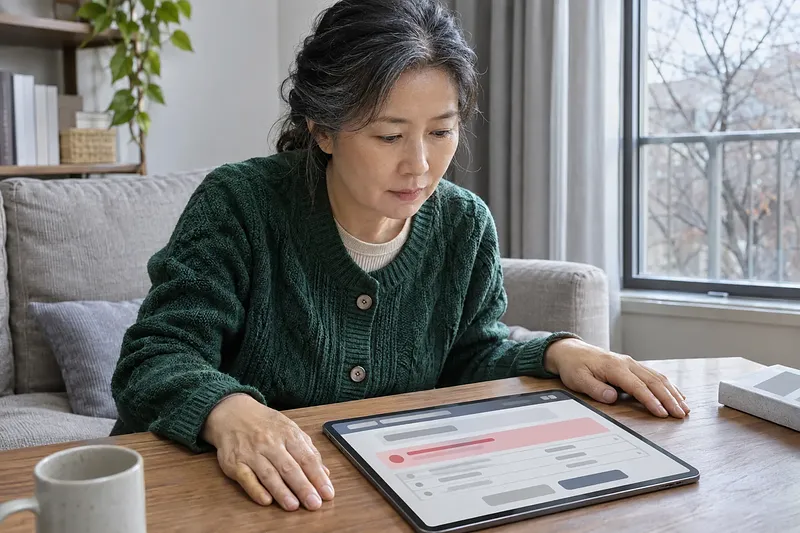
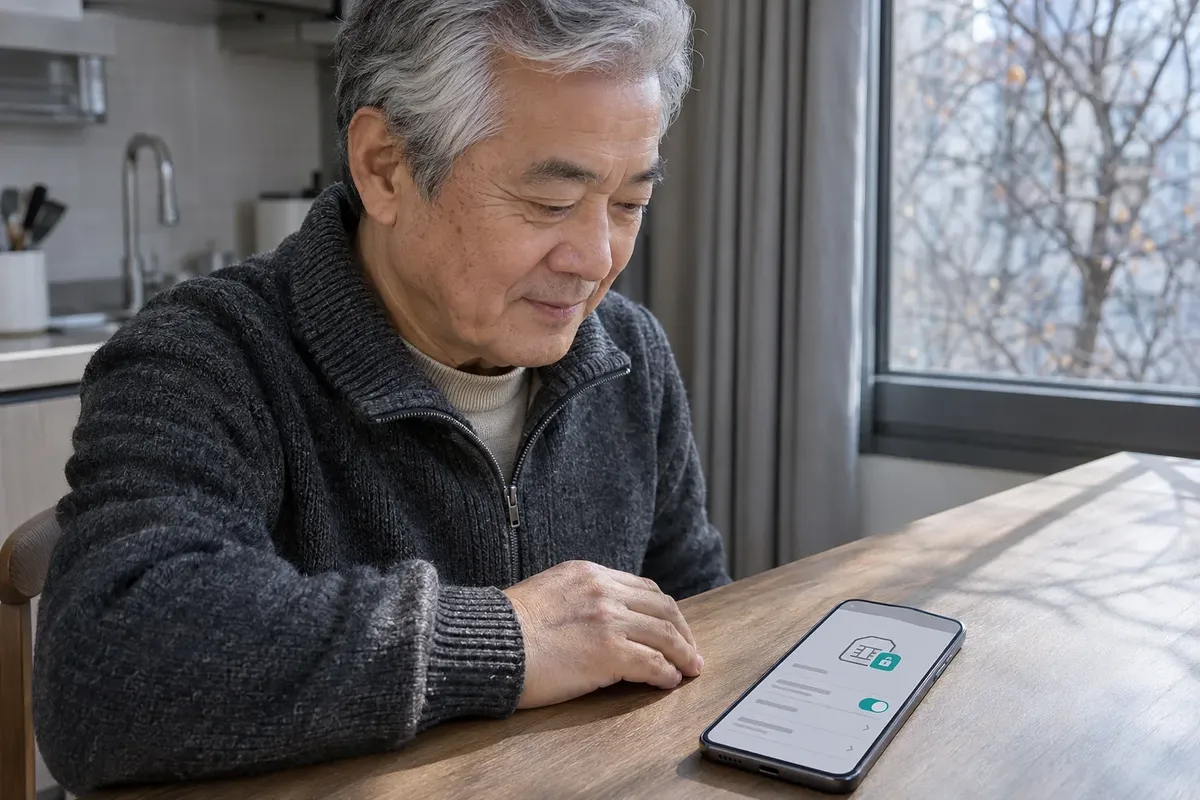
Use your carrier’s official app to check whether SIM protection is active on your line.

SIM Protection Services and international roaming at the three carriers

The three carriers’ SIM Protection Services are free add-ons that prevent your SIM from being used in another device. Check your carrier’s app or contact customer service to see whether the service is active on your line. If you need to receive verification texts abroad on your existing number, check before you leave whether roaming is blocked.

Carrier How to sign up or check International roaming conditions
SK Telecom T world > Add-on Services > Security/Insurance > SIM Protection Service, or 114 Roaming was restricted when the April 24, 2025 notice was issued. Since May 12, 2025, you can use roaming while keeping the protection service active. If you signed up before then, check whether “Full Roaming Block” is still active.
KT KT.com > “(Secure) SIM Protection Service” > Quick Sign-up “(Secure) SIM Protection Service” allows roaming. The older “SIM Protection Service (Roaming Block)” no longer accepts new sign-ups. If you’re on the older service, it’s canceled automatically when you sign up for the new one.
LG Uplus Search for “SIM Protection Service” in U+one, or call 114 The service prevents both physical SIMs and eSIMs from being used in other devices. Since May 29, 2025, you can use it while roaming. For corporate phones, call 114 to sign up.

When you need to replace your SIM

Replacing your SIM means getting a new SIM that authenticates you as a subscriber. The SIM Protection Service prevents your current SIM from being moved to another device. SK Telecom says you can sign up without replacing your SIM. If you replace only the SIM and keep the same phone, your existing protection stays active.

At the time of the incident, SK Telecom offered free replacements to customers whose lines were active as of 24:00 on April 18, 2025. Before visiting, call 114 to check whether the line you use qualifies for a free replacement. If you’re the account holder and are going in to replace a physical SIM, bring your ID, the phone, and the existing SIM.

How to check lines registered in your name on Msafer

Msafer, run by the Korea Association for ICT Promotion, shows which lines are active in your name on the day you check. Even if you’ve set up SIM protection, check here separately to see whether any other lines have been opened in your name.

  1. Open the “Subscription Status Lookup Service” on Msafer and verify your identity. On a PC, you can use a joint certificate or a financial certificate.
  2. Compare the list with the lines you actually use. If you see a line you don’t recognize, ask the carrier shown in the list to check how it was opened.
  3. To prevent new lines from being opened, check whether the “Subscription Restriction Service” is active. You can turn it on or off yourself between 9 a.m. and 10 p.m.

Starting November 20, 2026, new mobile service contracts come with a subscription restriction by default. It is not automatically applied across all lines that were already in use before that date. If you’ve set up the restriction, you must lift it yourself before signing up for a new line or transferring your number. You can turn it back on once activation is complete.

How to handle smishing texts that offer free SIM replacement

If you get a text about replacing your SIM or checking whether you were affected, open your carrier’s app directly to check its notices. LG Uplus reported a case in which search results for “free SIM replacement” led to an illegal gambling site. If someone asks for a verification code over the phone, hang up and contact your carrier’s customer service team directly.

Never click a web address if you’re unsure where it came from, and report suspicious text messages as spam as soon as you receive them.

LG Uplus, “Notice on Safeguards for Personal Information,” April 28, 2025

What data was exposed and how many people were affected in the SK Telecom and KT incidents

SIM authentication keys were exposed in the SK Telecom incident, and unauthorized small carrier-billed charges were confirmed in the KT incident. An International Mobile Subscriber Identity (IMSI) identifies a subscriber on a mobile network. An International Mobile Equipment Identity (IMEI) identifies a mobile device.

Incident and announcing agency Data exposed and how it was counted Payment losses or action taken
SK Telecom, Ministry of Science and ICT, July 4, 2025 25 types of SIM data, including phone numbers and IMSIs, totaling 9.82GB. About 26,960,000 records based on IMSI counts The ministry found that the rules on waiving early termination fees could apply because SK Telecom was at fault.
SK Telecom, Personal Information Protection Commission, August 28, 2025 25 types of data, including phone numbers, IMSIs, and SIM authentication keys (Ki, OPc). 23,244,649 unique LTE and 5G users, including users of low-cost mobile providers The commission imposed a penalty of 134,791,000,000 won and an administrative fine of 9,600,000 won.
KT, Ministry of Science and ICT, December 29, 2025 IMSIs, IMEIs, and phone numbers of 22,227 people were exposed through an illegal small base station known as a femtocell. 368 people were affected by 777 unauthorized small charges totaling 243,000,000 won. The ministry found grounds to waive early termination fees for all KT users.
KT, Personal Information Protection Commission, July 30, 2026 Phone numbers, IMSIs, and IMEIs were exposed. 16,647 unique users, including users of low-cost mobile providers The commission confirmed about 240,000,000 won in unauthorized small charges affecting 368 people. It imposed a penalty of 53,979,000,000 won.

SK Telecom’s figure of about 26,960,000 counts subscriber IDs. The Personal Information Protection Commission removed duplicates when counting users, for example by counting a person with multiple lines just once. KT’s 777 transactions are the charges incurred by 368 victims. The Ministry of Science and ICT concluded that the attacker intercepted the automated calls (ARS) and text messages (SMS) used to verify payments.

Eligible cancellation periods and deadlines to request an early termination fee refund

If you’ve already paid an early termination fee, check both your cancellation date and the deadline to request a refund. The general eligibility rules for the two carriers are below. If you canceled late because of military service, a long hospital stay, or a similar reason, check your carrier’s exceptions and what documentation it requires. (Verified requirements: cancel within 10 days after the reason for the delay ends for SK Telecom, or within 14 days and no later than June 30, 2026 for KT · Source: m.tworld.co.kr · Verified on 2026-11-25)

Carrier Cancellation period for general eligibility How to request a refund
SK Telecom Customers who were under contract as of 24:00 on April 18, 2025, canceled between April 19 and July 14, and paid an early termination fee According to the July 4, 2025 notice, applications opened on July 15. The “Request an Early Termination Fee Refund” page in T world says the closing date will be announced separately.
KT Mobile customers as of 24:00 on August 31, 2025, who canceled between September 1, 2025 and January 13, 2026 and incurred an early termination fee KT announced an extension of the application period on June 18, 2026. The refund application screen lists the deadline as 10 p.m. on November 30, 2026.

Exclusions apply to lines for which you signed up again after canceling or renewed your contract after the cutoff date. Check your carrier’s refund screen for the mobile contract termination fee you actually paid. Device installment payments are not eligible for refunds.

How to use News and To Do on My Info Security Check

On My Info Security Check, you can look up incident announcements and choose what steps to take. The site does not send incident alerts or determine whether your personal information was exposed. To check your subscription information and billing history, verify your identity with Msafer and your carrier, respectively.

  1. Look up your carrier’s name under [News] and check the announcement date and what data was exposed. The site operator lists only incidents in South Korea that companies or institutions have officially announced. The initial list includes the SK Telecom and KT incidents.
  2. Under [To Do], select “Mobile Phones and Carriers.” You’ll find options for checking lines in your name and restricting new subscriptions, protecting your SIM, checking small charges and add-on services, and watching for smishing.
  3. Go to the official channel for the step you need to take. To sign up for the SIM Protection Service or block carrier billing, use your carrier’s app or contact its customer service team.

Check for money you never claimed

Check telecom lines in your name

After verifying your identity, you can see which lines are active in your name as of the date you check. If you're using a PC, have a joint certificate or financial certificate ready. Go to Korea Association for ICT Promotion Msafer Home > Identity Theft Prevention Service > Subscription Status Lookup Service.

You are leaving for an external site that Injoys does not operate. Please re-check eligibility, dates, and amounts on the official notice of the institution or organiser you are going to.

Go to the official page

Opens in a new window.

Advertisement

Claim back what you paid

Check KT early termination fees and request a refund

If you canceled a KT wireless line during the eligible period and paid an early termination fee, check the exclusions. To apply online as an individual, you must verify your identity and have a bank account in your name. Applications are accepted until 10 p.m. on November 30, 2026. Go to KT Mobile Home > Wireless Early Termination Fee Refund Guide > Check Early Termination Fees / Request a Refund.

You are leaving for an external site that Injoys does not operate. Please re-check eligibility, dates, and amounts on the official notice of the institution or organiser you are going to.

Go to the official page

Opens in a new window.

Advertisement

Open the link

Opens in a new window.

Advertisement

Sign-in required

Sign in with your Google or Apple account to like, comment, and save highlights.

FAQ

Does signing up for the SIM Protection Service also block small payments billed through my carrier?

The SIM Protection Service prevents your SIM from being used in another device. To block mobile payments, set up a separate block in the payment menu of your carrier's app. SK Telecom has separate settings for mobile payments and content charges.

What happens to amounts that have already been billed if I block payments?

The block applies to future payments. To dispute an existing charge, note the date and time of the transaction, the amount, and the merchant, then file a dispute with your carrier's customer service center. If a payment processor handled the transaction, also check how to file a dispute with that processor.

Do I need to cancel the SIM Protection Service to receive verification texts abroad?

SK Telecom and LG Uplus let you roam while keeping SIM protection on. KT also allows roaming with its '(Safe) SIM Protection Service.' Before leaving the country, check whether SK Telecom's 'Complete Roaming Block' or KT's previous 'SIM Protection Service (Roaming Block)' is active.

Where can customers of mobile virtual network operators sign up for SIM protection?

Contact the customer service center of the mobile virtual network operator that bills you. On April 24, 2025, SK Telecom announced that it would offer the service to customers of the 14 mobile virtual network operators using its network at the time, through each operator's customer service center.

What do I need to bring to replace my SK Telecom SIM?

When replacing a physical SIM at an authorized dealer, the account holder needs to bring their ID, the phone they plan to use, and their existing SIM. Whether you qualify for a free replacement depends on when you signed up and your replacement history as of the incident. Call 114 to check before you visit.

If I see a line I don't recognize in Msafer, should I turn on Subscription Restriction first?

If the line has already been activated, contact the carrier shown in the search results to find out how it was activated. Msafer's Subscription Restriction feature blocks future sign-ups, number porting, and similar requests.

What should I do if I get a text claiming to be from My Information Security Check about checking whether I've been affected?

My Information Security Check does not determine whether your information was leaked or send text alerts. Don't tap the link in the text. Report the message as spam. Check [News] for announcements about the incident, and contact your carrier with questions about your own line.

Sources

Data formats

This content is available in several machine-friendly formats.

Data-only languages (machine translated, files only)

Indonesian JSON MD Portuguese JSON MD Chinese (Traditional) JSON MD Deutsch JSON MD

Verification

This article was drafted with AI and then reviewed and edited by a person.

Reviewed by 신익희 · 편집장 · 2026-11-25

Figures in this article were checked against the source material during generation. · 2026-11-25

This translation has been cross-checked by AI. · 2026-11-25

Reuse & AI usage

Search indexing and AI citation with attribution are welcome. See the license policy for details.

Site license policy (commercial republishing requires permission) · License

Loading…

Loading…

Loading…

Where this content lives

Related content

From Injoys

Request the content you want and take 70% of what it earns

Just leave the subject. We handle production, review, translation and distribution.

See how revenue sharing works

Comments