
Skip to content
Injoys
Knowledge Base 🇰🇷 South Korea

This content applies specifically to South Korea.

A. Phone Spam Reporting 2026: Eligibility and Changes

KISA voice spam reporting has been integrated into A. Phone. SK Telecom subscribers can use it regardless of device type, while subscribers of other carriers can use it on Android.

Listen or read this article

11:14

Listen, or read the text only.

A. Phone Spam Reporting 2026: Eligibility and Changes

Kokoro 82M AI-generated voice 12 min read

0:00 11:14

Advertisement

Download audio

File name
aidot-phone-2026-voice-spam-reporting-eligibility-en.mp3
Format
MP3 (audio/mpeg)
Duration
11:14
File size
7.71 MB
Engine
Kokoro 82M

This audio was generated by AI.

You may download and use it freely for personal use.

A. Phone Spam Reporting 2026: Eligibility and Changes

9 min read

A. Phone Spam Reporting 2026: Eligibility and Changes
KISA voice spam reporting has been integrated into A. Phone. SK Telecom subscribers can use it regardless of device type, while subscribers of other carriers can use it on Android.
According to KISA's announcement, voice spam reporting became available on September 30, 2026 (South Korea).
Reporting availability differs between SK Telecom subscribers and subscribers of other carriers depending on the operating system.
After reviewing the recording of the call you want to report, submit the report to send the recording file, the caller's number, and other details.
KISA reporting, Safe Call's number ratings, and AI risk detection serve different purposes.
There are plans to expand the reporting feature to KT and LG Uplus AI calling apps.
You can report voice spam to KISA from A. Phone. SK Telecom subscribers can use the feature regardless of device type. Subscribers to other carriers can use it on Android. When you file a report, the call recording, caller’s number, and other information are submitted.
The start date and availability of the reporting feature are based on KISA’s October 12, 2026 announcement.
What Changed with Voice Spam Reporting Integration
This change adds a way to report spam to KISA from a carrier’s phone app. The existing simple reporting feature was available in the default phone app on Samsung Electronics devices. Using a carrier’s phone app limited access to that feature. The change is described in the KISA press release.
Category | Existing simple reporting in the default phone app | New integration Where to start a report | Default phone app on Samsung Electronics devices | A. Phone service What changed | Reporting was centered on the default phone app | Reporting is also available from a carrier’s phone app Agency receiving reports | KISA Illegal Spam Response Center | KISA Illegal Spam Response Center Requirements | Check whether the device is supported | Check the carrier and operating system
The reporting feature became available on September 30, 2026. The announcement date stated in the press release is October 12, 2026. The webpage shows a posting date of October 8, 2026. The posting date should not be mistaken for the service start date.
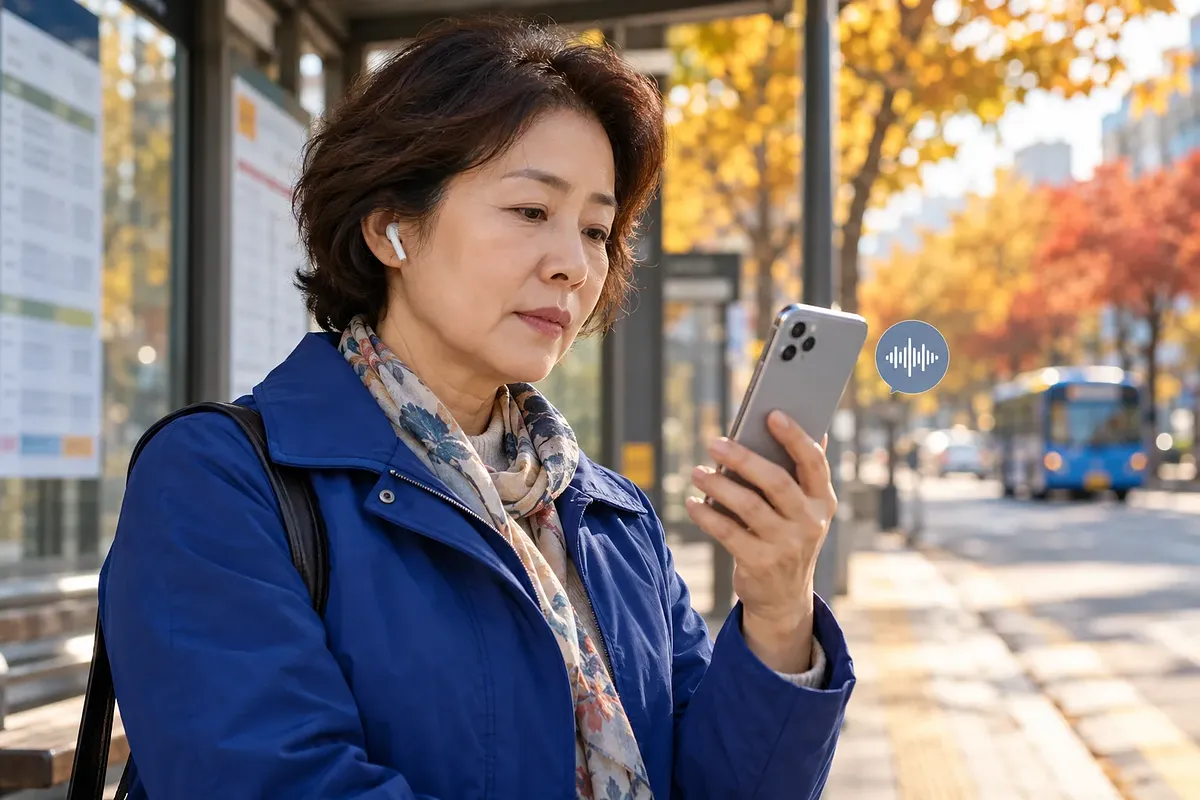
A. Phone Availability by Carrier and Device
Availability depends on both the subscriber’s carrier and operating system. KISA said SK Telecom subscribers are supported regardless of device type. For subscribers to other carriers, it specified Android.
However, subscribers to other mobile carriers can use this feature only on Android.
The source is KISA’s press release, “Korea Internet & Security Agency and SK Telecom Reduce Blind Spots in Voice Spam.”
Carrier | Android | iPhone SK Telecom | Reporting supported | Reporting supported; check the phone feature in the A. app Other mobile carriers | Reporting supported | Not included in the scope of this announcement MVNOs | Check the conditions for the specific operator and line | Use of the SK Telecom network alone does not establish support
The announcement does not list support conditions for individual MVNOs. It is therefore difficult to determine availability from the network provider alone. Check whether your line is supported through the app’s customer support.
The App and Menu to Check on iPhone
The reporting menu on iPhone is described as part of the phone feature in the A. app. SK Telecom’s official website also directs iPhone users to the A. app for call recording. Checking only whether a separate A. Phone app is installed may cause confusion.
The A. App Store update notes give the location of the reporting menu. You can find it in the More menu on the right side of the call summary detail screen. The menu is called “Report Voice Spam to KISA.” This route is described in the developer’s update notes.
A. Phone Spam Reporting Process and Submitted Information
To file a report, identify the call in your recent call history. KISA says there is no need to write a separate description. The steps in the announcement are as follows.
· Select the call you want to report from your recent call history. · Review the recording of that call. · Tap “Report Spam and Block.”
Information | What the announcement confirms Call recording file | Submitted with the report Caller’s number | Submitted with the report Other submitted information | The press release does not list every item Calls without recordings | It does not specify whether they can be reported through the same route
Be aware that the conversation, not just the number, is transmitted when you file a report. Check the app’s reporting screen for the full list of information sent. Check the relevant privacy notice for the retention period and how the information is handled.
The Difference Between Reporting, Number Ratings, and AI Detection
Reporting and risk detection serve different purposes. Number ratings display information left by other users. AI detection alerts users to potentially risky situations. A KISA report submits information to the agency for its response.
Feature | Main purpose | Important distinction KISA voice spam reporting | Submit information for spam response | A warning alone does not complete a report Safe Call number ratings | Display other users’ ratings of a number | Distinct from a report submitted to an agency AI spam and voice phishing detection | Warn about suspicious calls | Not the same as a legal determination or a report outcome Call recording and summaries | Record and organize conversations | A recording or summary is not itself a report
Safe Call provides a way to correct incorrectly displayed number information. You can also request deletion of information about your own number or cancel a rating you submitted. These options are described by the Safe Call Center.
This distinction means you should check AI warnings and report completion separately. There is no basis for assuming that canceling a number rating also cancels a report submitted to the agency. The features handle different information and use different submission channels.
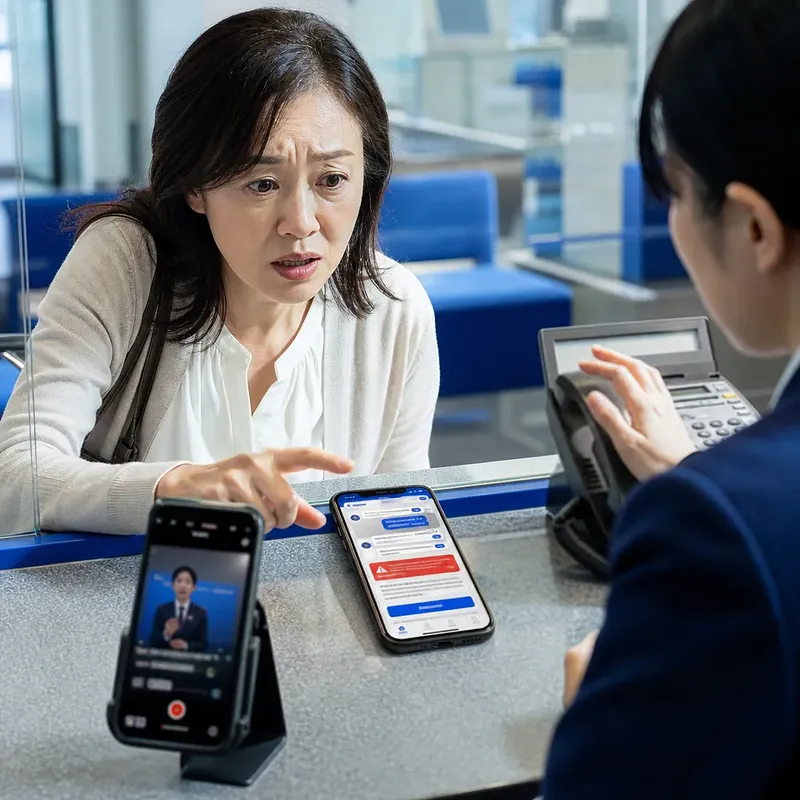
Common Misconceptions About Report Data and AI Processing
Where AI processing takes place is separate from whether report data is transmitted. The A. developer notes describe some voice phishing detection as processing that takes place on the device. By contrast, call recording files and other information are submitted with KISA reports. The two descriptions refer to different processes.
· Using on-device AI detection does not mean report data also stays only on the device. · Sending a recording with a report does not mean every call is submitted automatically. · This announcement does not confirm whether report data is used to train AI. · The absence of an AI warning does not establish that a call is safe.
This interpretation treats detection and reporting as separate functions. KISA says it analyzes reports and uses them to respond to spam. That statement should not be taken as consent to train a specific AI model.
Requirements for Call Recording, Summaries, and Other Features
A. Phone is not an app solely for reporting spam. Based on the former T Phone, it offers call management and AI features. The availability of the reporting feature, however, cannot be assumed to apply to other features.
Feature | What it does | Conditions to check separately Call recording and summaries | Transcribes recordings and summarizes key points | Operating system, carrier, and recording support Caller prediction and conversation suggestions | Predicts information about the other party and provides information to help with the conversation | Availability in each app Biz Contacts | Searches for phone numbers by business name | Search information and app permissions Interpretation Call | Translates calls into the other party’s language | For SK Telecom customers, according to Google Play baro Call | Provides voice calls using data overseas | Roaming plan and network connection conditions
Recording, summary, and interpretation requirements for the Android app are in the Google Play developer information. For iPhone calling features, also check the A. app information. The ability to install an app should be distinguished from the ability to use a particular feature.
baro Call is also separate from this reporting integration. Conditions such as enrollment in a data roaming plan apply. If the connection is poor, standard roaming voice call charges may apply. You can check the charges in T world’s baro Call information.
Status of Expansion to Other Carriers’ Apps
Integration with KT and LG Uplus AI phone apps is planned. This announcement does not mean reporting features have already launched in those apps. It also gives no specific start date.
This is separate from subscribers to other carriers using A. Adding a reporting feature to another company’s phone app is a separate task. Check KISA and each carrier’s announcements for updates.
Frequently Asked Questions
Is voice spam reporting unavailable on iPhones?
It depends on the reporting route. This integration supports iPhone use by SK Telecom subscribers. Separately, KISA’s simple illegal spam reporting app also supports iOS. The limitations of the existing device-based simple reporting feature are explained in KISA’s reporting guide.
Where should I look if there is no recording?
You can check KISA’s separate reporting guide. This announcement describes a process in which you review a recording before submitting a report. It does not specify how the app handles calls without recordings.
Are all unknown numbers illegal spam?
An unfamiliar number is not, by itself, illegal spam. KISA’s spam guidance covers commercial advertising messages. Whether something is illegal depends on whether it violates the relevant rules.
Does filing a report immediately block the caller’s number for everyone?
This announcement does not guarantee immediate blocking for everyone. KISA says it analyzes reports and uses them for measures such as blocking numbers. Blocking in the app should not be treated as the same thing as the agency’s response.
Where can I check my report and its outcome?
KISA has a results menu on the Illegal Spam Response Center website. Go to “Illegal Spam > Spam Report Results” on the website. A number being blocked in the app alone does not mean the agency has finished processing the report.
0:00 0:00
1 / 55

Advertisement

Download text

File name
aidot-phone-2026-voice-spam-reporting-eligibility-en.txt
Format
TXT (text/plain)
Paragraphs
55

Downloads exactly what you see as a text file.

Please cite the source when quoting.

Large text

Makes the text larger and the colors clearer. Turn it on if the text feels too small.

After a call recording is checked and the report is submitted, the recording and caller number are sent.

Key points

  • According to KISA's announcement, voice spam reporting became available on September 30, 2026 (South Korea).
  • Reporting availability differs between SK Telecom subscribers and subscribers of other carriers depending on the operating system.
  • After reviewing the recording of the call you want to report, submit the report to send the recording file, the caller's number, and other details.
  • KISA reporting, Safe Call's number ratings, and AI risk detection serve different purposes.
  • There are plans to expand the reporting feature to KT and LG Uplus AI calling apps.

You can report voice spam to KISA from A. Phone. SK Telecom subscribers can use the feature regardless of device type. Subscribers to other carriers can use it on Android. When you file a report, the call recording, caller’s number, and other information are submitted.

The start date and availability of the reporting feature are based on KISA’s October 12, 2026 announcement.

What Changed with Voice Spam Reporting Integration

This change adds a way to report spam to KISA from a carrier’s phone app. The existing simple reporting feature was available in the default phone app on Samsung Electronics devices. Using a carrier’s phone app limited access to that feature. The change is described in the KISA press release.

Category Existing simple reporting in the default phone app New integration
Where to start a report Default phone app on Samsung Electronics devices A. Phone service
What changed Reporting was centered on the default phone app Reporting is also available from a carrier’s phone app
Agency receiving reports KISA Illegal Spam Response Center KISA Illegal Spam Response Center
Requirements Check whether the device is supported Check the carrier and operating system

The reporting feature became available on September 30, 2026. The announcement date stated in the press release is October 12, 2026. The webpage shows a posting date of October 8, 2026. The posting date should not be mistaken for the service start date.

Suspicious voice spam can be reported to KISA through A. Phone.

A. Phone Availability by Carrier and Device

Availability depends on both the subscriber’s carrier and operating system. KISA said SK Telecom subscribers are supported regardless of device type. For subscribers to other carriers, it specified Android.

However, subscribers to other mobile carriers can use this feature only on Android.

The source is KISA’s press release, “Korea Internet & Security Agency and SK Telecom Reduce Blind Spots in Voice Spam.”

Carrier Android iPhone
SK Telecom Reporting supported Reporting supported; check the phone feature in the A. app
Other mobile carriers Reporting supported Not included in the scope of this announcement
MVNOs Check the conditions for the specific operator and line Use of the SK Telecom network alone does not establish support

The announcement does not list support conditions for individual MVNOs. It is therefore difficult to determine availability from the network provider alone. Check whether your line is supported through the app’s customer support.

The App and Menu to Check on iPhone

The reporting menu on iPhone is described as part of the phone feature in the A. app. SK Telecom’s official website also directs iPhone users to the A. app for call recording. Checking only whether a separate A. Phone app is installed may cause confusion.

The A. App Store update notes give the location of the reporting menu. You can find it in the More menu on the right side of the call summary detail screen. The menu is called “Report Voice Spam to KISA.” This route is described in the developer’s update notes.

A. Phone Spam Reporting Process and Submitted Information

To file a report, identify the call in your recent call history. KISA says there is no need to write a separate description. The steps in the announcement are as follows.

  1. Select the call you want to report from your recent call history.
  2. Review the recording of that call.
  3. Tap “Report Spam and Block.”
Information What the announcement confirms
Call recording file Submitted with the report
Caller’s number Submitted with the report
Other submitted information The press release does not list every item
Calls without recordings It does not specify whether they can be reported through the same route

Be aware that the conversation, not just the number, is transmitted when you file a report. Check the app’s reporting screen for the full list of information sent. Check the relevant privacy notice for the retention period and how the information is handled.

The Difference Between Reporting, Number Ratings, and AI Detection

Reporting and risk detection serve different purposes. Number ratings display information left by other users. AI detection alerts users to potentially risky situations. A KISA report submits information to the agency for its response.

Feature Main purpose Important distinction
KISA voice spam reporting Submit information for spam response A warning alone does not complete a report
Safe Call number ratings Display other users’ ratings of a number Distinct from a report submitted to an agency
AI spam and voice phishing detection Warn about suspicious calls Not the same as a legal determination or a report outcome
Call recording and summaries Record and organize conversations A recording or summary is not itself a report

Safe Call provides a way to correct incorrectly displayed number information. You can also request deletion of information about your own number or cancel a rating you submitted. These options are described by the Safe Call Center.

This distinction means you should check AI warnings and report completion separately. There is no basis for assuming that canceling a number rating also cancels a report submitted to the agency. The features handle different information and use different submission channels.


Common Misconceptions About Report Data and AI Processing

Where AI processing takes place is separate from whether report data is transmitted. The A. developer notes describe some voice phishing detection as processing that takes place on the device. By contrast, call recording files and other information are submitted with KISA reports. The two descriptions refer to different processes.

  • Using on-device AI detection does not mean report data also stays only on the device.
  • Sending a recording with a report does not mean every call is submitted automatically.
  • This announcement does not confirm whether report data is used to train AI.
  • The absence of an AI warning does not establish that a call is safe.

This interpretation treats detection and reporting as separate functions. KISA says it analyzes reports and uses them to respond to spam. That statement should not be taken as consent to train a specific AI model.

Requirements for Call Recording, Summaries, and Other Features

A. Phone is not an app solely for reporting spam. Based on the former T Phone, it offers call management and AI features. The availability of the reporting feature, however, cannot be assumed to apply to other features.

Feature What it does Conditions to check separately
Call recording and summaries Transcribes recordings and summarizes key points Operating system, carrier, and recording support
Caller prediction and conversation suggestions Predicts information about the other party and provides information to help with the conversation Availability in each app
Biz Contacts Searches for phone numbers by business name Search information and app permissions
Interpretation Call Translates calls into the other party’s language For SK Telecom customers, according to Google Play
baro Call Provides voice calls using data overseas Roaming plan and network connection conditions

Recording, summary, and interpretation requirements for the Android app are in the Google Play developer information. For iPhone calling features, also check the A. app information. The ability to install an app should be distinguished from the ability to use a particular feature.

baro Call is also separate from this reporting integration. Conditions such as enrollment in a data roaming plan apply. If the connection is poor, standard roaming voice call charges may apply. You can check the charges in T world’s baro Call information.

Status of Expansion to Other Carriers’ Apps

Integration with KT and LG Uplus AI phone apps is planned. This announcement does not mean reporting features have already launched in those apps. It also gives no specific start date.

This is separate from subscribers to other carriers using A. Adding a reporting feature to another company’s phone app is a separate task. Check KISA and each carrier’s announcements for updates.

Key questions in this article

Is voice spam reporting unavailable on iPhones?

It depends on the reporting route. This integration supports iPhone use by SK Telecom subscribers. Separately, KISA’s simple illegal spam reporting app also supports iOS. The limitations of the existing device-based simple reporting feature are explained in KISA’s reporting guide.

Where should I look if there is no recording?

You can check KISA’s separate reporting guide. This announcement describes a process in which you review a recording before submitting a report. It does not specify how the app handles calls without recordings.

Are all unknown numbers illegal spam?

An unfamiliar number is not, by itself, illegal spam. KISA’s spam guidance covers commercial advertising messages. Whether something is illegal depends on whether it violates the relevant rules.

Does filing a report immediately block the caller’s number for everyone?

This announcement does not guarantee immediate blocking for everyone. KISA says it analyzes reports and uses them for measures such as blocking numbers. Blocking in the app should not be treated as the same thing as the agency’s response.

Where can I check my report and its outcome?

KISA has a results menu on the Illegal Spam Response Center website. Go to “Illegal Spam > Spam Report Results” on the website. A number being blocked in the app alone does not mean the agency has finished processing the report.

Open the link

Opens in a new window.

Advertisement

Sign-in required

Sign in with your Google account to like, comment, and save highlights.

FAQ

When did KISA voice spam reporting through A. Phone start?

According to KISA's announcement, it has been available since September 30, 2026. This differs from October 12, the announcement date shown in the press release.

Can subscribers of other carriers use the reporting feature?

KISA's announcement says the feature supports Android users who subscribe to other carriers. iPhone users who subscribe to other carriers are not included in this rollout.

Where is the reporting menu on an iPhone?

A.'s developer guidance points to the More menu on the right side of the call summary details screen. The menu item is called ‘Report Voice Spam to KISA.’

What information is submitted when I file a report?

KISA said it receives the call recording and the caller's number, among other information. Check the app's reporting guidance for the full list of submitted items and the conditions for handling personal information.

Does an AI spam warning automatically file a report?

A warning alone does not mean a report to KISA has been filed. Risk detection and reporting by the user are separate features.

Are Safe Call number ratings and KISA reports the same thing?

No. Safe Call is a feature that shows users' ratings of phone numbers. Reporting to KISA is a process for submitting information to the agency to combat spam.

Can budget mobile subscribers report spam from an iPhone if their carrier uses SK Telecom's network?

You cannot determine whether the feature is supported based solely on the network provider. The announcement does not specify conditions for individual budget mobile carriers, so you need to check whether your subscription line is supported.

Have KT's and LG Uplus's AI calling apps also been integrated?

The announcement described integration with the two companies' apps as a plan being pursued. It did not announce that the apps had launched with the integration or give a specific start date for availability.

Can I report voice spam without using A.?

KISA points to existing quick-report features on devices and a separate app for reporting illegal spam. The separate app supports iOS and Android, but quick reporting through a device may be subject to restrictions.

Are recordings submitted with reports used to train AI?

This cannot be confirmed from this announcement alone. Analyzing reports to combat spam and using them to train a specific AI model are distinct.

Sources

Data formats

This content is available in several machine-friendly formats.

Data-only languages (machine translated, files only)

Indonesian JSON MD Portuguese JSON MD Chinese (Traditional) JSON MD Deutsch JSON MD

Verification

This article was drafted with AI and then reviewed and edited by a person.

Reviewed by 신익희 · 편집장 · 2026-10-18

Figures in this article were checked against the source material during generation. · 2026-10-18

This translation has been cross-checked by AI. · 2026-10-18

Reuse & AI usage

Search indexing and AI citation with attribution are welcome. See the license policy for details.

CC BY · License

Loading…

Loading…

Loading…

Related content

From Injoys

Request the content you want and take 70% of what it earns

Just leave the subject. We handle production, review, translation and distribution.

See how revenue sharing works

Comments