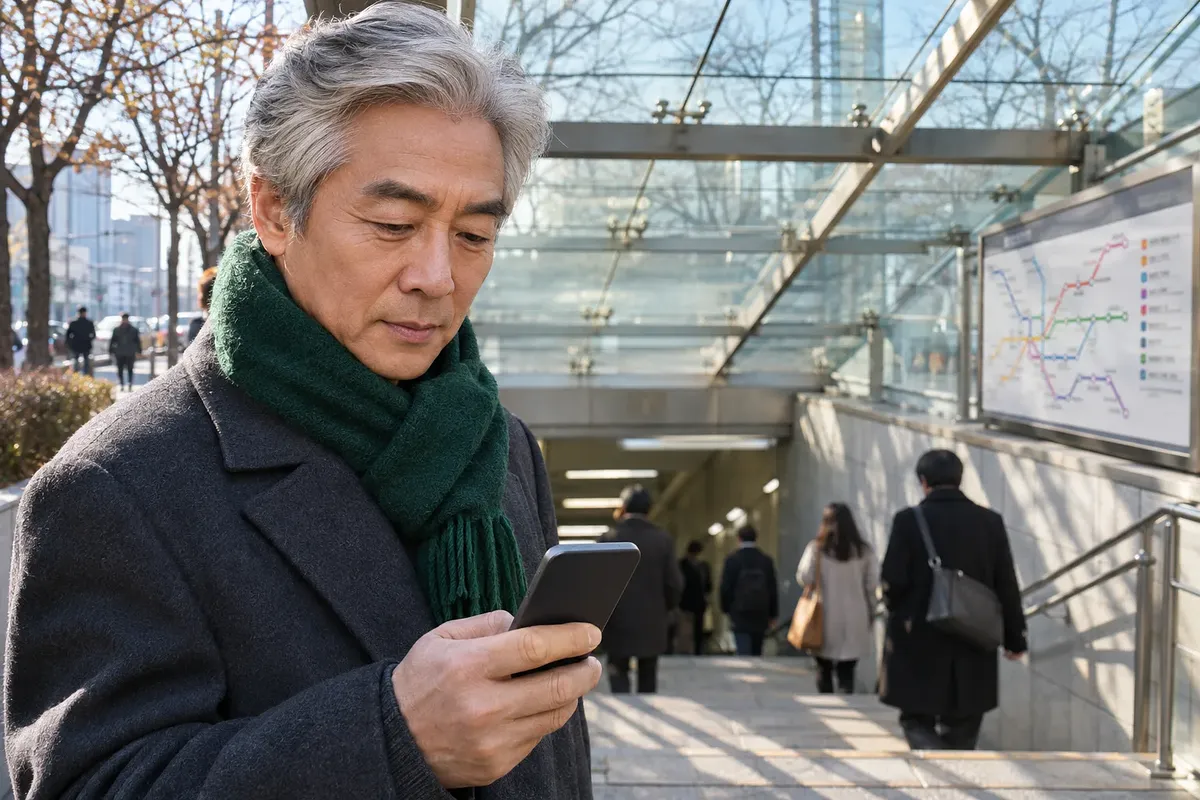
To see whether subway service has changed for your commute, check the notices from the operator of the line you plan to take. Start by finding the notice for your line and checking which stations and directions are affected. If your departure falls within the period when service is changing, check the latest update as well.
You can find the notices from Seoul Metro’s Subway Alert Information on the Seoul Open Data Plaza.
Where to check today’s subway delay notices
For sections operated by Seoul Metro, look up its official X account (@seoul_metro) in your browser. If you open an older notice from the search results, check whether there’s a follow-up for the same line. Before you leave, read the notices in this order:
- Find a notice that names the line you plan to take. If you’re transferring, check the line you’ll transfer to as well.
- Compare the stations and directions listed in the notice with your route. If only part of the line is affected, check where that section starts and ends.
- Note the difference between when the notice was posted and when service changes. An advance notice posted yesterday may still apply to the train you’ll take today.
- Open any follow-up notice about the same situation. If the affected section or time has changed, go by the latest announcement.
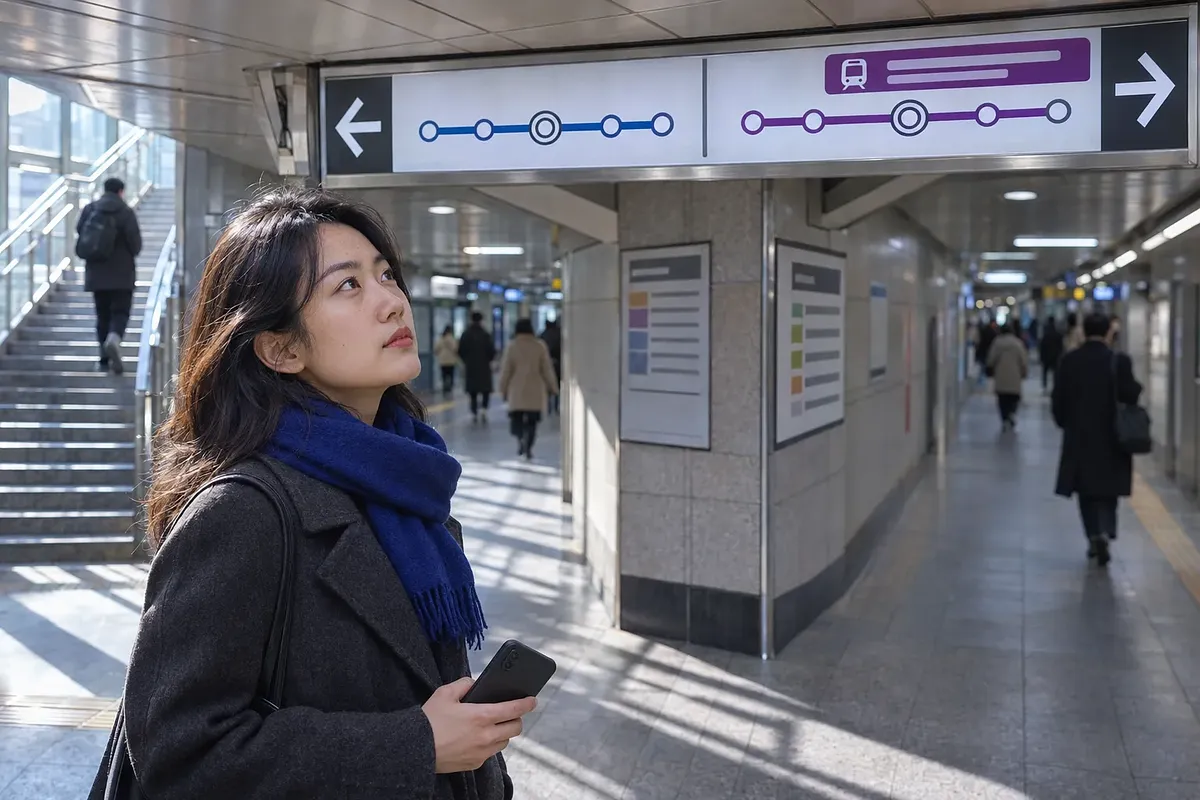
If trains are skipping stops, check whether the notice applies to your stations and direction of travel.
The difference between delays, skipped stops, and partial service restoration
A delay notice tells you which sections are affected, while a skipped-stop notice tells you which stations trains will pass through without stopping. Even if crowding is expected because of a gathering near a station, read the notice to see what measures are actually being taken. Whether trains stop at the same station can depend on the direction they’re traveling.
| What the notice says | What to check on your commute |
|---|---|
| Train delays | Check whether your train travels through the delayed section in the affected direction. |
| Skipped stops | Check whether trains in your direction stop at the stations where you’ll get on, get off, or transfer. |
| Planned service changes | Compare the date and time the changes start with when you’ll travel through that section. |
| Partial service restoration | Check which sections have resumed service and which are still affected by service changes. |
When a notice says trains will skip a transfer station
For example, if the train you’re on passes through your transfer station without stopping, you can’t get off there. That’s true even if the line you’re transferring to is running normally. If the notice applies only to trains going in the opposite direction, your train won’t skip the stop under that notice.
Check notices for the lines you use often in Gilcheck
Gilcheck is an app made by Injoys. It shows subway alerts, Seoul road restrictions, severe weather alerts, and Jeju water outage notices, from advance notice through the return to normal. In the Transport tab, you can view Seoul Metro alerts by line. If you mark a line you use often as one of ‘My Favorites’, notices for that line appear first at the top of the home screen.
The app collects notices every 5 minutes and separates planned measures from those already in effect. The details screen shows the stations and directions specified in the original notice. If the time or affected section changes, the change history shows what’s different from the previous update.
The app only shows subway notices for lines operated by Seoul Metro. For sections run by another operator, check that operator’s announcements. If the original notice is updated late, the change may also appear late in the app. For actual service status, rely on the operator’s original notice linked on the details screen.
Scheduled end time and when service actually resumes
The scheduled end time is when the operator expects the service changes to end. If that time has already passed just before you leave, check the follow-up notice to see whether service has actually resumed. If the notice says service has resumed only on certain sections, check whether it covers the station and direction you’ll use.
In Gilcheck, the reason a notice ended remains on its details screen. You can see whether there was an official announcement that service had returned to normal, whether the scheduled end time passed, or whether the notice was removed from the official list. If the notice ended because the scheduled time passed or because it was removed from the list, check separately for an announcement from the operator confirming that service has returned to normal.