Dong Seoul Terminal Construction Dates and Express Bus Guide
Dong Seoul Terminal has separate booking channels for express and intercity buses. Check the steps from viewing timetables by date through boarding, the planned date for modernization work, and how to confirm the move to a temporary terminal.
Check timetables and fares by departure date under Find Express Bus Times on the left side of this site.
Buy tickets through the appropriate official booking service for express or intercity departures from Dong Seoul.
Before departure, check terminal notices to confirm the actual boarding location.
Find your boarding platform by comparing the destination and departure time on your ticket with the information at the terminal.
Have your mobile or paper ticket checked, then take your assigned seat.
Before using Dong Seoul Terminal, check the schedule for your travel date. Express buses can be booked through KOBUS. Website bookings are available up to 1 hour before departure. Have your ticket ready and check for terminal relocation notices before departure.
The figures and operating information in this article are based on official guidance checked on November 9, 2026.
From booking to boarding on your first visit
Check whether your service is an express or intercity bus, then buy your ticket and head to the boarding platform. The Dong Seoul Terminal website has separate booking menus for the two types of buses. Even if the destination city is the same, check the arrival terminal name on the booking screen.
· Open the express bus schedule search on the left side of this site. Select your departure date to check schedules and fares.
· Select Dong Seoul as your departure point. Check the arrival terminal and bus class, then choose your seat.
· For express buses, book through the KOBUS link on the terminal website. For intercity buses, use the separate intercity bus ticket booking menu.
· After payment, check how your ticket will be issued. If you selected a mobile ticket, have it open in the app.
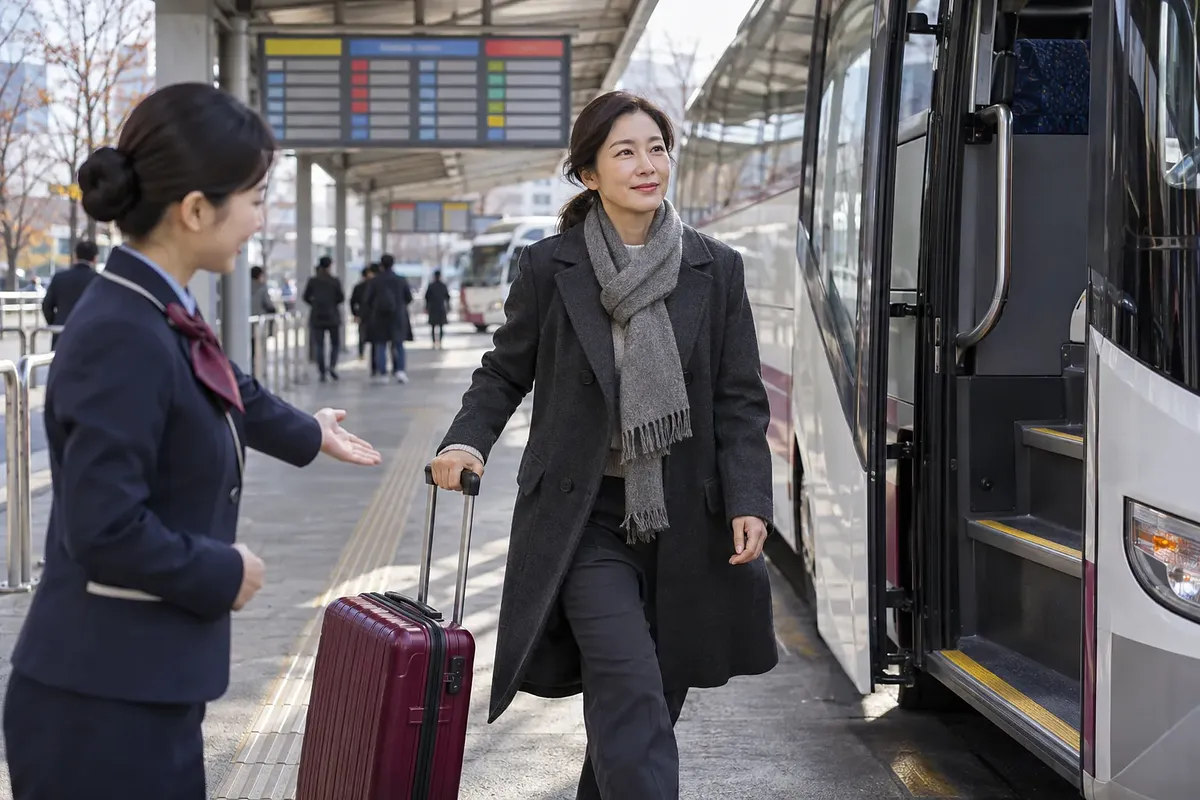
· At the terminal, compare your ticket with the information displayed there. Go to the boarding platform that matches your destination and departure time.
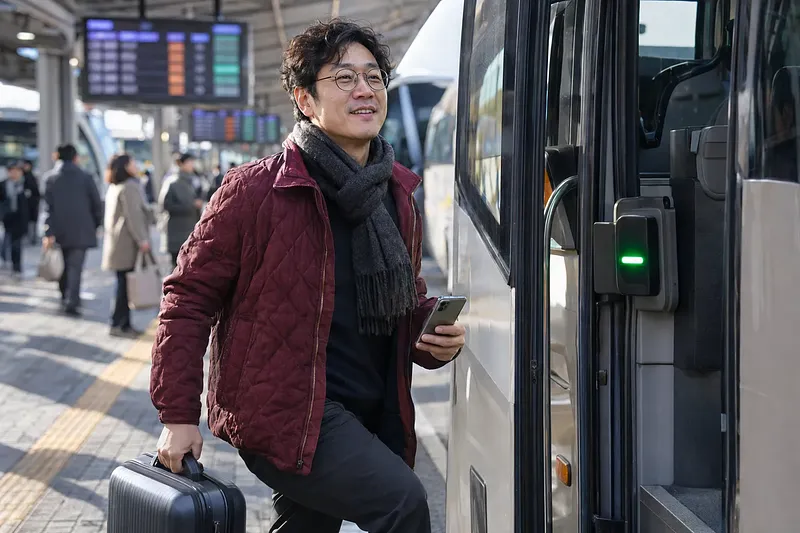
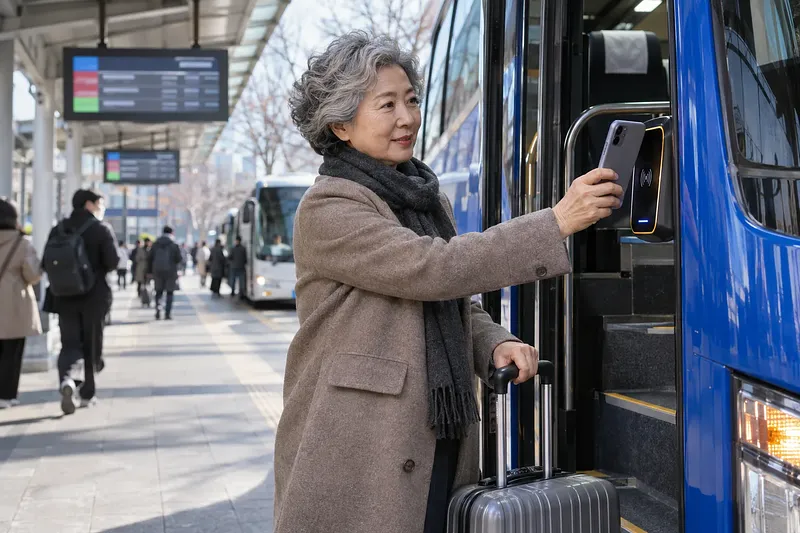
· Have your ticket checked on the bus and sit in your assigned seat. On express buses, scan your ticket’s QR code at the E-PASS terminal.
To buy a ticket at the terminal, tell the ticket counter staff your destination and departure date. For ticket machines, check whether they support purchases and ticket issuance for your route. If your booking requires ticket issuance at the counter, have your payment card and booking details ready.
Should you book on the website or in the app?
Once website booking closes for an express bus, check whether mobile booking is available. KOBUS directs passengers to use the mobile app to book buses departing within 1 hour. In the app, check the remaining seats and whether booking is available for that departure.
Booking channel | How to use it | What to check
KOBUS website | Select the express bus departure point, destination, and date | Book up to 1 hour before departure
Mobile app | Use the express bus mobile app indicated by KOBUS | Whether a mobile ticket will be issued
At the terminal | Use the ticket counter or a supported ticket machine | Remaining seats and routes available for ticket issuance
Intercity bus booking | Use the intercity bus menu on the terminal website | Separate rules from those for express buses
KOBUS refers to the app as the Express Bus Mobile app. The Dong Seoul Terminal FAQ directs users to Tmoney GO. When choosing an app, use the links provided in the official booking guidance.
Location and service areas
Dong Seoul Terminal is located at 50 Gangbyeonyeok-ro, Gwangjin-gu, Seoul. The main information number is 1688-5979. Both express and intercity buses depart from this terminal.
The boarding platform guide lists the following service areas. This list indicates general service areas and does not guarantee that individual routes will operate on a given day. Enter your departure date to check whether a service is running.
Service area | Areas listed in the boarding platform guide
Gangwon | Gangneung, Sokcho, Yangyang, Donghae, Samcheok, Hongcheon, Inje, and others
Chungcheong | Chungbuk and areas of Chungnam including Cheonan, Asan, Seosan, Taean, and Dangjin
Gyeonggi and Incheon | Southern Gyeonggi, Uijeongbu, Pocheon, Gapyeong, and Incheon
Sejong and Daejeon | Services toward Sejong and Daejeon
Gyeongbuk and Yeongnam | Services toward Gyeongbuk and Yeongnam
Honam | Mokpo, Haenam, Suncheon, Yeosu, Gwangyang, and others
Who should you contact about operations?
Contact Dong Seoul Terminal about facilities and boarding locations. The legal name of the current operating company could not be confirmed on the official website. Seoul Metropolitan Government’s preliminary negotiation materials list the landowner as Shinsegae Dong Seoul PFV Co., Ltd. The landowner listing alone does not establish which company operates the terminal.
KOBUS is operated by the Korea Express Bus Lines Association. The number provided for KOBUS booking inquiries is 1644-9030. It helps to distinguish terminal facility inquiries from booking system inquiries.
Getting there via Gangbyeon Station and city buses
If taking the subway, use Exit 4 of Gangbyeon Station on Line 2. This is the exit specified in the terminal’s official directions. The route using a wheelchair lift is indicated via Exit 3.
· If arriving by subway, get off at Gangbyeon Station. Check the exit information and signs pointing toward the terminal.
· If arriving by city bus, look up stops around Gangbyeon Station and Dong Seoul Terminal. Check where to get off and the direction of travel for your bus route.
· After getting off, go to the terminal shown on your ticket. Check the boarding platform information again when you arrive.
If you use a wheelchair, ask the station office about the route in advance. You also need to check whether the lift is operating that day. Ask separately about assistance within the terminal and whether you can board the bus you plan to take.
How to check bus classes and fares
Even for the same destination, check the fare for the specific class and departure. Use this site’s express bus schedule search to look up fares by date. It is also more accurate to check the first and last departures for your travel date.
Category | What to look for when choosing | Basis for checking the fare
Standard | Departures listed as Standard on the booking screen | Fare for the selected date and route
Deluxe | Deluxe class and seating layout | Deluxe fare for that departure
Premium | Whether Premium service is available and its seating layout | Premium fare for that departure
Late-night | Bus class displayed alongside the departure time | Final amount including the late-night surcharge
Late-night is a fare category based on departure time. Distinguish it from vehicle classes such as Standard, Deluxe, and Premium. Not every route offers every class.
How do late-night and seat-count surcharges differ?
Late-night and seat-count surcharges have different grounds for application. They are based on Article 9 of the Guidelines for Adjusting Passenger Motor Transport Business Fares and Rates. The percentages below are upper limits, so check the actual amount charged on the booking screen.
Item | Conditions | Maximum surcharge
Article 9, subparagraph 5: Late-night surcharge | Departures from 22:00 to 04:00 the following day | Up to 20% of the daytime fare
Article 9, subparagraph 6: Seat-count surcharge | Operating with at most 21 seats | Up to 30% of the Deluxe fare
The 30% figure for vehicles with at most 21 seats is not a late-night surcharge rate. Do not simply add the two percentages to calculate the ticket price. Use the amount due for your selected route as your reference.
Tickets booked before the 2026 fare increase
KOBUS announced a 9% increase starting with the first departures on October 1, 2026. The notice was dated September 22, 2026. The increase applies to express and intercity bus fares.
Tickets booked before the increase retain the previous fare. However, if you change a ticket on or after October 1, the new fare applies. Even if there is no change fee, you may have to pay a fare difference.
Using ticket counters and amenities
Before visiting, check the location and operating status of any facilities you need. Floor locations and operating hours not confirmed in official guidance cannot be stated with certainty. For facility inquiries, call Dong Seoul Terminal at 1688-5979.
Facility | What to check before use
Ticket counter | Whether the service is express or intercity, and whether tickets for the route can be issued on-site
Ticket machine | Whether it supports issuing your booked ticket and what payment information is required
Waiting area | Check its location on the official boarding platform layout
Convenience stores and restaurants | Check on-site information for locations and whether they are open that day
Nursing room | Ask in advance whether one is available and where it can currently be used
Storage lockers | Ask in advance about availability, empty lockers, fees, and permitted storage duration
Accessibility facilities | Ask about the route from the entrance to the boarding platform and available assistance
Parking | Check which parking lot suits your pickup or drop-off needs and the posted rates
Parking Lot 1 is designated for departing passengers. Parking Lot 2 is for arriving passengers. The official parking guide does not list rates. Ask about free parking or discounts before use.
How to change or cancel a ticket
Make changes or cancellations through the booking service where you purchased your ticket. The rules below follow KOBUS express bus booking guidance. For intercity bus tickets, check the rules of the booking service you used.
Steps for changing the time or class
KOBUS allows one change up to 1 hour before departure. There is no change fee, but you need to check any difference resulting from the new fare. You can change the departure time, number of tickets, and class.
· Open your booking details on the website or app where you booked.
· Select the ticket to change and check the available times, ticket quantities, and classes.
· Check the updated fare and payment details.
· Check the departure time and seat on your new ticket again.
You cannot change the date using this feature. To travel on another date, check the cancellation conditions for your existing ticket. Also check the remaining seats for the new date.
Cancellation fees by timing
Cancellation fees vary according to how much time remains before departure and the departure date category. The table below is based on the revised guidance dated May 1, 2025. The percentages are fee rates applied to the ticket fare.
Cancellation timing | Monday to Thursday | Friday to Sunday and public holidays | Holiday periods
Up to 2 days before departure | 0% | 0% | 0%
From 1 day before departure to 3 hours before departure | 5% | 7.5% | 10%
Less than 3 hours before departure | 10% | 15% | 20%
After departure but before the scheduled arrival time | 60% | 60% | 60%
At or after the scheduled arrival time | 100% | 100% | 100%
The 60% fee after departure applies from May 1, 2026 to April 30, 2027. From May 1, 2027, the fee for that period changes to 70%. Holiday periods run from 2 days before Seollal or Chuseok through the day after the holiday.
There is a free-cancellation exception for tickets issued on the departure date. You must cancel within 1 hour of issuance. This exception applies only before the bus departs.
· Select the ticket to cancel through the booking service where you purchased it.
· Check the fee and expected refund shown on the screen.
· Complete the cancellation and check the transaction details.
Modernization work and temporary terminal relocation schedule
As checked on November 9, 2026, the terminal is operating in the existing building. The website notices reviewed extend through October 31, 2026. Those notices do not include a temporary terminal relocation announcement.
Seoul Metropolitan Government’s planned construction start date differs across its materials. Read the announcement date and conditions together. None of these schedules can be taken as the date when the actual boarding location will change.
Seoul Metropolitan Government material | Announced schedule | Conditions to check when interpreting it
Announcement dated December 15, 2025 | Construction to start as early as late 2026, with completion targeted for 2031 | To proceed after permits and administrative procedures are completed
Preliminary negotiation page revised on April 17, 2026 | Building permit expected in the second half of 2026; construction expected to start in the first half of 2027 | Schedule listed as a future plan
The Seoul Metropolitan Government announcement, “38-Year-Old ‘Dong Seoul Terminal’ to Become a Regional Transportation Hub…,” uses the following wording.
Construction to start as early as late 2026
The temporary terminal site has changed from Guui Park to Techno Mart. Seoul Metropolitan Government has proposed using Techno Mart’s ground-level loading area as a temporary boarding area. Vacant basement space is planned for use as a waiting area. Check the terminal’s separate passenger guidance for the actual relocation date.
Checking the planned construction start and actual boarding location
Check the construction schedule and boarding location separately. Do not go directly to Techno Mart based only on the construction plan. First check the terminal notices and ticket information that apply to your departure date.
· Open the notices section on the Dong Seoul Terminal website.
· If there is a temporary terminal relocation notice, check its effective date.
· Compare the departure point on your ticket with the boarding location in the relocation notice.
· If they differ or are unclear, call 1688-5979.
Common mistakes on a first visit
Checking only the city name can lead you to choose the wrong arrival terminal or booking service. Check whether the service is express or intercity, along with the terminal’s full name. The following items should be checked before and after payment.
Common point of confusion | What to check
Booking based only on the destination city name | The exact arrival terminal name on the ticket
Assuming there is no service because it does not appear on KOBUS | The intercity bus booking menu on the terminal website
Treating late-night as a separate seating class | The departure time and Standard, Deluxe, or Premium label
Assuming the payment amount stays the same because there is no change fee | Any difference based on the new fare and class
Applying express bus cancellation rates to an intercity bus ticket | The cancellation rules of the booking service actually used
Treating the planned modernization construction start as the relocation date | The effective date in the actual relocation notice
KOBUS also provides guidance on paying by card on-site through E-PASS for an available seat. However, this is only possible if seats are available. If you need to take a specific departure, it is better to book in advance.
 Injoys