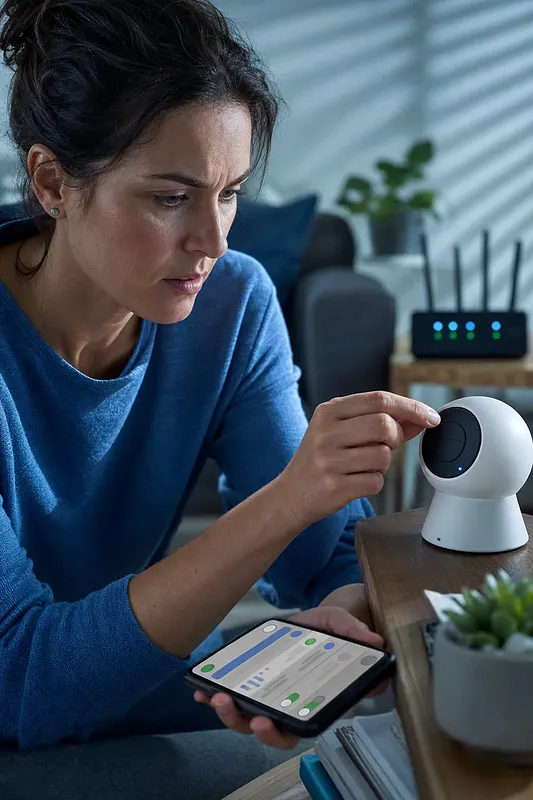
Checklist Before Installing an Apartment Entryway CCTV
For an apartment entryway CCTV, check the camera's field of view, privacy protection in shared spaces, Wi-Fi quality with the door closed, and whether the installation can be fully reversed before considering image quality. Reviewing the recording method and security settings together is also necessary to assess the actual retention period and the risk of personal data leaks.
Filming neighbors' front doors and shared hallways extensively may go beyond the purpose of installation and collect information about other residents' movements.
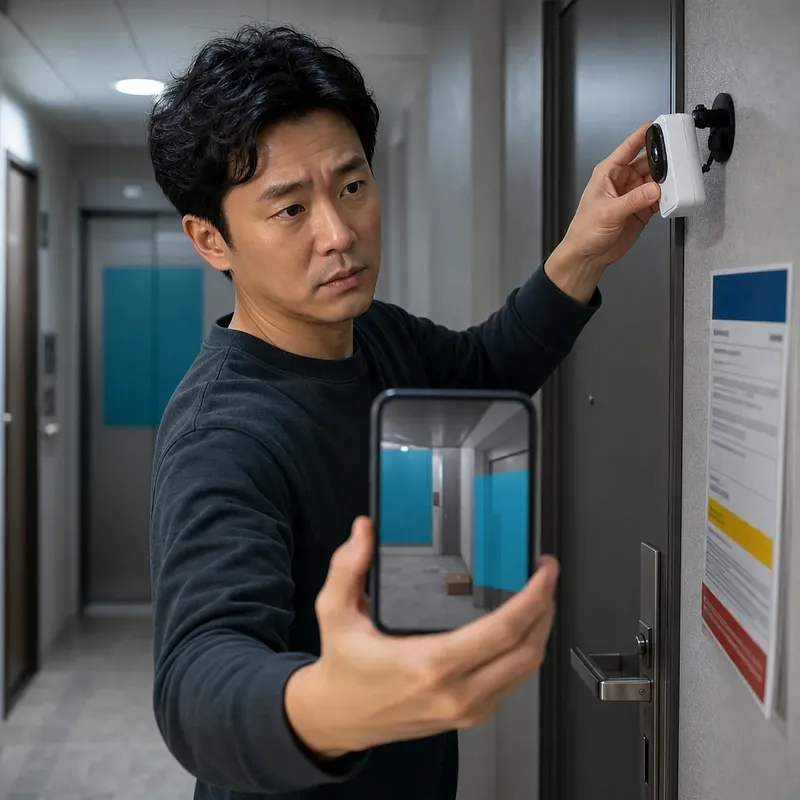
Adjust the camera angle and privacy masking together, and verify that the masking also applies to recorded footage and notification images.
Test Wi-Fi quality with the front door closed and the camera secured in its actual location, checking connection stability and video uploads.
Even drill-free products can damage the front door's finish, interfere with door gaps, involve attachment to shared areas, and create issues with restoring a rental property to its original condition.
Continuous recording and motion-detection recording differ in required storage capacity, battery life, and the ability to secure footage from before and after an incident.
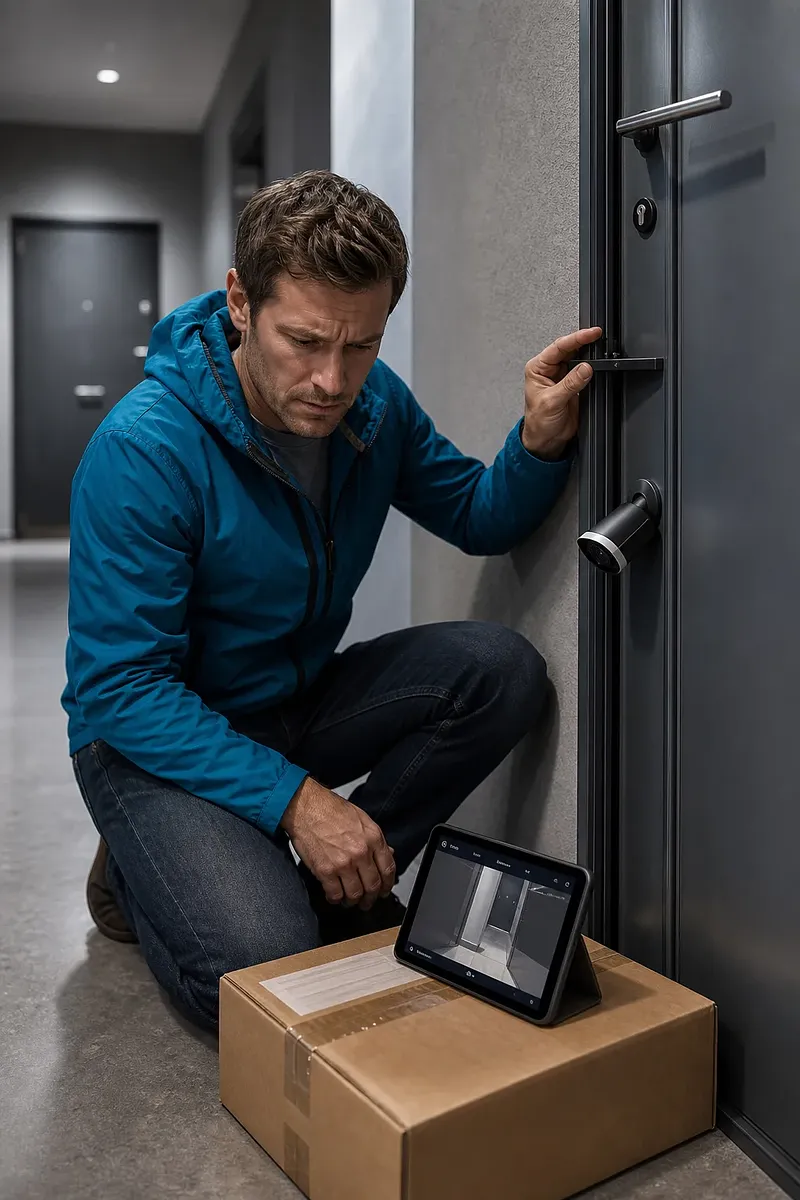
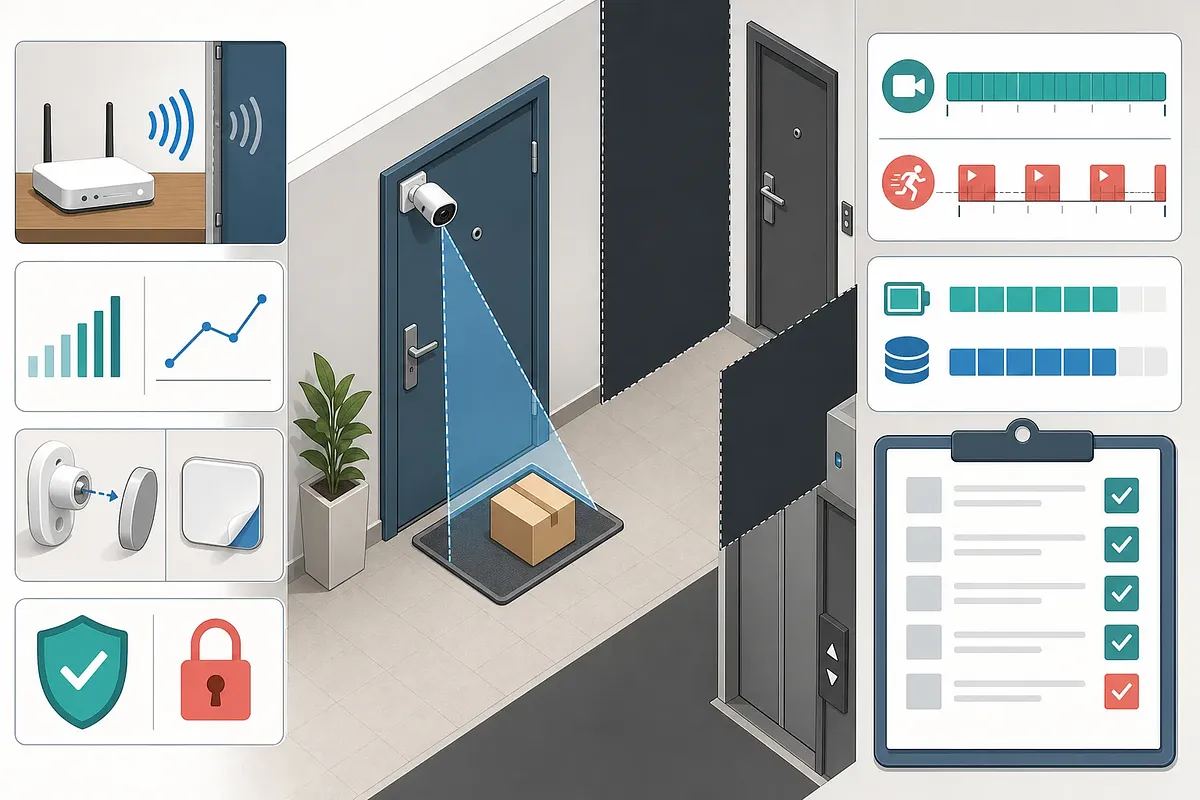
Apartment entrance CCTV can be used to investigate missing deliveries or intrusions, but the camera usually points toward a common hallway. Therefore, comparing only resolution or nighttime recording performance is not enough; the recording area, privacy protection, wireless connectivity, mounting method, and storage structure should be reviewed as one system.
In particular, “drill-free” only means that no holes are made in the wall. It does not mean that issues involving the use of common areas, invasion of privacy, removal marks, or communication failures are resolved.
Recording Area and Privacy Issues
A camera outside an apartment entrance may record not only visitors but also neighbors’ entry and exit times, direction of movement, companions, and daily routines. An angle that directly faces the door of the unit across the hall or broadly includes the elevator and stairs can easily collect more information than necessary for the installation’s purpose.
It is advisable to narrow the recording area in the following order.
· Define the area that needs to be monitored, such as where deliveries are placed or the space directly in front of the door.
· Tilt the camera downward rather than keeping it level so that distant parts of the hallway are not included.
· Use privacy masking to obscure the door across the hall, neighbors’ door locks, and elevator waiting areas.
· Play back both daytime footage and infrared nighttime footage to verify the masking boundaries.
· Test whether masking also applies to recorded footage, notification previews, and cloud thumbnails, not just the live view.
Privacy masking works differently depending on the product. Some methods merely overlay black areas on the screen, while others exclude those areas during storage. Some products may continue to detect motion in masked areas, so video masking and detection-zone exclusion must be configured separately.
Checking the Personal Information Protection Act and Management Rules
The Republic of Korea’s Personal Information Protection Act restricts the installation and operation of fixed video information processing devices in public places and, even when they are permitted, sets standards concerning manipulation beyond the stated purpose, changes to the recording area, audio recording, and other matters. The specific applicable provisions should be checked in the current statutes available through the Korean Law Information Center. However, which provisions apply to equipment installed by an individual household for security purposes may vary depending on the installation location, recording area, operator, and purpose of use.
Before recording a common hallway or attaching a device outside the entrance door, the following should be checked.
· The apartment complex management rules and the management office’s standards for attaching equipment
· Provisions in the lease agreement concerning facility alterations and restoration to the original condition
· Whether the installation location is part of the privately owned area or a common area
· Whether a recording notice is required and what information it must display
· Whether audio recording can be turned off
· Video access permissions for users other than family members and the retention period
Even when the purpose is security, this does not automatically grant the right to continuously record more than is necessary. If there is a possibility of a dispute or a neighboring unit appears prominently in the frame, it is safer to confirm the specific installation conditions with the management body and a privacy protection authority.
Camera Angle and Privacy Masking Settings
A wider lens angle makes it easier to capture nearby visitors, but it also includes more neighboring units and hallway space. Rather than looking only at the wide-angle specification, the actual installation height and lens direction should be evaluated together.
Inspection item | Desirable condition | Condition requiring caution
Unit across the hall | Excluded from the frame or fully masked | The entire door and people entering or leaving are recorded head-on
Hallway length | Includes only the necessary area in front of the entrance | Continuously records as far as the elevator or stairs
Delivery location | Items and approach movements can be identified | Items are placed in the blind spot directly beneath the camera
Facial recording | Limited to the level needed to identify the purpose of a visit | Records every passerby head-on at close range
Door lock display | Keypad and input actions are not visible | Password entry for a neighbor’s or the relevant unit’s lock is exposed
With a mounting method in which the camera moves with the door when it opens, checking only the angle while the door is closed is not enough. The inside of a neighbor’s home may be recorded momentarily while the door opens and closes, or the device may collide with the wall, so footage of the actual operation should be reviewed.
Wi-Fi Effects of Steel Entrance Doors and Concrete Walls
Even when entrance CCTV appears to be close to the router, connection quality can vary significantly because of steel entrance doors, reinforced concrete walls, electrical panels, and metal cabinets. In particular, because the camera is outside the door and the router is indoors, the signal path changes when the entrance door is closed.
In general, the 2.4GHz band is often better than 5GHz for passing through obstacles and reaching longer distances, but it may experience more interference from nearby routers and home appliances. 5GHz offers more available bandwidth, but its signal may weaken rapidly after passing through doors and walls. Actual results vary depending on the building structure and channel congestion.
Before installation, testing should reproduce the following conditions.
· The entrance door is fully closed
· The camera is placed at its final height and orientation
· Nighttime recording and motion notifications are operating simultaneously
· Family members are using the internet as usual
· Both live viewing and the upload of recorded footage and arrival of notifications have been verified
It is difficult to judge stability based only on the Wi-Fi bars in the app. If live video repeatedly disconnects, the beginning of event footage is missing, or notifications arrive late, the connection quality may be insufficient.
A repeater or mesh node should not be installed where the signal is already almost unavailable. It should be placed between the existing router and camera where it can reliably receive signals from both. Power outlets or communications equipment in common hallways must not be used without permission.
Drill-Free Installation and Restoration Standards
Drill-free installation methods include magnets, over-the-door brackets, strong adhesive pads, and door-viewer replacement. Any of these methods may cause problems depending on the door structure and management rules.
Method | Advantage | Risk to check
Magnetic mounting | Easy to install and move | May fail to hold or may slip depending on the door material
Over-the-door bracket | Some products do not require adhesive | May interfere with the door gap, rubber seal, or closing of the fire door
Adhesive pad | Offers relatively flexible installation positioning | Paint may peel, adhesive residue may remain, or the device may detach at high temperatures
Using the door viewer | Can reduce external protrusion | Owner consent may be required to modify existing components
Rather than relying solely on claims that removal leaves no marks, test adhesive compatibility on a small area. Magnets or pads pressed against a surface for a long time can also leave discoloration or damage the paint. If the device falls and damages a person or property, separate liability issues may arise, so a fall-prevention mechanism is also necessary.
In jeonse or monthly rental housing, keeping written or text-message records of confirmation from the landlord and management office can help prevent disputes. The permitted installation location, whether adhesive may be used, replacement of the existing door viewer, and the scope of restoration upon moving out should be recorded specifically.
On a fire door, brackets and wires must not interfere with the door frame, door closer, locking mechanism, or rubber seal. After installation, repeatedly check that the door closes completely and locks on its own.
Comparing Continuous Recording and Motion-Triggered Recording
The recording method determines not only storage requirements but also the power source and the ability to review incidents. Battery-powered products are generally suited to motion-triggered recording, while continuous recording often requires wired power and a persistent network connection.
Category | Continuous recording | Motion-triggered recording
Recording coverage | Fewer gaps in time | Stores footage mainly around detected events
Storage space | Consistently uses a large amount | Varies depending on foot traffic and sensitivity
Battery | Places a heavy burden on battery-powered models | Relatively advantageous, but frequent notifications can drain the battery quickly
Pre-event footage | Can be reviewed in continuous footage | The beginning of an approach may be missed without a pre-recording function
Effect of false detections | Reflected consistently in storage use | Shadows, vehicle lights, and passing neighbors may increase storage use
Data minimization | Unnecessary foot traffic is also recorded continuously | Narrowing the detection zone can reduce the amount recorded
Calculating Storage Space and Retention Period
The theoretical daily storage requirement for continuous recording can be calculated using the average bitrate.
Daily storage (bytes) = Average bitrate (bps) × 86,400 seconds ÷ 8
For example, if the average bitrate is 2Mbps, approximately 21.6GB per day is theoretically required. By a simple calculation, a 128GB storage device would hold about 5.9 days of footage, but the actual retention period may be shorter because of usable capacity, the file system, audio, metadata, and bitrate fluctuations.
For motion-triggered recording, it is difficult to calculate a fixed period from the specification sheet alone. The number of detections per day, the length of each recording, pre- and post-event buffers, resolution, codec, and hallway traffic all have an effect. A more accurate method is to measure the actual file sizes generated over several days after installation and recalculate the expected retention period.
You should also check whether the oldest footage is automatically deleted when the storage device becomes full, whether the app provides a warning before deletion, and whether memory card errors can be checked remotely. Important footage should be exported separately before it is automatically overwritten.
Pitfalls of Nighttime Recording and Motion Detection
A clear daytime angle does not guarantee the same results at night. If infrared LEDs illuminate a nearby wall, door frame, or reflective surface, part of the image may become washed out while faces or the delivery location appear dark. Internal reflections may also occur in glass or a protective cover in front of the camera lens.
Motion detection methods include analyzing pixel changes in the video and using PIR to detect changes in infrared radiation from people. Depending on the detection principle, the response may differ for a person approaching head-on, moving across the frame, or stopping in front of the door.
Real-world testing should include the following situations.
· A visitor approaches from either direction in the hallway
· A person slowly approaches the camera head-on
· A courier sets down a package and leaves immediately
· The hallway lights turn on or off
· The elevator door or a neighbor’s door opens
· The camera’s direction changes while the entrance door is being opened
Security and Service Discontinuation Issues Easily Overlooked When Choosing a Product
Entrance CCTV is both a recording device and an internet-connected IoT device. Even if stored footage is encrypted, it may be accessed externally if the account password is compromised or sharing permissions remain active.
The following items should be checked before and after installation.
· Whether the manufacturer discloses the period during which security updates will be provided
· Whether multi-factor authentication can be enabled for the account
· Whether the default password or a reused password has been changed
· Whether separate permissions can be assigned to each family account
· Whether login history and new-device login notifications are provided
· Where the original footage remains, in local storage or cloud storage
· How video access and deletion are handled after a cloud subscription ends
· Whether the account connection and storage device can be reset before transferring or disposing of the product
When selling the device secondhand or moving, simply removing the camera from the app may not be enough. The memory card should be removed and erased, the device should be factory-reset, and any footage and shared accounts remaining in the cloud should be handled separately.
In addition, if the manufacturer’s cloud service is discontinued, remote viewing and notifications may no longer work even if the camera hardware is functioning normally. Before purchasing, it is worth checking whether basic functions can be maintained with local storage alone and whether a specific subscription is required to export footage.
Final Pre-Installation Checklist
· Have you defined the recording purpose and the area that must be visible?
· Have you excluded the unit across the hall, door locks, and elevator from the frame?
· Does privacy masking apply to recorded footage and notification images as well?
· Can audio recording be disabled?
· Have you checked the attachment and restoration conditions in the management rules and lease agreement?
· Have you tested live video and event uploads with the door closed?
· Do brackets or wires interfere with the fire door’s ability to close completely?
· Have you checked for nighttime infrared reflections and the blind spot directly beneath the camera?
· Have you tested the storage device’s actual retention period and automatic overwrite method?
· Have you checked multi-factor authentication, updates, shared accounts, and the device reset procedure?
Frequently Asked Questions
Is it permissible to record the common hallway outside an apartment entrance with personal CCTV?
A security purpose alone does not automatically permit all recording. Restrictions under the Personal Information Protection Act may apply to fixed video information processing devices in public places, and the legality of an individual installation varies depending on the recording area and purpose, installation location, and operator. Check the management rules and minimize the recording area so neighboring units are not continuously recorded.
Is landlord consent unnecessary if the installation is drill-free?
Not always. Adhesive or magnets may damage the door’s paint, an exterior device may extend into a common area, and replacing the door viewer may constitute a modification to existing facilities. It is safer to check the lease agreement and management rules and document the permitted scope and restoration conditions.
Why does Wi-Fi work well inside the entrance door but disconnect outside?
A steel entrance door and reinforced concrete can weaken radio signals between the router and camera. Measurements taken with the door open do not reflect actual usage conditions, so test video uploads and notifications at the final installation location with the door closed.
Which band is more suitable, 2.4GHz or 5GHz?
At entrances with many obstacles, 2.4GHz is often more stable, but it may experience significant nearby interference. 5GHz may offer advantages in speed and congestion, but it tends to weaken after passing through walls and doors. The choice should be based on the bands supported by the camera and the connection quality at the actual installation location.
If privacy masking is configured, does that mean footage of neighbors is not stored?
It depends on the product. Masking may appear only in the live view, or it may apply to recorded footage while the masked area is still used for motion analysis. Recorded footage, notification thumbnails, cloud footage, and detection-zone settings should each be tested separately.
How many days of footage can be stored on a 128GB memory card?
Resolution alone does not determine this. Average bitrate, codec, audio, frame rate, and recording method all have an effect. Under the simple assumption of continuous recording at an average of 2Mbps, the theoretical period is approximately 5.9 days, but the actual retention period may be shorter because of usable capacity and bitrate fluctuations.
Can a battery-powered camera record continuously?
Some products do not support this feature or provide continuous recording only while connected to power. Battery-powered models are generally designed for motion-triggered recording, and foot traffic, low temperatures, live video use, and weak Wi-Fi signals can increase battery consumption.
Is it permissible to use audio recording as well?
Audio recording by fixed video information processing devices may be subject to strict restrictions under the Personal Information Protection Act. Because entrance cameras can easily capture conversations unintentionally, the microphone and audio recording should be turned off by default. If audio is necessary, the applicable laws and specific operating conditions should be checked separately.
Which is safer, cloud storage or memory card storage?
Neither is always safer. Cloud storage may preserve footage even if the camera is damaged or stolen, but it carries risks of account compromise and service discontinuation. A memory card can reduce external transmission, but it may be lost with the device or fail. Encryption, multi-factor authentication, and export and deletion procedures should also be compared.
 Injoys