Consent and Recording Rules to Check Before Installing an Apartment Entryway Home Camera or CCTV
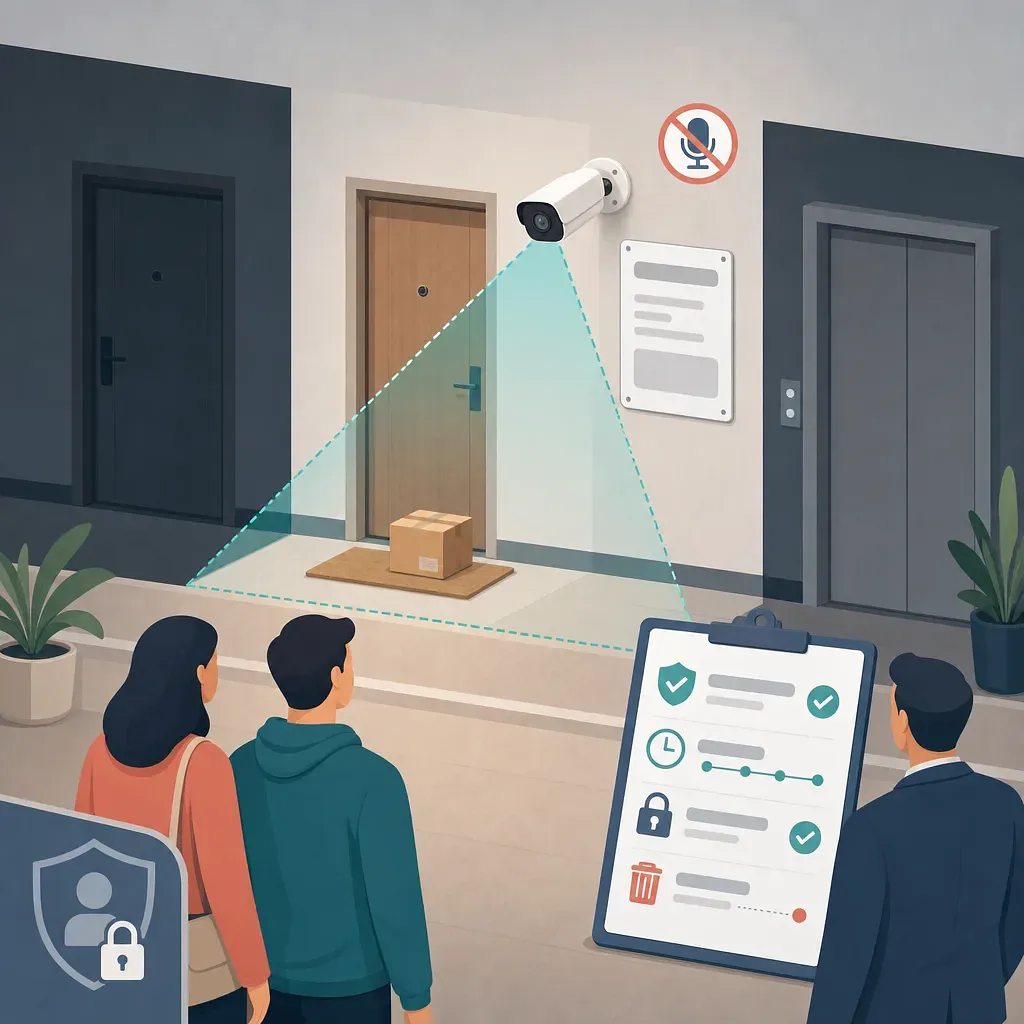
Unlike cameras inside individual units, home cameras that record outside apartment entryways raise issues involving both common-area management and personal information protection. Before installation, consult the management office, gather feedback from those who may be recorded, limit the field of view, post a notice, and establish storage and access rules, in that order.
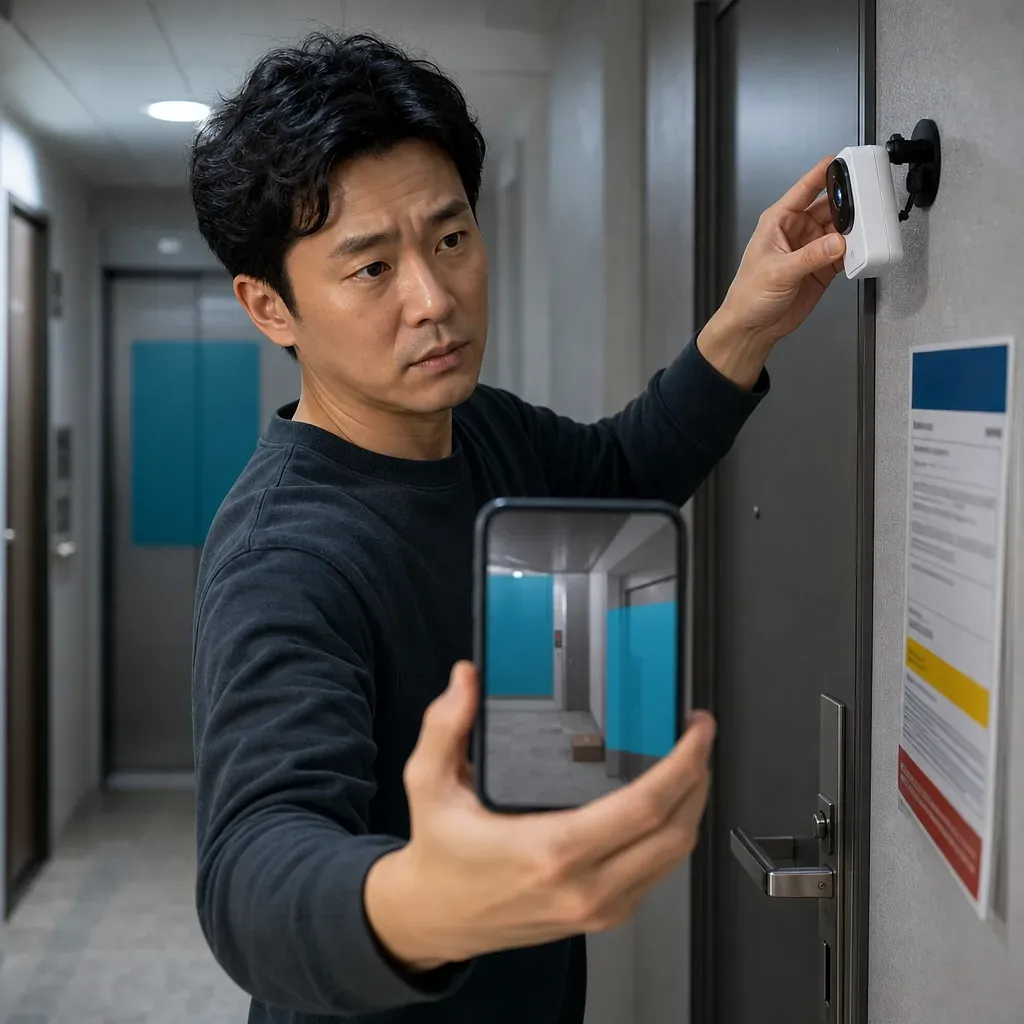
Check on site whether the camera records only inside the unit or also captures the shared hallway, neighboring unit, or elevator.
Before mounting the camera on a common-area wall or doing any wiring work, check the required approval and reporting procedures with the management office and landlord.
Identify which neighbors and regular passersby will actually be recorded, and gather their feedback on the installation purpose, field of view, and retention period.
Mask out the neighboring unit's entrance and the elevator, post a notice, and disable unnecessary features such as audio recording and facial tracking.
Document the rules for access permissions, retention periods, deletion, viewing, and provision to third parties, then review the test footage again before operating the camera.
A home camera at an apartment entrance is not equipment that requires a separate national license or has a uniform application period. However, if it records a common corridor outside the entrance or is fixed to a common wall, you must also review personal information protection requirements, the management of common areas in multi-unit housing, and lease conditions.
The safest sequence is to consult the management office before installation, identify the range of people who will actually be recorded, and then limit the field of view to exclude neighboring units and common facilities. Laws and regulations can be checked through the National Law Information Center, and contact information for consultations on personal information infringements is available on the official website of the Personal Information Protection Commission. There is no nationwide online application portal that handles installation approvals uniformly.
Step 1: First distinguish the installation location from the recording range
Do not consider only whether the camera itself is inside the unit; assess it based on how much of the area appears in the footage.
Installation and recording type | Main points to check
Records only inside the unit | Check whether family members, visitors, domestic workers, caregivers, and other recorded individuals must be notified
Records the corridor through an open door from inside | Check whether the common corridor and neighbors are repeatedly recorded
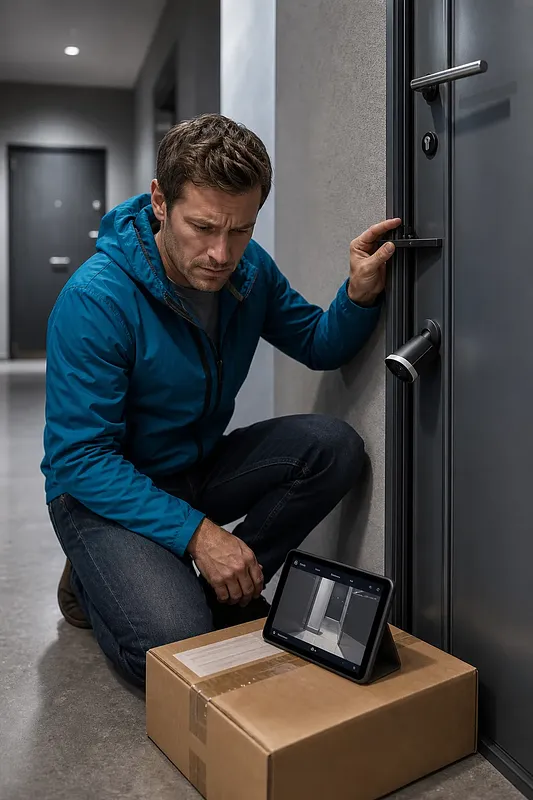
Door camera or doorbell camera outside the entrance door | Check issues involving attachment to common areas, footage of neighbors entering and leaving, signage, and consultation
Installed on a common corridor wall or ceiling | First check management office approval or reporting requirements and the multi-unit housing management rules
Records a wide area extending to elevators or stairs | Because the recording is likely to be excessive relative to its purpose, adjust the field of view or change the installation location
Even if access by outsiders is restricted through entry controls at the common entrance, a corridor used by delivery workers, visitors, management staff, and residents of multiple units differs in nature from the private interior of a unit. Whether it constitutes a publicly accessible place may be determined according to its structure and access method, so if a common corridor is continuously recorded, it is safer to conservatively follow the standards for fixed video information processing devices under the Personal Information Protection Act.
The Personal Information Protection Act provides certain exemptions for processing personal information for personal or household activities. However, you should not assume that broadly recording a neighboring unit’s arrivals and departures or a common corridor, or publishing footage online, is automatically exempt as a household activity.
Step 2: Confirm the installation procedure with the management office and landlord
Provide the management office with the product manual, photos of the installation location, and the expected field of view, and obtain written confirmation of the following:
· Which parts of the entrance door, corridor wall, and ceiling are common areas
· Whether installation using screws or anchors, wiring, power connections, or penetration through pipes or walls is permitted
· Whether a resolution by the residents’ representative council, approval by the management entity, a report, or separate consultation is required
· Whether the management rules contain provisions concerning entrance cameras, doorbells, or recording of common corridors
· Whether the installation affects fire protection facilities, evacuation routes, or the operation of fire doors
· Who is responsible for removal and restoration to the original condition upon moving out
In addition to checking with the management office, tenants should review the provisions on facility alterations in their lease agreements. If the installation requires drilling through a door or wall, obtaining the landlord’s prior consent will help reduce disputes.
Approval from the management office does not automatically substitute for a neighbor’s consent to the recording of personal information. Conversely, even if a neighbor consents, that does not grant the right to modify common areas at will. The two issues must be checked separately.
Step 3: Determine whose views must be obtained
There is no nationwide uniform standard stating that “only residents on the same floor need to consent” or that “unanimous consent from every household in the apartment complex is required.” The actual scope of impact should be assessed based on the following three groups:
· Residents who regularly pass in front of the camera and whose faces and entry and exit times are recorded
· Residents in the unit opposite or next door whose daily activities may be recorded when their door opens
· People who repeatedly use the corridor for work, including cleaning staff, security staff, couriers, and delivery workers
The consultation document should state the installation purpose, camera location, actual recorded view, operating hours, whether audio is recorded, retention period, and the people authorized to view the footage. Rather than obtaining only a statement saying, “I consent to the installation of CCTV for security purposes,” it is advisable to show the test footage as well.
If obtaining consent is difficult, reduce the infringement in the following order:
· Place the camera lower and closer to the entrance so that it records only the area directly in front of your unit.
· Use a privacy mask feature to black out the neighboring unit’s door and the elevator.
· Instead of continuous recording, configure it to respond only to movement in an area close to the entrance.
· Turn off face or person tracking and reduce the detection zone.
· Replace it with a sensor inside the unit that monitors only the entrance door itself rather than the common corridor.
Even if footage is recorded only when motion is detected or retained in the cloud for a short period, this does not change the fact that identifiable faces and entry and exit records of other people are being captured.
Step 4: Limit the field of view so that neighboring units and elevators are not shown
Do not rely only on the preview in the product app. Check test footage during both the day and night from the actual installation height.
Field-of-view adjustment checklist
· Is the neighboring unit’s entire entrance door, or the interior when the door opens, kept out of view?
· Are the elevator doors and the faces of people entering and exiting the elevator not continuously recorded?
· Are stairs and traffic routes leading to other units excluded when they do not need to be recorded?
· Are neighbors unidentifiable even at the edges of a fisheye lens or in nighttime infrared footage?
· Is only the area directly in front of your door where packages are left configured as the motion detection zone?
· Is the app’s digital masking also applied to the original recorded footage?
· Is the camera secured so that impacts or opening and closing the door do not move it and change the field of view?
Masking may either display a covered area on the screen or remove that area from the original stored footage itself. Check the manufacturer’s manual to determine whether masking also applies to original files and cloud footage.
Step 5: Post a notice and establish operating standards
If a fixed camera records footage in which people can be identified, place a notice in a clearly visible location near the camera so that recorded individuals can easily recognize that the camera is operating.
The notice should generally display the following:
· Purpose and location of installation
· Recording range and recording hours
· Name or title of the person responsible for management and contact method
· If management duties are outsourced, the name and contact information of the contractor
The required information must match the actual settings. The following is an example:
Notice of Personal Video Information Recording Purpose: Prevention of intrusion and theft at the unit entrance Location and range: Designated area in front of the relevant unit entrance Recording hours: Motion-triggered recording 24 hours a day Person responsible for management and contact details: [Name or title] / [Contact method] Audio recording: Not used
Merely posting a notice does not permit excessive recording or make consultation with neighbors unnecessary.
Prepare a short operating standards document that records the following:
· Recording purpose and the number and locations of cameras
· Recording hours, field of view, and masked areas
· Footage retention period and automatic deletion method
· Administrator accounts and people authorized to view footage
· How viewing requests are received and the requester’s identity is verified
· Response procedures for incidents, malfunctions, or loss
· Conditions for disclosure to third parties, such as the police, insurance companies, or management office, and records of such disclosures
Rather than mechanically applying a nationwide uniform retention period to personal entrance cameras, establish the minimum period needed to achieve the security purpose and configure the footage to be deleted automatically after that period. If the management entity operates common CCTV for the apartment complex, also check the separate retention standards under laws and regulations concerning multi-unit housing and the management rules.
Precautions for Audio Recording, Remote Viewing, and Disclosure of Footage
Audio recording
If the installer secretly records non-public conversations between other people in the corridor, issues may arise under the Protection of Communications Secrets Act. If audio is not essential for video security, it is safer to turn off the microphone, automatic recording of two-way conversations, and sound-triggered recording.
Remote viewing and account security
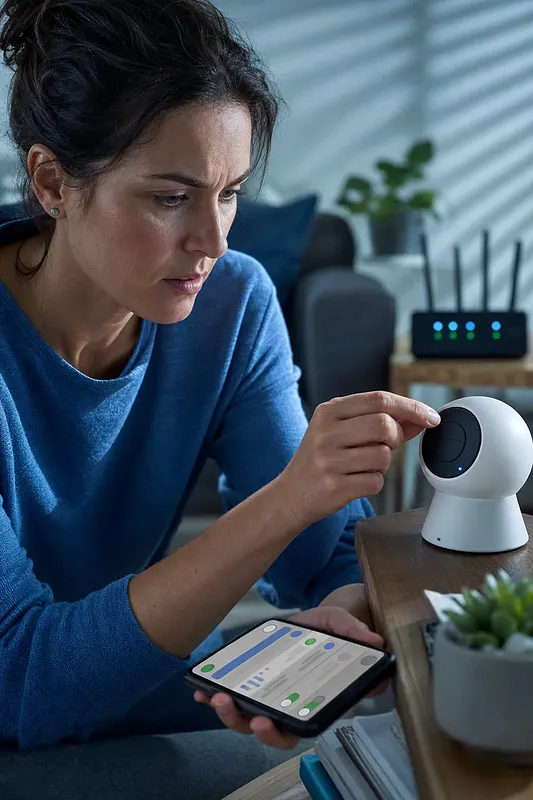
Products that allow footage to be viewed on a smartphone require protection not only of the camera but also of the account and cloud service.
· Change the manufacturer’s default password immediately.
· Use multi-factor authentication whenever possible.
· Create separate accounts for family members and avoid sharing a common password.
· Keep the firmware and app up to date.
· Disable external sharing links and integrations that are not being used.
· Before selling the device secondhand or moving, delete stored footage and accounts, and reset the device.
Disclosure to third parties
Recorded faces and entry and exit times may constitute personal video information. Even if footage appears to show suspected theft, the original footage must not be published in an apartment group chat, community forum, or on social media. If footage is needed for a police report or dispute resolution, verify the legal basis and scope of the request, mask unrelated individuals, and record the date, recipient, and purpose of the disclosure.
Even when a neighbor requests access to footage containing their image, the viewing range must be limited or masked so that footage of other residents is not shown. Before denying the request or providing the entire original footage, it is advisable to seek a personal information protection consultation or legal advice.
Cost and Installation Criteria by Installation Type
Type | Advantages | Points to check before installation
Battery-powered Wi-Fi | Minimal wiring and easy to reposition | Charging cycle, wireless security, signal strength, and whether attachment to a common door is permitted
Mains-powered Wi-Fi | Easy continuous operation and remote monitoring | Exposed outlets and power cables, communication failures, and cloud service terms
Wired PoE | Can supply power and data through a single LAN cable and provides a stable connection | Wall drilling, wiring route, network equipment, and the possible need for professional installation and management approval
Recorder-connected | Suitable for local storage and managing multiple cameras | Recorder storage location, disk failure, and administrator access control
A “wireless” product still requires a power cable unless it is battery-powered. Do not compare only product prices; also check wiring and restoration costs, cloud subscriptions, storage device replacement, and whether professional installation is required.
Installation Risks Easily Overlooked Beyond Legal Issues
Even if the security purpose is legitimate, the installation itself must not interfere with evacuation or safety.
· Do not drill holes in a fire door or interfere with the operation of the door closer.
· Do not expose rechargeable batteries to high temperatures, direct sunlight, or moisture.
· Ensure that corridor cables do not create a tripping hazard or obstruct evacuation.
· Prevent camera indicator lights and nighttime infrared light from shining into the unit opposite.
· When using a feature that allows you to speak to couriers or visitors, avoid unnecessary audio storage.
· Check whether the product allows you to download footage and delete the account even after the service ends.
These points are easily overlooked in general installation guidance that addresses only consent. Before final installation, it is advisable to inspect the attachment, fire door, wiring, and actual recorded view together with the management office.
Final Checklist Immediately Before Installation
· The management office has confirmed the installation location and mounting method.
· If necessary, the tenant has obtained the landlord’s consent to alter the facilities.
· The scope of neighbors and passersby actually recorded has been identified, and their views have been obtained.
· The neighboring unit’s entrance door, elevator, and stairs have been masked or excluded from the field of view.
· Audio recording and unnecessary face-tracking features have been turned off.
· The purpose, range, hours, and management contact details on the notice match the actual settings.
· Automatic deletion after the retention period has been configured.
· A strong password and multi-factor authentication have been applied to the administrator account.
· A method has been established for recording the viewing, disclosure, and deletion of footage.
· Operation began only after checking test footage during both the day and night.
The conclusion may differ depending on the structure, management rules, installation method, and recording range of each apartment complex. If there is a possibility of a dispute, obtain a written response from the management office before installation and present the specific recorded view and installation conditions to a consultation channel listed on the official website of the Personal Information Protection Commission or to a legal professional for confirmation.
 Injoys