Injoys
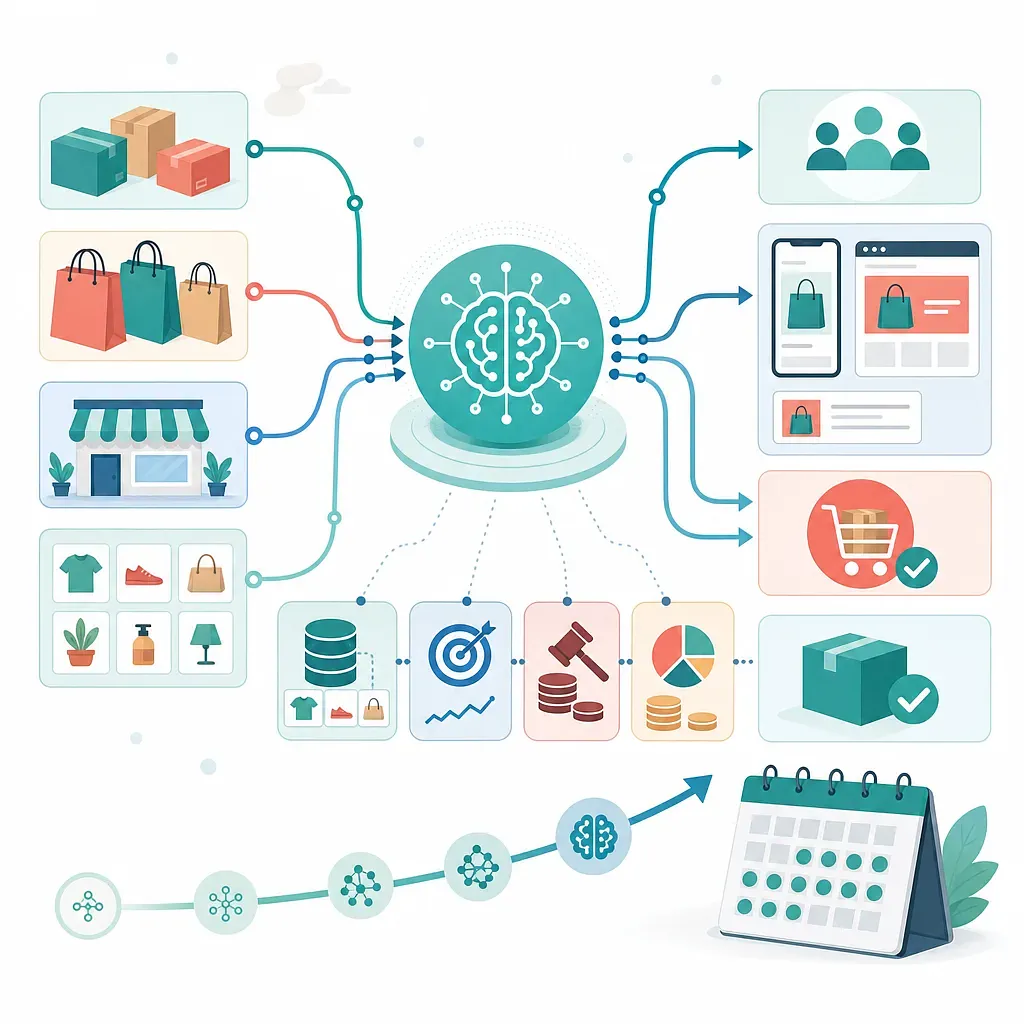
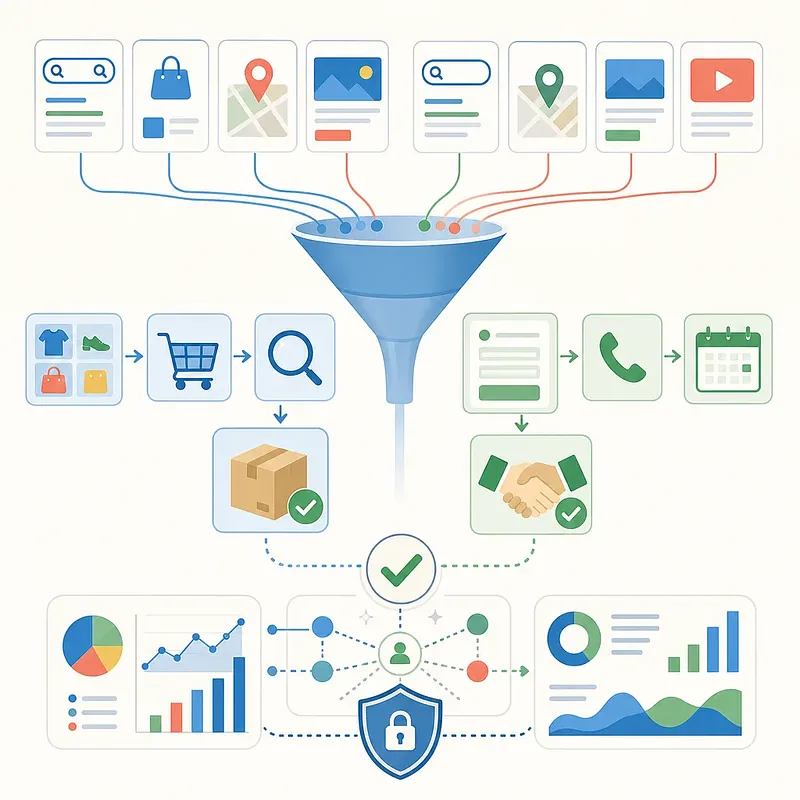
Naver AdBoost Shopping is a performance-based advertising product that uses a shopping mall’s product information and advertising and conversion data to automatically optimize audiences, products, bids, and more. AdBoost MAX can be understood as a product designed to expand the scope of automation to search intent, creatives, targeting, and multiple advertising opportunities.
Automated advertising may appear simple to configure, but if the data is inaccurate, it can quickly learn the wrong goals. Before creating a campaign, first review conversion tracking, product feeds, landing pages, and profitability criteria. Menu names, supported features, minimum budgets, and availability may vary depending on the account and the timing of service updates, so use the latest settings displayed in Naver Ads Manager as the standard.
How AdBoost Shopping Works
AdBoost Shopping uses products from connected shopping malls, such as Smart Store, as advertising candidates. Based on available advertising performance data and conversion signals, the system explores combinations that are more likely to result in purchases and allocates the budget accordingly.
Key Components
| Component | Role | Pre-launch checks |
|---|---|---|
| Product information | Basic data used in ads, such as product names, images, prices, and inventory | Check for out-of-stock products, price discrepancies, image errors, and approval status |
| Conversion tracking | Communicates optimization goals, such as purchases and revenue, to the system | Check duplicate counting, omissions, test orders, and how cancellations and refunds are handled |
| Automated bidding | Adjusts bids to increase conversions or conversion value within the available budget | Confirm that the daily budget and goals are realistic |
| Target signals | Provide exploration clues such as visitors, purchasers, customer lists, and demographics | Check signal size, recency, and whether the data was lawfully collected and used |
| Product detail page | Landing page that helps users make a purchase decision after clicking an ad | Check shipping fees, benefits, reviews, options, return terms, and mobile speed |
Automation does not completely eliminate advertiser control. Advertisers define the goals, budget, product scope, schedule, and available signals, while the system performs optimization within those boundaries.
Preparations Before Creating a Campaign
1. Check the Business Channel and Primary URL
The shopping mall or Smart Store business channel must be properly registered in the advertising account. Confirm that the domain, seller, and product information for the primary URL match those of the actual ad destination URL.
2. Verify Purchase Conversion Tracking
Purchase-optimized campaigns require accurate purchase completion and order value data. Test each of the following situations.
- Is a standard purchase recorded only once?
- Is it protected against duplicate counting caused by refreshing or revisiting the payment completion page?
- Are both mobile and desktop purchases measured?
- On what basis is the amount passed after coupons and discounts are applied?
- How are cancellations and refunds handled in reports?
- Are the standards for currency, value-added tax, and shipping fee inclusion consistent?
If only the number of conversions is passed while purchase amounts are omitted, the system may be able to optimize order volume but may be disadvantaged when maximizing conversion value.
3. Improve Products and Product Detail Pages
Even if AI selects good products, it cannot resolve out-of-stock items, low review credibility, unclear shipping terms, or slow pages. Address the following items before advertising.
- Accuracy of product names and categories
- Primary images that are easy to identify on mobile
- Consistency between option-specific prices and inventory
- Clear presentation of key benefits and differentiators
- Shipping fees, estimated arrival dates, and exchange and return terms
- Detailed descriptions and reviews that genuinely help customers make purchase decisions
Procedure for Setting Up an AdBoost Shopping Campaign
If the product is available for the account, locate the AdBoost Shopping menu in the display advertising management area of Naver Ads Manager and create a campaign. The actual menu path and item names may change as the service is updated.
1. Set the Campaign Name and Objective
Include information in the campaign name that will make it easy to distinguish in reports later. For example, ABSHOP_NewCustomers_AllProducts_2026Q3 includes the product scope, audience, and start period.
Confirm that the optimization conversion is set to purchase completion. If maximizing conversion value is available, accurate order value data is a prerequisite.
2. Set the Budget and Schedule
Set the daily budget at a level that can secure enough data for learning while keeping potential losses manageable. The daily budget of at least KRW 30,000 or KRW 50,000–80,000 mentioned in the provided materials is an operating example, not a fixed rule applicable to every advertiser or a performance guarantee. If a minimum budget is displayed in the management interface, that amount takes precedence.
The budget can be calculated in the following order.
- Set a target number of orders.
- Calculate an affordable target CPA.
- Calculate the initial budget using
Estimated daily budget = Target daily orders × Target CPA. - Review the actual conversion rate and average order value, then adjust it gradually.
Restricting days and times can reduce inefficient impressions, but narrowing the scope too much during an early stage with limited data also reduces the system’s opportunities to explore. If there are no clear differences in orders by time of day, it is reasonable to start broadly and narrow the range later based on data.
3. Configure Products or Item Sets
You can connect all products at once or include only selected products based on category and product ID. Providing multiple products gives the system more options, but it is not advisable to indiscriminately mix products with different profitability levels and customer intents.
They can be separated according to the following criteria.
- Category or purchase purpose
- Price range and average order value
- Margin rate
- Bestsellers and new products
- Year-round products and seasonal products
- Products for new customers and repeat-purchase products
Configuring at least 5 products can be viewed as a practical recommendation for broadening the scope of exploration, but it cannot be treated as an official universal standard. Even with a small number of products, a separate assessment is needed if there is sufficient demand and conversion data.
4. Set Ad Groups and Target Signals
Target signals are data that provide the system with a direction for reference. Setting a signal does not necessarily mean that ads will be shown only to that audience; check the product settings and options available to the account to understand how expansion actually works.
| Signal type | Example use | Caution |
|---|---|---|
| Website visitors | Product viewers, cart users, and purchasers | Distinguish between audience duration and exclusion conditions |
| Customer file | Lawfully obtained existing customer information | Check consent and processing grounds, upload format, and retention period |
| App data | App visits or purchase behavior | Check supported measurement partners and event mapping |
| Demographics | Exploration signals such as age and gender | Avoid blocking potential demand through excessive restrictions |
Retargeting is a strategy that encourages users who have already visited or added a product to their cart to return. It may have a high likelihood of conversion, but existing organic conversions may also be attributed to advertising performance, so it is advisable to separate it from new customer campaigns and examine the incremental impact.
Customer files must contain only information that was lawfully collected and may be used for advertising purposes. Review the Personal Information Protection Act, Naver’s upload requirements, the scope of consent, and deletion procedures, and do not retain more original information than necessary.
Learning Period and Change Management
Automated optimization campaigns may experience significant performance fluctuations during the exploration process immediately after launch. In practice, an initial observation period of around 7–14 days is sometimes used, but this is not an absolute official learning period. The necessary period varies depending on conversion volume, purchase cycle, budget, seasonality, and the number of products.
Likewise, 50 purchase conversions per week should be understood as a rule of thumb for providing the algorithm with more signals. There is no guarantee that performance will automatically improve once a particular number of conversions is reached.
Avoid the following frequent, large-scale changes during learning.
- Sudden increases or decreases in the daily budget
- Repeated complete replacement of product sets
- Simultaneous changes to the target scope and schedule
- Changes to the conversion tracking method
- A complete overhaul of the landing page structure during a promotion
When changes are necessary, adjust only one or two elements at a time and record the date and reason for each change. There is no universally correct budget increase rate, so make gradual adjustments based on account volatility and loss tolerance.